
AI Image Detector
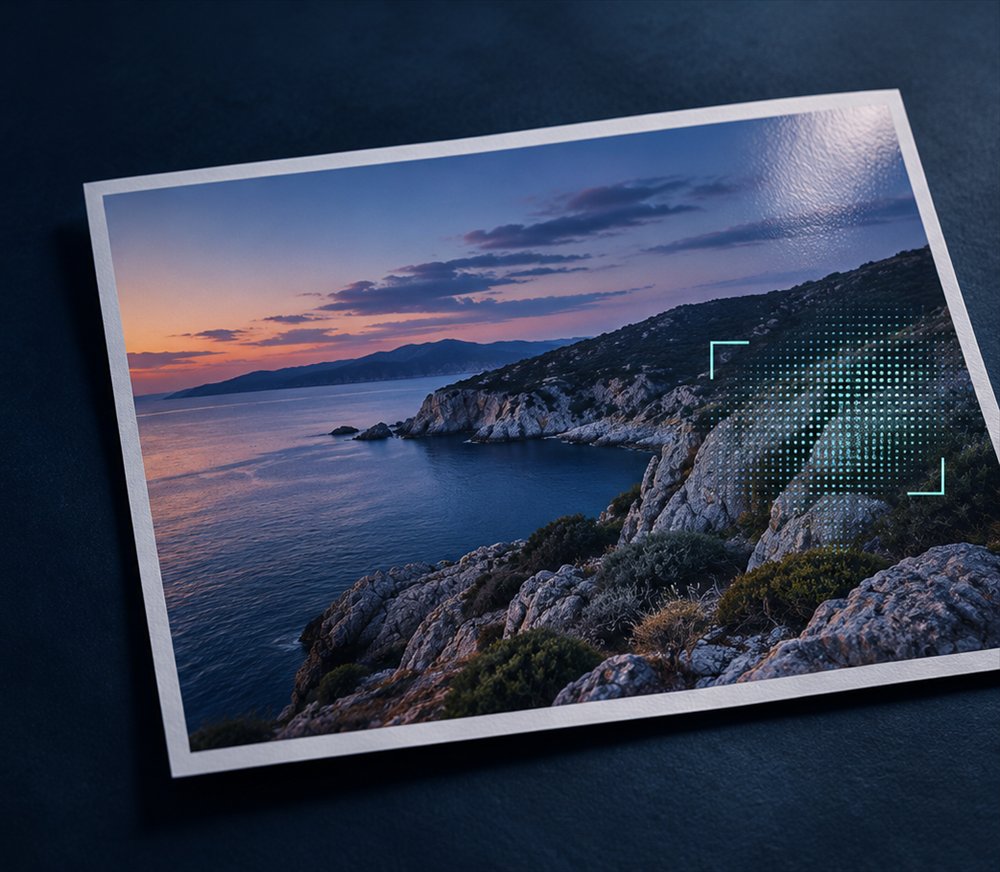
Check a photo for signs of AI generation or editing.
How it works
Image analysis
The detector examines the image and assigns a score from 0 to 100. A higher score means it found more patterns associated with generative AI.
Image provenance
Your browser checks for an embedded digital signature and reads any declaration of AI use. Camera photos can be signed too. The declaration is what matters for AI detection.
File metadata
The tool looks for details such as the camera, lens, software and date. A reference to an AI tool is a clue. Missing metadata leaves this check without a signal.
How to read the result
A score of 87/100 describes how strongly the detector reacted to the image. It does not give an 87% probability. Credentials and metadata provide additional context for the assessment.
- Strong indication of AI generation
- The detector or the signed provenance found a strong indication. Verify the source before drawing a conclusion.
- Possible AI editing / mixed signals
- There are signs of AI use, such as generative fill in a real photo, or the available checks point in different directions.
- Insufficient evidence
- The available checks leave the image’s origin uncertain. An edited photo can still receive a low score.
Frequently asked questions
Is this enough to verify a photo before publication?
Use the result as one part of verification. Ask for the original file or RAW, confirm who made the image and look for earlier versions with a reverse image search.
What happens to the file I upload?
When image analysis is available, the image is sent to an external analysis service. PTTL deletes its temporary copy after the check. Usage logs retain the assessment and a hashed IP address for 30 days.