Summary
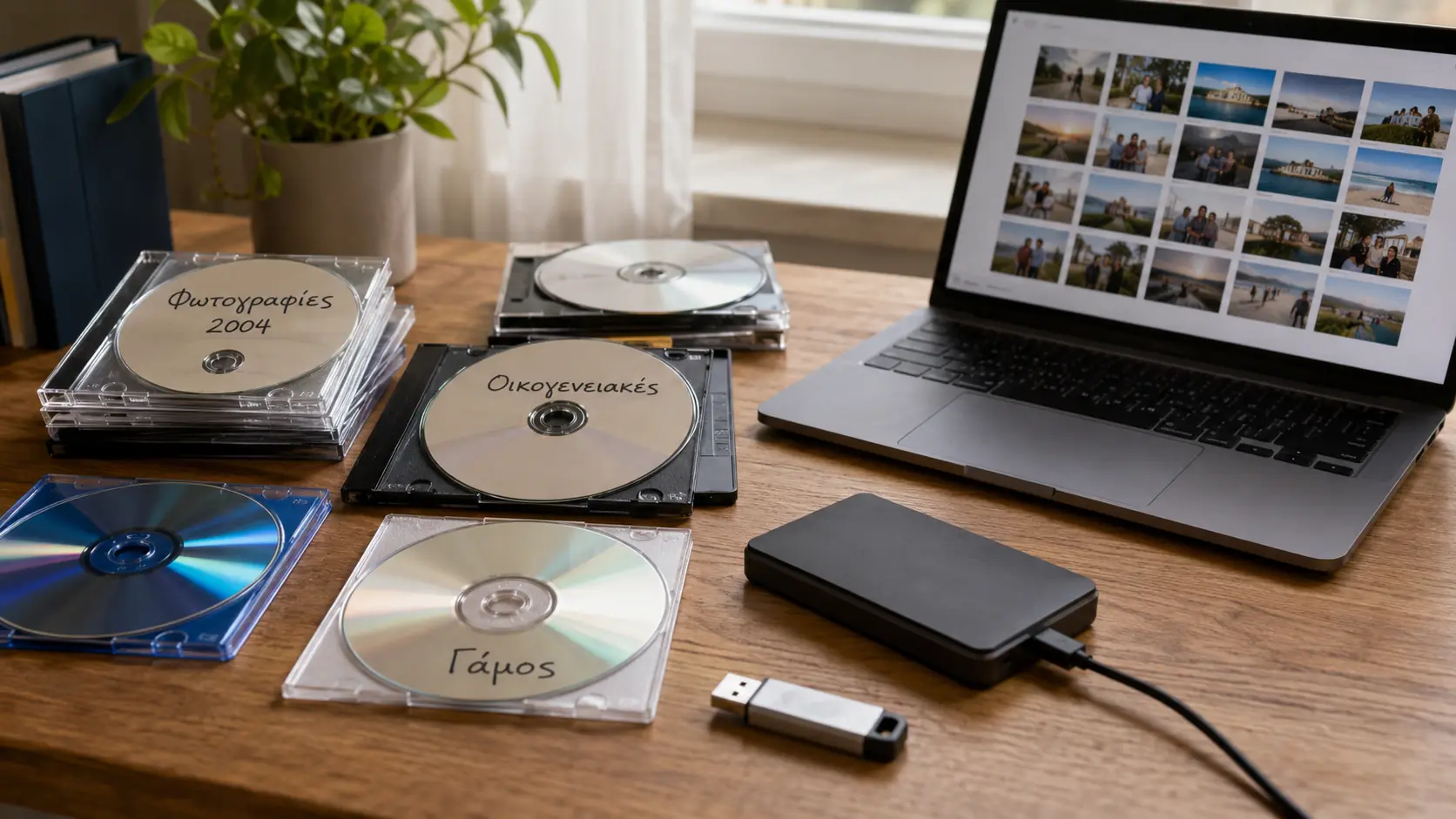
- Many people still keep personal and family photos on CDs, DVDs and Blu-ray discs.
- Optical media can degrade over time.
- Humidity, heat, light and scratches increase the risk of data loss.
- Modern computers often no longer include optical drives.
- The safest approach is to copy the files to multiple backup locations.
- Why data on CDs, DVDs and Blu-ray discs is at risk
- The problem is not only disc degradation
- Warning signs you should not ignore
- What you should do immediately
- How to properly store the discs you keep
- What to do if a disc cannot be read
- The right backup strategy
- What we think
- Frequently Asked Questions
Many users still keep valuable personal and family photos on CDs, DVDs or Blu-ray discs, without realizing that their data may be at risk.
Optical storage media, once considered a safe backup solution, are not indestructible and can develop degradation, read errors or even complete data loss over time.
This matters because many of these discs contain unique memories, photos from weddings, baptisms, trips, family moments or professional archives that may no longer exist anywhere else.
Why data on CDs, DVDs and Blu-ray discs is at risk
CDs, DVDs and Blu-ray discs rely on physical layers of materials that can deteriorate over time. Temperature, humidity, light exposure, scratches and poor manufacturing quality all affect their durability.
Even if a disc looks clean on the outside, it may have started to degrade internally. In that case, a computer or player may struggle to read it, display errors or fail to recognize it entirely.
Recordable discs, such as CD-R, DVD-R and BD-R, require special attention, as their quality can vary significantly depending on the manufacturer, batch, burning process and storage conditions.
The problem is not only disc degradation
Even if the disc itself is in good condition, there is a second issue: optical drives are becoming increasingly rare.
Many modern laptops no longer include a DVD or Blu-ray drive, while many users no longer have access to compatible hardware. This means that a file may theoretically exist, but in practice it may be difficult or impossible to open.
At the same time, older album creation programs, especially software from photo labs or disc-burning suites, may not work properly on modern operating systems.
Warning signs you should not ignore
A disc that takes too long to open is an early warning sign. The same applies if the drive repeatedly tries to read the disc or if file copying freezes at a specific point.
Error messages, files appearing with strange names, folders that do not open or photos that appear corrupted are also concerning signs.
If these symptoms appear, it is best to avoid repeated attempts to read the same problematic disc, especially if it contains important data.
What you should do immediately
The safest move is to check all old discs and copy their files to newer storage media. Ideally, your photos should exist in at least two different copies.
One copy can be stored on an external hard drive or SSD and a second one on a reliable cloud service or on another storage device kept in a different location.
During the copy process, it is preferable to transfer the original folders and files without changing names or structure, so that organizational information is not lost.
How to properly store the discs you keep
If you want to keep CDs, DVDs or Blu-ray discs as a physical archive, store them in good-quality cases, away from sunlight, heat, humidity and dust.
Discs should be stored vertically, in a stable environment, without pressure or contact with surfaces that may cause scratches.
It is also best to avoid writing on the disc surface with unsuitable markers, as some chemicals may affect the layers of the medium.
What to do if a disc cannot be read
If a disc does not open, first try it in a different drive, as some devices read old or problematic media better than others.
If the data is very important, avoid quick cleaning or polishing methods that may worsen the damage. In such cases, professional data recovery may be the safest option.
You should also not assume that a disc is permanently lost just because it does not open on one computer. Sometimes different hardware or specialized reading software can recover part or even all of the files.
The right backup strategy
For valuable photos, the best practice is the multiple-copy rule. This means having more than one backup, on different media and ideally in different locations.
An external drive alone is not enough, as it can also fail, be lost or be damaged. Cloud storage offers additional protection, but it does not necessarily replace a local copy.
The safest approach is a combination of local backup, a second physical copy and online storage, especially when dealing with files that cannot be recreated.
What we think
CDs, DVDs and Blu-ray discs played an important role in digital photography, but they should no longer be considered a safe long-term storage solution.
Anyone who has photos on old discs should check them and transfer them to modern storage media as soon as possible, before degradation or the lack of compatible hardware turns valuable memories into lost files.
Frequently Asked Questions
How many years does a CD or DVD with photos last?
Its lifespan depends on the quality of the disc, the burning process and the storage conditions. Some discs last for many years, while others develop problems much earlier.
Is Blu-ray safer than DVD?
Blu-ray can offer higher capacity and, in some cases, better durability, but it is not indestructible. It should also be copied to newer storage media.
What should I do if I have many photos on old CDs?
Start by checking the discs, copy the files to a computer or external drive and create a second copy on another medium or in the cloud.
Can I throw away the discs after making a backup?
It is best to keep the discs for a while, until you confirm that the new copies open correctly and that all photos have been fully transferred.
What happens if some photos do not open?
If the photos are important, avoid rushing. First try copying them with another drive. If the problem continues, contact a data recovery specialist.