

Summary
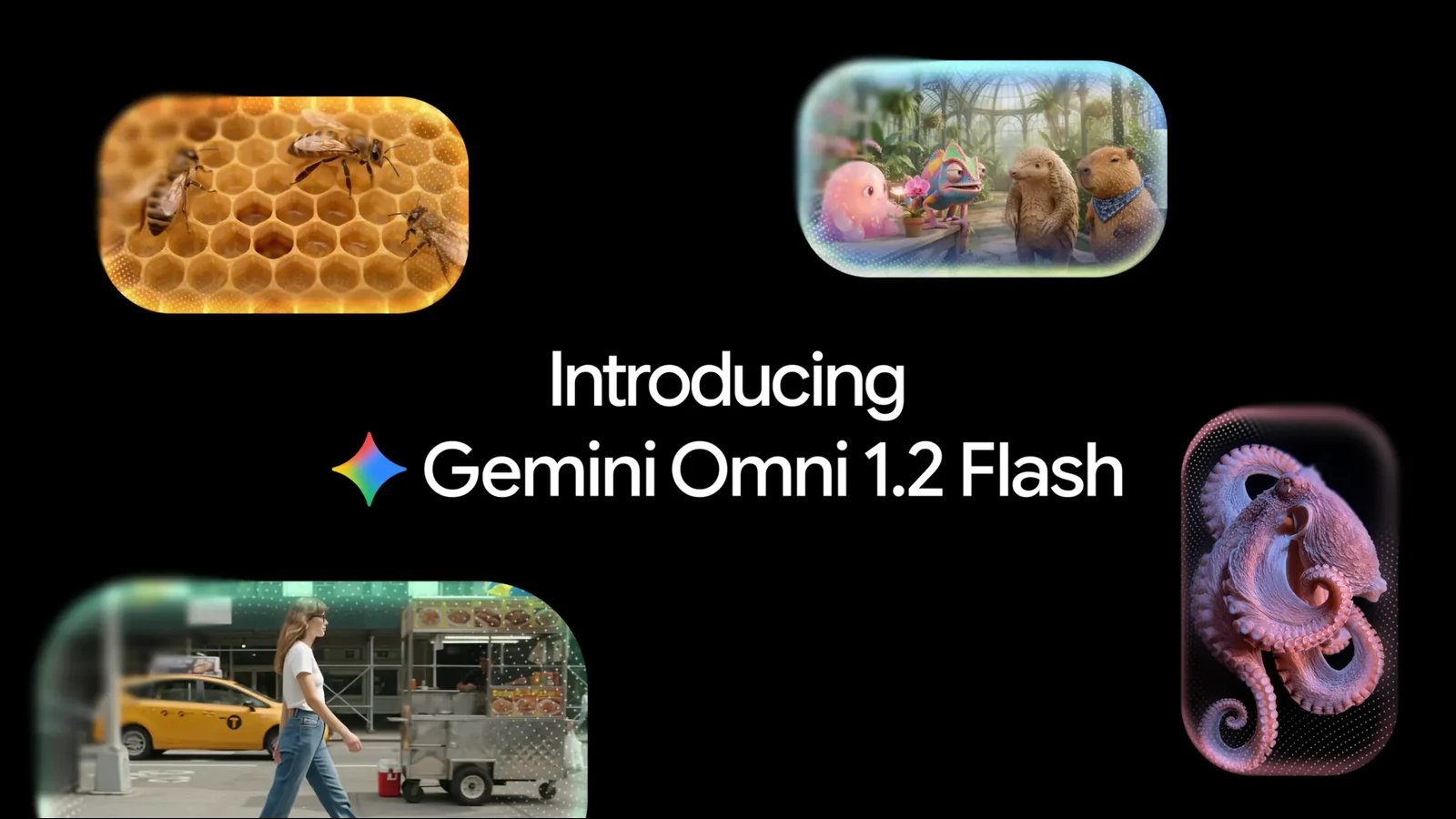
Google has introduced Gemini Omni 1.2 Flash, an AI video generation and editing model that produces clips up to 15 seconds long, supports successive revisions and cuts API pricing by 30%.
Announced on November 5, 2026, the new version improves something that matters to visual creators: keeping faces, objects and photographic references consistent while revising an existing shot. The original Gemini Omni Flash announcement had already established the conversational editing approach. This update adds more duration and finer control.
From 10 to 15 seconds, with stronger consistency
Omni 1.2 Flash can generate and edit clips from 3 to 15 seconds, selectable in one-second increments. Version 1.1 was limited to 10 seconds. That gives creators more room for a complete product shot, a short ad or a compact visual story without forcing a cut halfway through.
Reference inputs can include character, product or style photographs, motion clips up to three seconds long, and audio cues. Google says the model better retains faces, clothing, logos, colors and objects across framing changes. Its official examples include a virtual clothing try-on and a typographic studio composition designed to remain consistent from beginning to end.
Edit the same clip with follow-up prompts
The most practical update is multi-turn editing: creators can request a new background, lighting setup, weather condition, product or aspect ratio within an existing video. There is no need to rewrite the original prompt. In one demonstration, the same scene moves from a pavilion to a forest, stable, fair and castle, with the characters, reflections and framing intended to remain consistent.
Google also shows a continuous FPV-style shot inspired by the Pantheon in Rome, moving towards and through the building without intervening cuts. It reports improved cinematic camera moves, scene continuity and lip-sync in dialogue involving multiple speakers. These are company demonstrations, not independent tests of reliability in a production workflow.
This approach to applying generative adjustments alongside actual footage has already surfaced in Caira’s camera-based generative video workflow. Omni 1.2 Flash could serve similar uses, although the actual functionality depends on the product integrating it.
Pricing and availability
The announced API price for 720p generation is $0.07 per second, 30% below the comparable Omni 1.1 Flash rate. Creators can draft at 360p or 720p and upscale selected results to 1080p or 4K. Here, 4K refers to upscaling, not native 4K generation.
The model is generally available through the Gemini API and Google Cloud. Support is also offered in Flow and Google Vids, where Google says eligible Google or Google Workspace accounts can create 15-second clips at no additional cost, subject to the relevant usage limits. Rollout in the Gemini app is gradual for Google AI Ultra subscribers. Capabilities and limits vary by service.
Generated videos carry the invisible SynthID watermark. Google acknowledges remaining challenges with fast sports action, abrupt script changes and complex physical interactions.
More information here.
What we think
For anyone producing client video, the frustrating part of many AI tools is not whether a clip lasts a few seconds more or less. It is that a small change to a color, background or product can require another generation, bringing new inconsistencies. Being able to keep working on the same clip matters more than another spectacular demo.
Imagine a short commercial where the camera movement and talent are approved, but the client wants two versions with different environments. If the details really hold up, the process could save several rounds of work, especially for small teams with tight schedules. A lower per-second price helps, but what ultimately matters is how many attempts it takes to get the shot you actually need.
We would still check any final output carefully when accurate physics, stable typography or exact product reproduction are essential. For storyboards, lighting tests, alternate environments and short social cuts, though, this way of working is moving noticeably closer to the iterative process we already know from editing.
Frequently asked questions
Does Gemini Omni 1.2 Flash generate native 4K?
Google describes drafting at 360p or 720p and upscaling selected outputs as high as 4K. It has not described this as native 4K generation.
Do I have to regenerate a video for each edit?
Not necessarily. Multi-turn editing allows successive changes, such as another background or lighting setup, to the same clip through follow-up prompts.
Is there a free way to access it?
Google says eligible accounts can create 15-second clips in Google Vids at no additional cost, subject to service limits. API use is billed per generated second.