

Summary
- Google is adding selfie video as a backup sign-in method for Google Accounts.
- Users record their face while completing guided head movements.
- If they are locked out, a new video is compared with the original recording.
- Google uses liveness checks to defend against fake photos, videos and deepfakes.
- The recording is encrypted and can be deleted by the user.
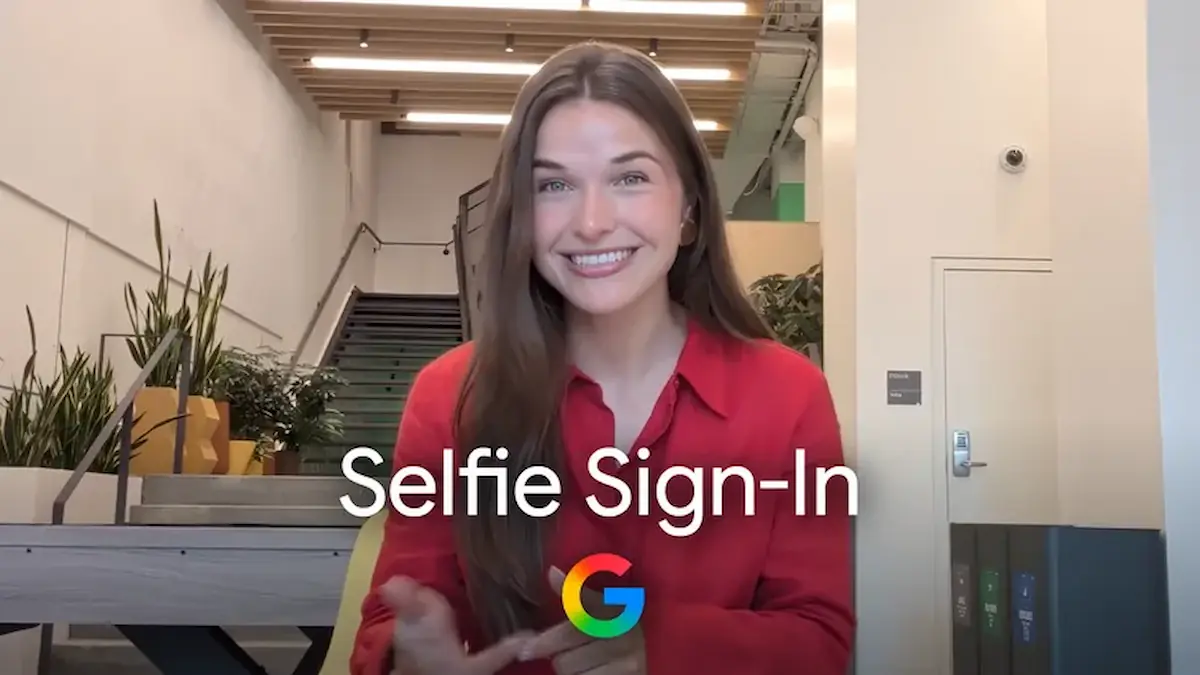
Google is adding selfie video as a backup sign-in method, allowing users to regain access to their account when they are locked out or do not have their usual device.
Google announced on July 23, 2026, a new sign-in option for Google Accounts based on a short selfie video. The feature can be used as an alternative way to access an account when its owner has been locked out or does not have the phone or computer they normally use.
The addition matters because a Google Account may contain personal photos, emails, documents and access to many other services. With selfie video, the company is expanding the available recovery options alongside solutions such as passkeys and recovery contacts.
How to set up selfie video
During the initial setup, the user looks at the device’s camera and follows a few short instructions involving head movements. This captures the face from several angles and creates the reference video that may later be used to verify the user’s identity.
The process must be completed while the user still has access to the account, since the saved video is the recording that will be compared with a future submission.
How it is used for account recovery
When a user has trouble signing in, they can record a new selfie video by following the instructions displayed on the screen.
The system compares the new recording with the video saved during the initial setup. If it confirms that the same person appears in both recordings, the process helps the user regain access to the account.
Protection against fake photos and deepfakes
Google says it uses multiple layers of security to limit impersonation attempts involving photos, prerecorded videos or deepfake material.
During verification, the user is asked to perform simple movements. This requirement acts as a liveness check, meaning that displaying a static image or a prepared video in front of the camera should not be enough.
Google also applies its standard security practices to detect and prevent suspicious sign-in attempts.
What happens to the stored video
According to Google, the video is recorded and stored with the user’s consent. It remains under their control and can be deleted at any time through the Google Account settings.
The company says the file is encrypted at rest, including when it is not actively being used for identity verification.
By default, the video is used only to help the user sign in to the account. It may be used for additional purposes only when the user chooses to share it for those purposes.
An additional option, not a replacement
Selfie video is not presented as the only way to sign in and does not automatically replace existing security options.
Google continues to recommend setting up more than one sign-in and recovery method. Available solutions include passkeys and recovery contacts, while selfie video serves as another backup option.
Feature availability
Users can check through their account whether they are eligible to activate the new feature.
The option’s appearance depends on account eligibility, meaning that the feature may not be immediately available to every user. In its announcement, Google did not provide a detailed rollout schedule by country or account category.
What we think
Selfie video could prove useful as an additional safeguard when users lose access to their usual devices or verification methods. Its practical value will depend on the accuracy of the liveness checks, their resilience against advanced impersonation techniques and the clarity of the information provided to users about the storage and management of their biometric data.
Frequently asked questions
What is Google’s selfie video feature?
It is an optional backup sign-in and account recovery method that uses a short video recording of the user’s face.
How is the user’s identity verified?
The new video recorded during the recovery attempt is compared with the video saved during the initial setup.
Can a photo be used instead of a live video?
Google requires the user to perform specific movements to check that the recording is live and to limit sign-in attempts involving photos or fake videos.
Can the user delete the video?
Yes. According to Google, the stored video can be deleted at any time through the user’s account.
Does it replace passkeys and other recovery options?
No. It is an additional method that works alongside options such as passkeys and recovery contacts.