


Summary
- More than 90 websites impersonated official pages for free software
- The campaign supported at least 10 languages
- The downloaded files secretly installed ScreenConnect
- Attackers could then deploy the AsyncRAT remote access trojan
- The campaign targeted both individual Windows users and organizations
A search for free software became a remote-access trap for Windows users.
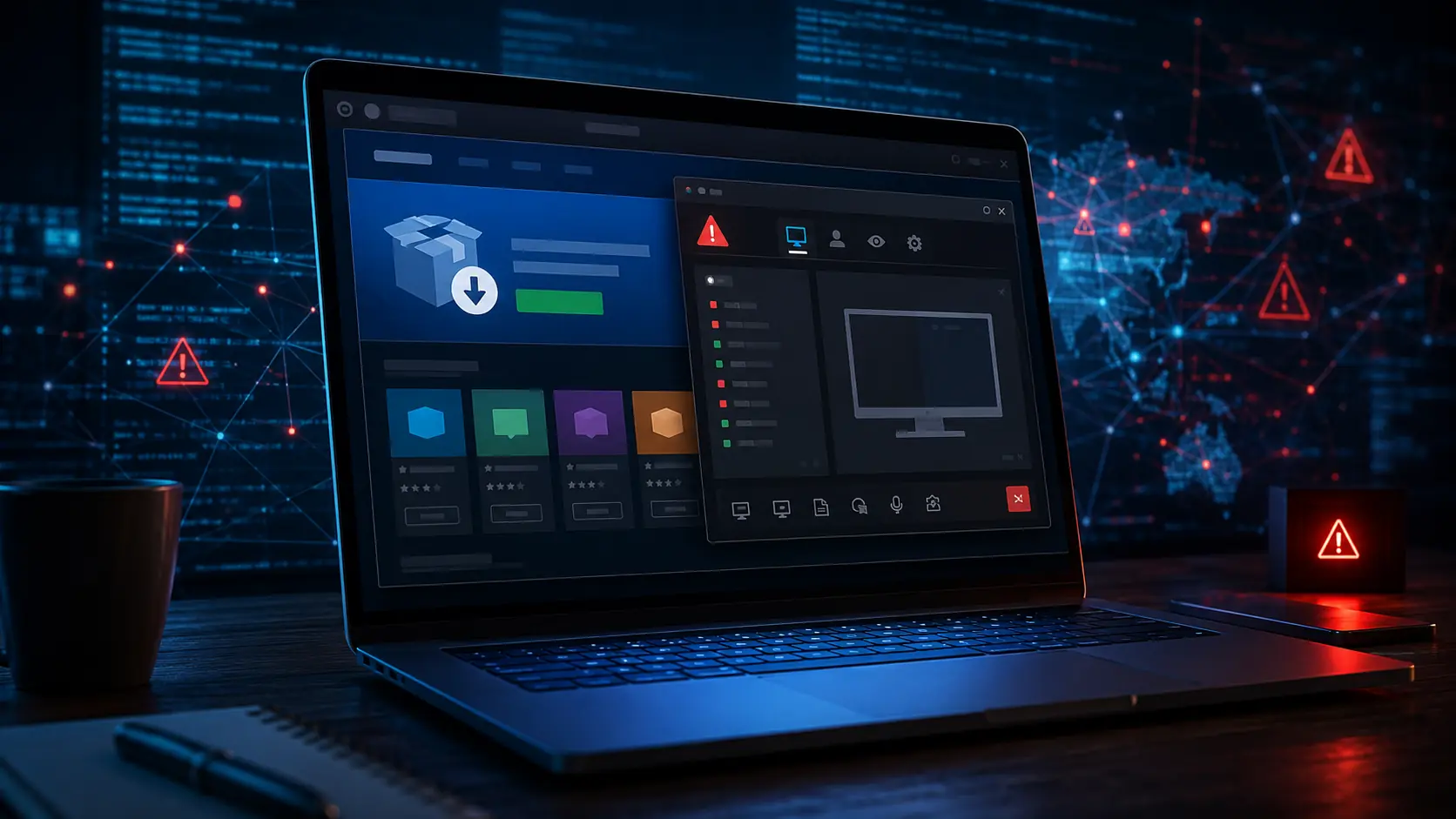
Kaspersky uncovered a large-scale malicious campaign in which more than 90 fake websites posed as the official pages of well-known applications. Users believed they were downloading programs such as OBS Studio, DNS Jumper, DS4Windows, Glary Utilities and Bandicam, but the files secretly installed ScreenConnect and later deployed the AsyncRAT remote access trojan.
The case is particularly significant because the attackers abused legitimate and digitally signed remote administration software, which may go unnoticed by some security controls. The campaign targeted both individuals and corporate networks, creating a risk of credential theft and unauthorized access.
More Than 90 Fake Websites
Researchers identified more than 90 domains designed to imitate the official websites of popular free applications.
The pages supported at least 10 languages, including English, Arabic, Spanish, Chinese, German, Portuguese and Russian. This allowed the attackers to reach users across multiple countries.
They also used search engine optimization techniques to place the fraudulent pages high in search results and make them appear more trustworthy.
How the Infection Worked
The malicious files were distributed inside compressed installer packages containing a legitimate, signed Microsoft file named install.exe and a malicious library called install.res.1033.dll.
The library was loaded through a technique known as DLL sideloading, in which a legitimate application is used to execute malicious code. ScreenConnect was then installed as a service and waited for further instructions from the attackers.
Using this access, the threat actors could deploy AsyncRAT, an open-source trojan that enables full remote control of an infected system.
Why ScreenConnect Was Used
ScreenConnect is a legitimate remote administration tool designed for technical support and system management.
Its legitimate purpose is exactly what makes it attractive to attackers. In many corporate environments, remote-access applications are allowlisted and granted elevated privileges.
As a result, malicious activity may resemble normal administration and remain active for a longer period.
The Connection to an Earlier Campaign
According to the investigation, domain registrations linked to the activity peaked in February 2026.
The same threat actor reportedly used a similar method in 2025, creating fake websites that presented malicious installers as video games.
The shift from games to popular free applications indicates that the attackers continuously adapt their infrastructure to match what users are searching for.
Risks for Users and Businesses
Once remote access has been established, attackers may monitor activity, steal passwords, copy files or install additional malware.
Within corporate networks, a single compromised computer may also become an initial access point for attacks against other systems.
Stolen credentials and corporate access can later be sold on underground forums or used in additional attacks.
How Users Can Protect Themselves
Applications should only be downloaded from their developers’ official websites or trusted software stores.
Users should carefully verify the domain spelling, publisher identity and digital signature of a file before installing it.
Enabling two-factor authentication can also reduce the consequences of stolen passwords. Accounts and financial transactions should be checked regularly for suspicious activity.
What Businesses Should Monitor
Organizations can reduce the risk by applying strict software installation policies and blocking installer packages obtained from untrusted sources.
Special attention should be paid to newly created remote administration services, scheduled tasks and outbound connections to unknown domains or IP addresses.
Employee training on safe downloads and fraudulent websites also remains critical, as the attack begins with a file the user chooses to download.
What We Think
This campaign demonstrates that even a simple search for popular free software can lead to a serious security breach. A high position in search results is not proof of legitimacy, and users should always verify the official source before downloading a file.
Frequently Asked Questions
Which programs were used as bait?
The fake websites impersonated applications including OBS Studio, DNS Jumper, DS4Windows, Glary Utilities and Bandicam.
What is ScreenConnect?
ScreenConnect is a legitimate remote computer administration tool that was abused by the attackers in this campaign.
What can AsyncRAT do?
AsyncRAT can give attackers extensive remote control, access to files and the ability to perform additional malicious actions.
How did the fake websites appear in search results?
The attackers used search engine optimization techniques to improve the ranking of their pages.
How can users verify that a website is official?
Users should carefully check the domain, address spelling and software developer information before downloading any file.