

Summary
- Ottomatic introduced RSV Repair
- The tool recovers Sony RSV files
- Processing runs locally in the browser
- No cloud uploads are required
- A reference video is needed
- The service is available free of charge
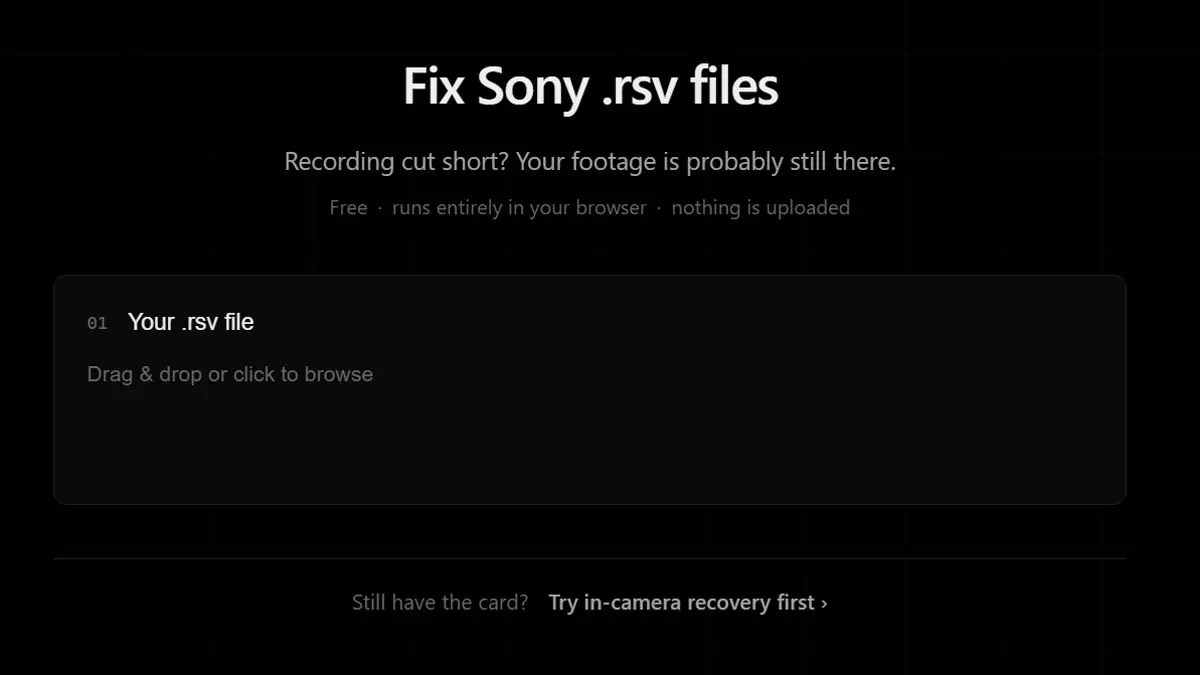
Ottomatic has introduced RSV Repair, a free tool designed to recover video footage stored in Sony RSV files after interrupted recordings.
The service operates entirely within a web browser and targets situations where a recording was not finalized correctly, causing the footage to be stored as an RSV file instead of a playable MP4. According to the company, all processing happens locally on the user’s computer.
This development is particularly relevant for filmmakers, content creators, and video professionals who rely on Sony cameras, as the loss of critical footage can have serious consequences.
What Are RSV Files
RSV files are created when a Sony camera cannot properly complete the recording process. This may occur because of power loss, battery depletion, or premature removal of a memory card.
Although the footage is often still present inside the file, important metadata required for playback is missing, making the video inaccessible through standard applications.
How RSV Repair Works
The tool requires two files: the damaged RSV file and a working video recorded with the same camera using similar recording settings.
The healthy clip serves as a reference that allows the software to rebuild the missing structural information needed to create a playable video file.
According to Ottomatic, the entire repair process takes place locally in the browser, ensuring that footage never leaves the user’s device.
A Free Alternative to Paid Recovery Services
Until now, many users relied on commercial repair software or specialized recovery companies to restore damaged RSV files.
RSV Repair introduces a free alternative that could significantly reduce recovery costs for creators and production professionals.
Cameras Commonly Affected
RSV-related issues have been reported across a variety of Sony camera systems, including professional cinema cameras and mirrorless models widely used for video production.
As video resolutions and data rates continue to increase, the ability to recover interrupted recordings becomes increasingly important.
What We Think
A free recovery solution that operates entirely on the user’s computer is a welcome addition for Sony shooters. The local-processing approach improves privacy while making video recovery more accessible.
Frequently Asked Questions
What is an RSV file?
It is a file created when a Sony video recording is interrupted before proper finalization.
Can I simply rename an RSV file to MP4?
No. The missing metadata and structure must first be rebuilt.
Does RSV Repair upload files to the cloud?
No. According to Ottomatic, processing happens locally in the browser.
Do I need a reference file?
Yes. A working video from the same camera and recording settings is required.
Is the tool free?
Yes, RSV Repair is available free of charge.