Summary
- Canon EOS C80 is updated to firmware version 1.0.7.1
- A new Capture Mode with Cinema Exposure is added
- CINE-SERVO CN30×40 IAS J/R1 and J/P1 lenses are now supported
- External audio output via SDI, HDMI and headphones is added during Slow & Fast Motion
- The update requires an SD card of at least 512 MB and cannot be rolled back
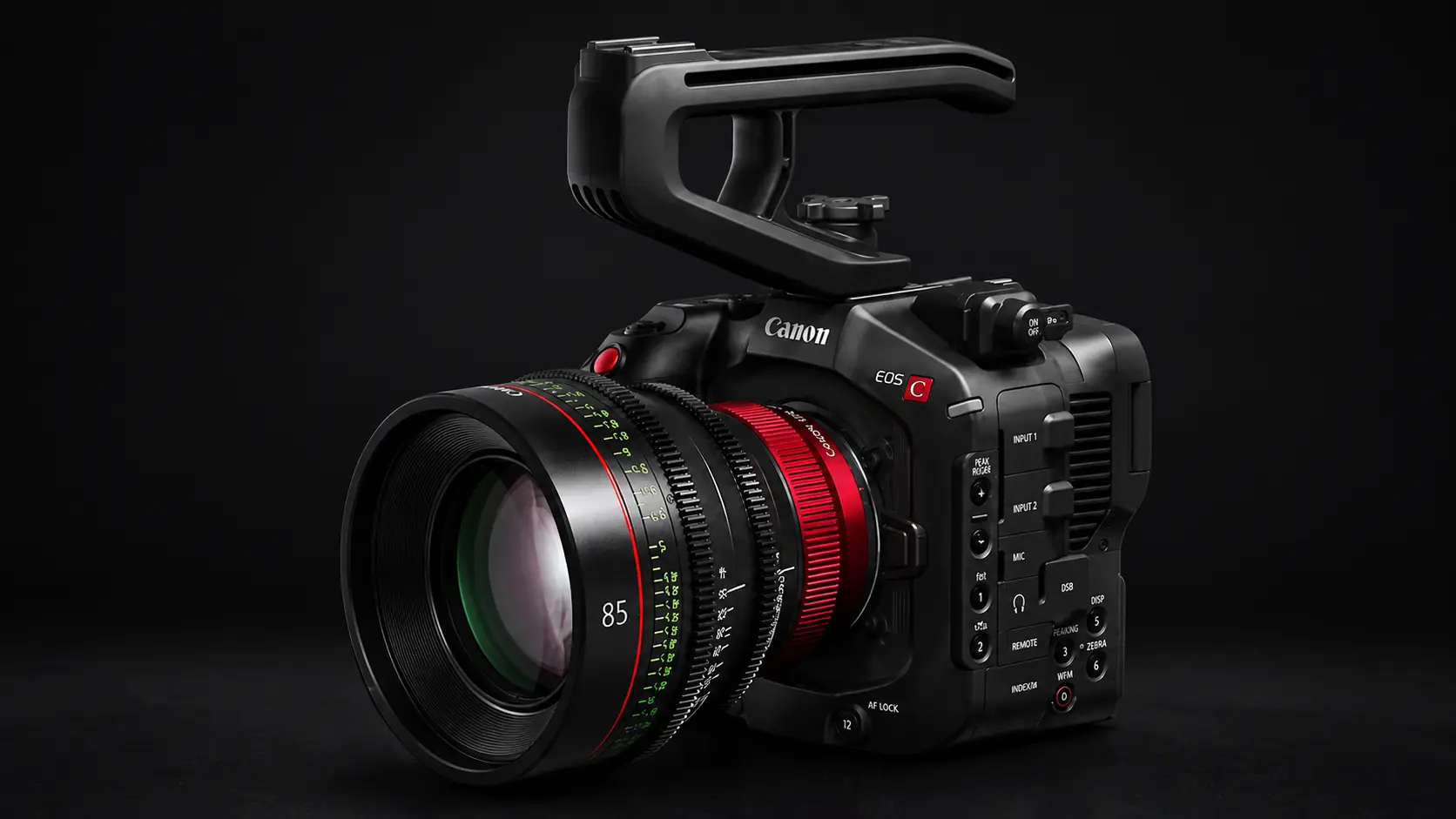
Canon is upgrading the EOS C80 with firmware version 1.0.7.1, adding Cinema Exposure, support for new CINE-SERVO lenses and audio output during Slow & Fast Motion.
Canon Australia published a detailed announcement about version 1.0.7.1 on August 19, 2026, while the Windows and macOS firmware downloads are listed in the company’s support system with a July 22, 2026 date. The new version includes four main categories of changes: a new Capture Mode with Cinema Exposure, compatibility with two new CINE-SERVO lenses, S&F External Audio Output and improved operational stability.
The most significant change concerns Cinema Exposure, as it allows operators to adjust the balance of dynamic range between highlights and shadows based on ISO sensitivity. At the same time, external audio output during Slow & Fast Motion can be particularly useful in professional setups using SDI, HDMI or headphones.
What changes with Cinema Exposure
Firmware 1.0.7.1 adds a new Capture Mode to the EOS C80. In addition to the existing Custom Picture option, users can now select the new Cinema Exposure mode.
In Cinema Exposure, Canon allows the available dynamic range balance — in other words, how it is distributed between highlights and shadows — to be adjusted according to the selected ISO sensitivity. This directly affects how cinematographers can manage high-contrast scenes and exposure before footage reaches post-production.
Support for two new CINE-SERVO lenses
The EOS C80 also gains compatibility with the new CINE-SERVO CN30×40 IAS J/R1 cinema lens with RF mount and the CN30×40 IAS J/P1 with PL mount.
The addition targets a more specialised audience, but it is relevant to broadcast and professional cinema productions relying on servo zoom lenses and looking to integrate the EOS C80 into larger production setups.
External audio during Slow & Fast Motion
Another practical addition is the new S&F External Audio Output option for Slow & Fast Motion. When enabled, the EOS C80 can output audio through SDI, HDMI or headphones while using this recording mode.
Importantly, Canon refers to external audio output rather than a new ability to record audio into the Slow & Fast Motion clips themselves. The change therefore mainly concerns monitoring and on-set audio management.
What to know before installing
Firmware 1.0.7.1 can be installed on EOS C80 cameras running firmware versions from 1.0.0.1 through 1.0.6.1. If the camera is already running 1.0.7.1, no further update is required. Once upgraded, the camera cannot be restored to an earlier firmware version.
The update requires an SD, SDHC or SDXC memory card with a capacity of at least 512 MB. Canon also warns that menu settings, Custom Picture settings and Cinema Exposure settings will be reset after installation. The company therefore recommends saving the settings to a separate SD card before updating so they can be loaded back into the camera afterwards.
Canon also advises against loading menu settings created with the newer firmware onto a camera that is still running an older firmware version, as this may affect camera operation.
Where to find the firmware in Greece
For users in Greece, the official reference point is the Canon Greece EOS C80 support page, which includes a dedicated Firmware section for available product updates.
Users should check that page for the firmware offered for their system and the corresponding installation instructions.
The EOS C80 continues to evolve through firmware
The new version follows firmware 1.0.6.1, which PTTL covered in detail in its previous Canon EOS C80 firmware update article. That release focused more heavily on connectivity and production workflows, adding features including USB camera control and automatic reconnection attempts during SRT streaming.
With version 1.0.7.1, the emphasis shifts more toward image control, professional lens compatibility and monitoring during Slow & Fast Motion.
What we think
Firmware 1.0.7.1 does not have an exceptionally long list of changes, but its additions are clearly targeted at real cinema production workflows. Cinema Exposure is the most interesting addition because it expands control over dynamic range allocation, while S&F External Audio Output addresses a more practical monitoring requirement. Support for the new CINE-SERVO lenses is aimed at a more specialised audience, but it shows Canon continuing to integrate the C80 more deeply into the professional Cinema EOS ecosystem.
Frequently asked questions
Which firmware versions can be upgraded to 1.0.7.1?
Version 1.0.7.1 is intended for EOS C80 cameras running firmware from 1.0.0.1 through 1.0.6.1.
Can the EOS C80 be rolled back to an older firmware version?
No. Canon states that once the latest version is installed, the camera cannot be restored to a previous firmware version.
Are settings lost after the update?
Canon states that menu settings, Custom Picture settings and Cinema Exposure settings are reset after the update. Users are advised to save them to a separate SD card beforehand.
Where is the official EOS C80 support page for Greece?
Canon provides an official Greek support page for the EOS C80, including a dedicated Firmware section.