Summary
- Six free online seminars for DaVinci Resolve 21, lasting 90 minutes each.
- Sessions on September 18 and 25, October 23 and 30, and November 20 and 27, 2026.
- All begin at 16:00 Greek time, with separate Zoom registration.
- Topics cover beginners, photography, color, switching to Resolve, complete post-production and AI tools.
Event Details
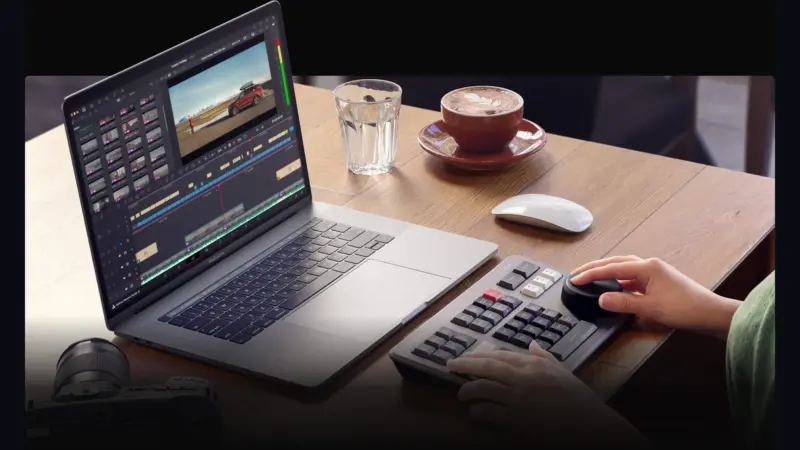
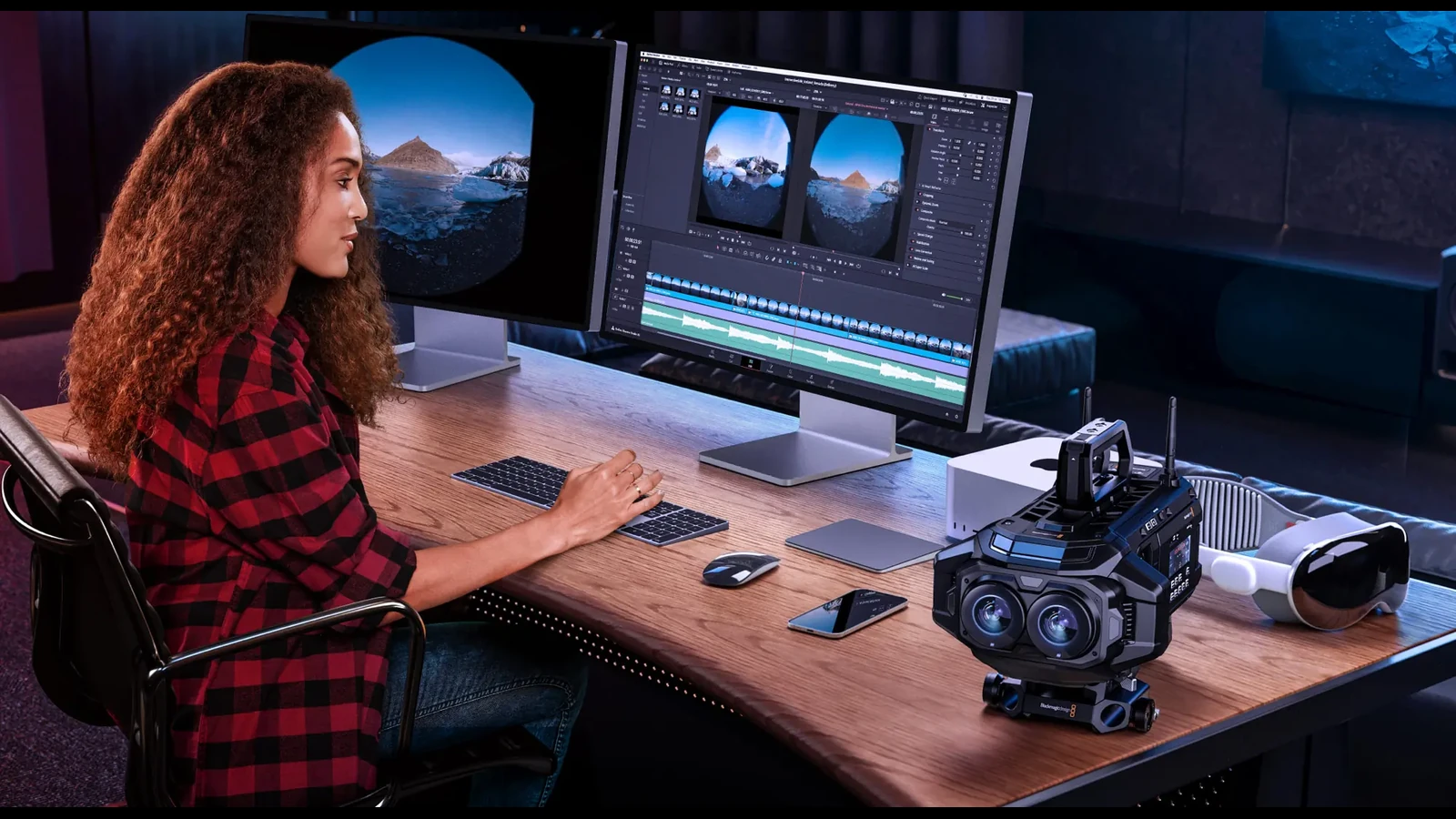
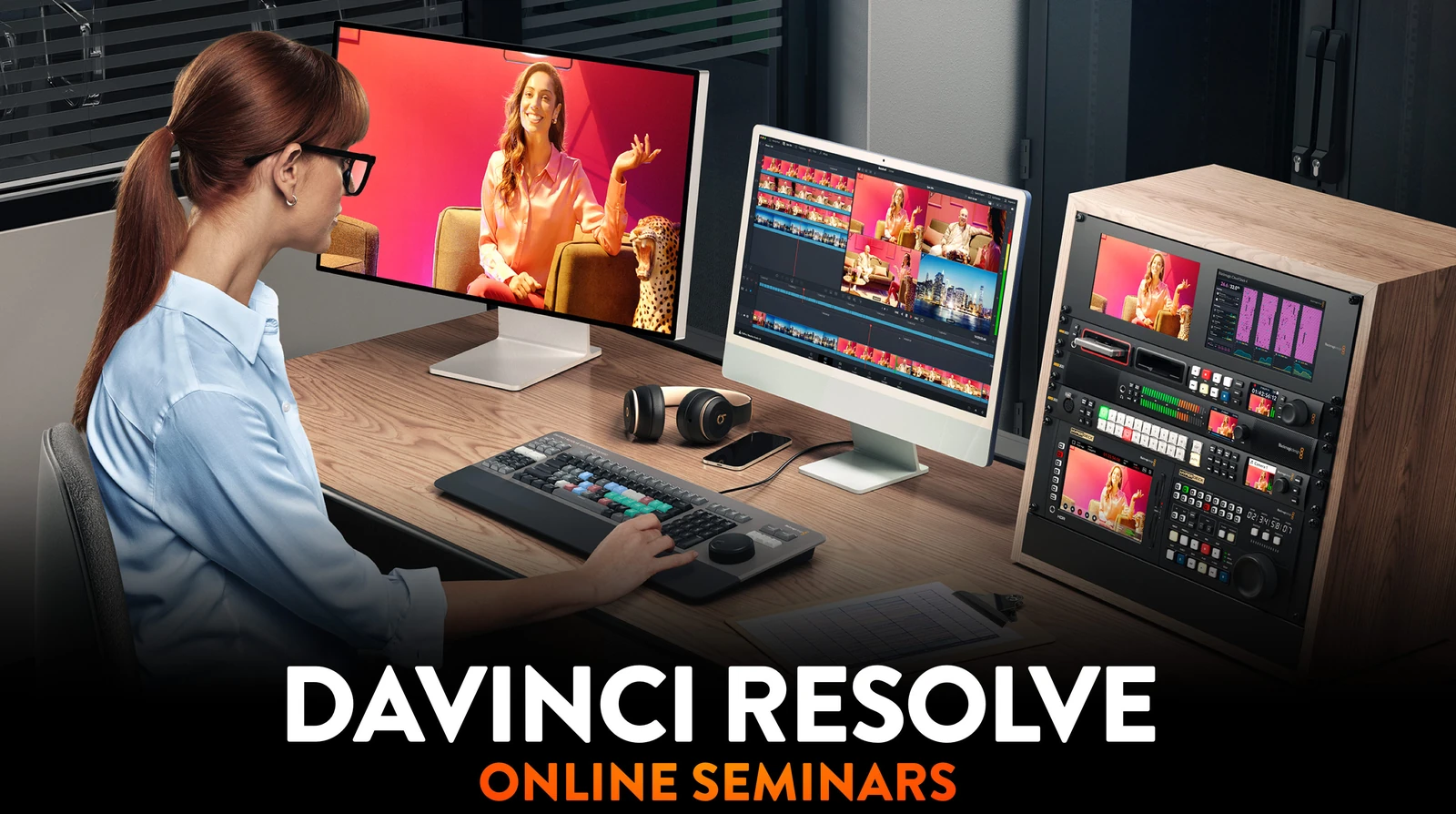
Blackmagic Design is launching a new series of six free DaVinci Resolve 21 online seminars from September 18 to November 27, 2026, with each session lasting 90 minutes.
The program is aimed at filmmakers, editors, colorists and visual effects artists, with different starting points depending on their experience. For photographers, the session connecting still images with video is particularly relevant, drawing on Resolve’s color processing tools.
The schedule and Greek times
All six seminars take place on Fridays and start at 16:00 Greek time, running until 17:30. Blackmagic lists 14:00 BST for the September sessions and October 23, and 14:00 GMT for the remaining dates. Greece stays two hours ahead throughout the program.
Registration is free through Zoom, with a separate form for each seminar. Participants can choose the topics relevant to them on the official event page or use the links in the table below.
| Date | Seminar | Greek time | Registration |
|---|---|---|---|
| 18/09/2026 | DaVinci Resolve for New Users | 16:00–17:30 | Zoom |
| 25/09/2026 | Creativity from Photo to Video | 16:00–17:30 | Zoom |
| 23/10/2026 | Color Fundamentals for Editors | 16:00–17:30 | Zoom |
| 30/10/2026 | Switching to DaVinci Resolve | 16:00–17:30 | Zoom |
| 20/11/2026 | Workflows from Camera to Delivery | 16:00–17:30 | Zoom |
| 27/11/2026 | Work Smarter with AI Tools | 16:00–17:30 | Zoom |
What each seminar covers
September 18: Getting started with Resolve
“DaVinci Resolve for New Users” is the introductory session in the series. It covers all the individual pages in DaVinci Resolve Studio 21 and their role in content production, giving new users an overview of the software before they move on to more specialized tasks.
September 25: From photography to video
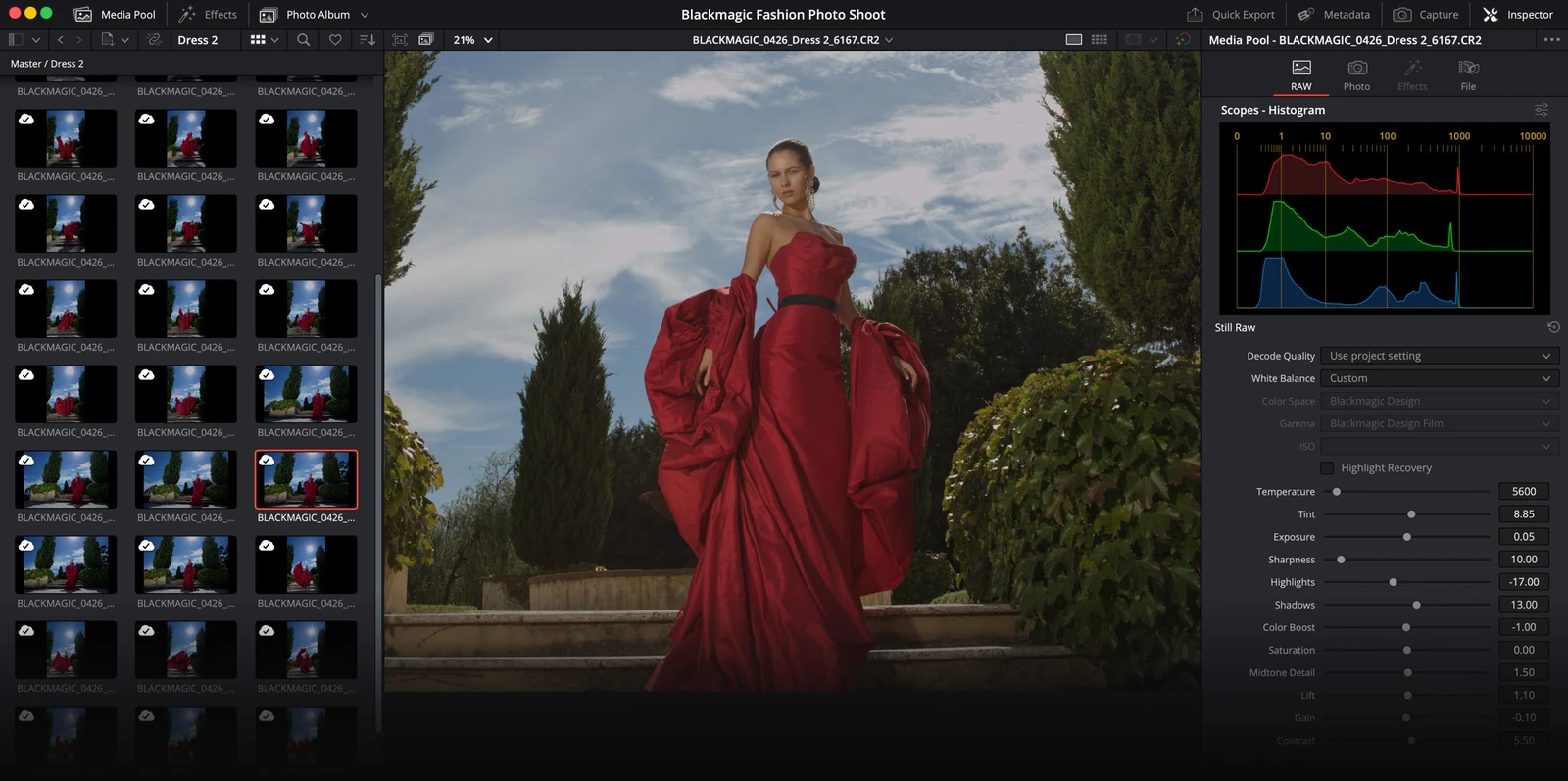
“Creativity from Photo to Video” is intended both for filmmakers interested in photography and photographers expanding into video. It covers organizing and editing photographs, using Resolve’s color tools and applying AI-powered color and cinematic effects to integrate still images into a project.
The Photo page, introduced in DaVinci Resolve 21, provides a practical basis for this topic: it combines photo organization in albums, RAW processing and access to the application’s color grading tools. A creator delivering both photographs and video can therefore work on their color within the same environment.
October 23: Color fundamentals for editors
“Color Fundamentals for Editors” focuses on balancing and matching footage from different cameras. It then moves into creative color grading and developing different looks, working with both layers and nodes. This topic has a direct application in productions combining footage from more than one camera.
October 30: Switching from another editing application
“Switching to DaVinci Resolve” is aimed at editors who already have experience and want to move their work to Resolve. It covers the interface layout and tool organization, media management, timeline preparation and creating projects that an entire team can work on together.
November 20: From camera footage to final delivery
“Workflows from Camera to Delivery” follows the entire post-production process. It begins with importing, organizing and managing files, then moves on to editing and color grading original Blackmagic RAW camera footage. The session continues with audio mixing and final export, completing every stage within DaVinci Resolve.
November 27: AI tools in practice
The series concludes with “Work Smarter with AI Tools.” The program includes Object Removal, IntelliScript, IntelliSearch, Magic Mask and Voice Isolation, alongside cinematic effects from the DaVinci AI Neural Engine. The session focuses on using these tools for repetitive and time-consuming editing and processing tasks.
Training follows Resolve’s expanding scope
The autumn series follows the April–June free training program previously covered by PTTL. This time, the material is organized into six standalone sessions around getting to know the application and specific production needs.
Version 21 added the Photo page, more than 100 new motion graphics effects and 50 new features. Its AI tools include IntelliSearch for finding content and CineFocus for adjusting the focal point.
On September 8, Blackmagic also introduced DaVinci Resolve 21.1, with more than 100 new tools and controls, expanded still image format support and broader color management support. The official video below presents these newer capabilities, offering a view of the application’s development ahead of the seminars.
What we think
The most useful aspect of the program is its organization around different needs: a beginner, a photographer and an experienced editor changing software have different starting points. The 90-minute format suits focused presentations, while the color matching and complete post-production sessions address everyday production issues. For those working with both photography and video, the September 25 session is the most directly relevant.
Frequently asked questions
How can I join the seminars, and is there a fee?
Participation is free. Each seminar requires separate Zoom registration through the links on Blackmagic Design’s official event page.
When do the six seminars take place?
The sessions take place on September 18 and 25, October 23 and 30, and November 20 and 27, 2026. All six dates are Fridays.
What time do they start in Greece, and how long do they last?
All seminars start at 16:00 Greek time and run for 90 minutes, until 17:30. The start time in Greece remains the same throughout the series.
Which seminar is aimed at beginners?
“DaVinci Resolve for New Users”, on September 18, introduces the individual pages of DaVinci Resolve Studio 21 and their roles in creating content.
Which seminar is most relevant to photographers?
“Creativity from Photo to Video”, on September 25, covers organizing and editing photographs, Resolve’s color tools and using AI effects to integrate still images into video.