

Summary
- Firmware Ver.1.30 for the Fujifilm X half adds new features for instax printing, autofocus and Film Camera Mode.
- The update adds Direct Print and improves smartphone pairing.
- It fixes preview flickering, movie-start freezes, SHUTTER COUNT and the charging indicator.
- Installation uses a memory card and takes approximately five minutes at most.
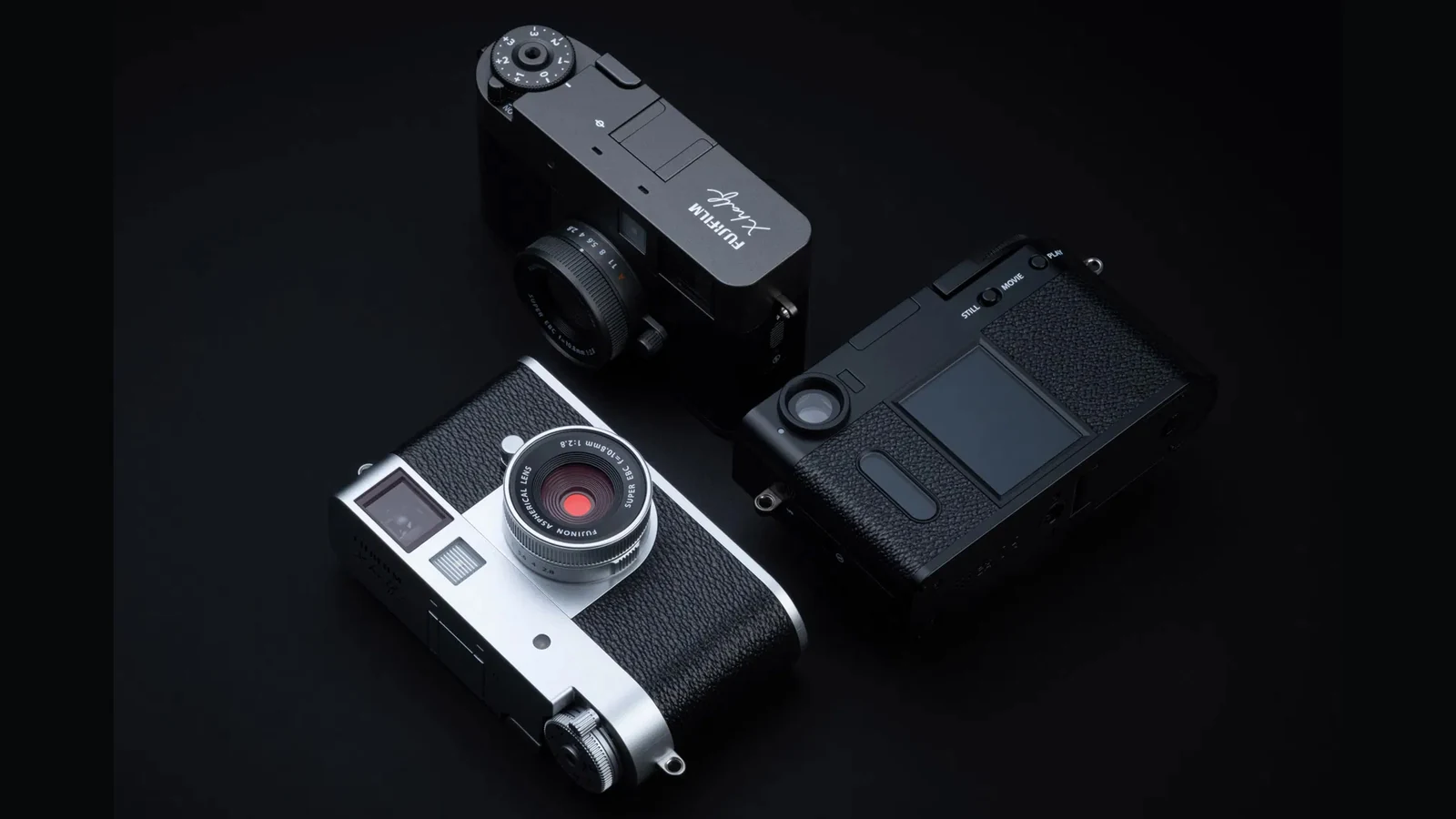
Fujifilm offers firmware Ver.1.30 for the X half (X-HF1), adding new capabilities for instax printing, autofocus and Film Camera Mode, together with fixes affecting video, playback, shutter count and charging.
Fujifilm’s official support page states that Ver.1.30 updates the camera from Ver.1.20 and was released on January 6, 2026.
What firmware Ver.1.30 adds
Fujifilm adds printing support through connection with the instax Evo and instax LiPlay series. When AF MODE is set to AREA, the focus frame can now be moved on the LCD monitor using a swipe gesture.
In Film Camera Mode, the Frame Advance Lever can be used to prepare the next shot even while images are being recorded. A movie icon is also added to the nine-frame playback screen.
The smartphone pairing screen has been redesigned, while a Direct Print icon has been added to single-frame playback. When connected to a compatible instax printer, users can print directly from the playback screen.
The Film Camera Mode workflow also changes: if the user exits the mode without taking a single photo, the film cannot be developed in the X half app.
Bug fixes included
Ver.1.30 fixes an issue where the date and time shown in AREA SETTING could differ from the smartphone after pairing when AREA SETTING had not been configured during initial setup.
It also addresses preview flickering under certain lighting conditions and a case where the camera could freeze when movie recording was started through the viewfinder with FACE/EYE DETECTION SETTING set to anything other than OFF.
Fujifilm also lists fixes for magnified 2-in-1 image playback, unnecessary SHUTTER COUNT increments and a charging indicator that could remain lit after the NP-W126S battery was fully charged. Other minor bugs are also addressed.
How to update the camera
Fujifilm’s official memory-card procedure includes formatting a card, downloading and copying the firmware file, inserting the card into the camera and selecting SETUP > USER SETTING > FIRMWARE UPDATE.
Fujifilm recommends a fully charged battery and warns users not to power off or operate the camera while the firmware is being overwritten. The camera can be updated directly from an older version to the latest release, and the process takes approximately five minutes at most.
The firmware file must retain the name FPUPDATE.DAT. If the browser changes the filename, for example by adding “(1)”, the camera may not recognize it correctly.
More information is available here.
What we think
Ver.1.30 goes beyond minor bug fixes because it adds functions that directly affect the X half workflow, especially autofocus, Film Camera Mode and instax printing. For users who rely on those features, the update has practical value.
Frequently asked questions
What does firmware 1.30 add to the Fujifilm X half?
It adds features including instax printing, swipe focus-frame movement, Film Camera Mode changes and Direct Print from playback.
Does it fix video issues?
Yes. Fujifilm lists a fix for a case where the camera could freeze when movie recording started through the viewfinder with FACE/EYE DETECTION enabled.
How long does the update take?
According to Fujifilm, the firmware update takes approximately five minutes at most.
What should the firmware file be called?
The file must keep the name FPUPDATE.DAT so the camera can recognize it correctly.