

Summary
- Fujifilm is ending iOS 14 and iPadOS 14 support in XApp starting with version 2.7.6.1.
- The company recommends upgrading to iOS 15 or iPadOS 15 or later.
- The change affects mobile operating system compatibility rather than a specific camera model.
- Owners of older devices should check whether a software upgrade is available.
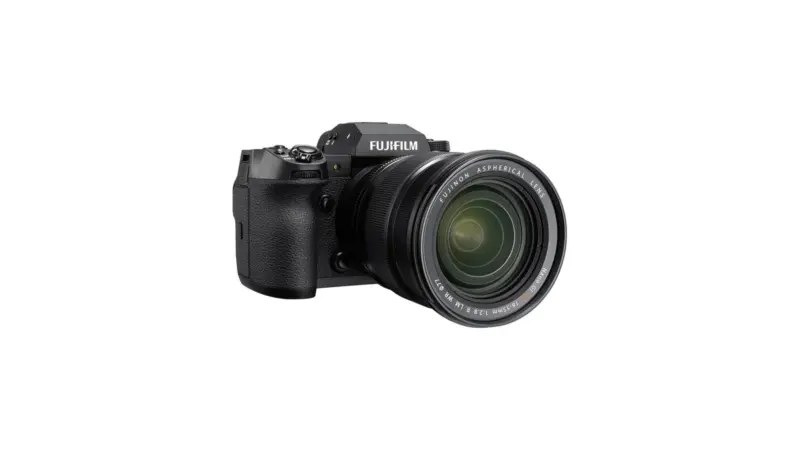
Fujifilm is ending iOS 14 and iPadOS 14 support in FUJIFILM XApp, with the change taking effect in version 2.7.6.1.
Announced on November 10, 2026, the change means that users running these operating systems on an iPhone or iPad are advised to upgrade to iOS 15, iPadOS 15 or a later version.
What changes for Fujifilm users
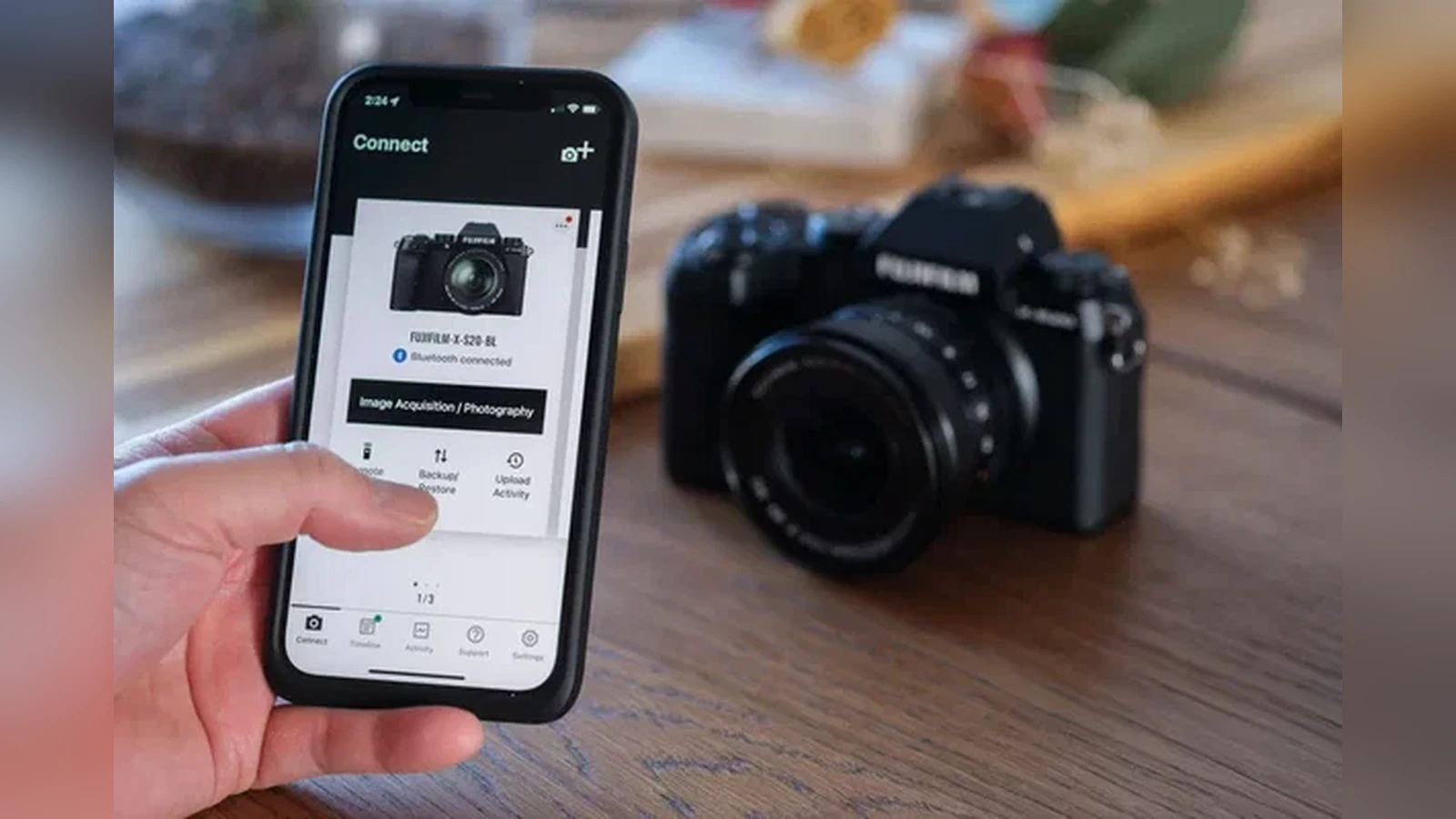
XApp connects compatible Fujifilm X Series and GFX cameras to a smartphone or tablet. It supports wireless photo and video transfer, remote camera operation and, depending on the camera model, settings backup and a record of photographic activity.
This announcement concerns the Apple operating systems supported by the app. It does not announce the removal of support for any particular camera model, nor does it announce an equivalent Android change.
What to check before your next connection
On your iPhone or iPad, open Settings, then General → About, to check the installed operating system. If it is running iOS 14 or iPadOS 14, check Software Update to see whether it can install at least version 15.
If the device cannot be upgraded, it is no longer within Fujifilm’s official support coverage for the current XApp. This does not necessarily mean that every previously installed copy will immediately stop working, only that compatibility with those older systems is no longer supported.
Camera pairing also requires a compatible camera and suitable firmware. Previous XApp updates addressed other practical issues, including time synchronisation in version 2.0.3 and location-permission requirements in version 1.1.0.
More information here.
What we think
For photographers who transfer images from the camera to their phone while out shooting, XApp is one of those tools that should just work. A higher minimum iOS requirement may seem minor until you try connecting an older iPhone or iPad that you keep in your camera bag for that specific purpose.
The practical move is to check the operating system before relying on the app on a job. If you use an older device as a remote controller or for quick file transfers, make sure it can be updated before heading out to shoot.