

Summary
- Cisco has released Webex for the foldable iPhone Duo.
- The app adapts to both displays and supports Split View.
- Mobile Camera Share streams live video that remote participants can annotate.
- Notetaker Agent adds transcription, summaries and action items for in-person discussions.
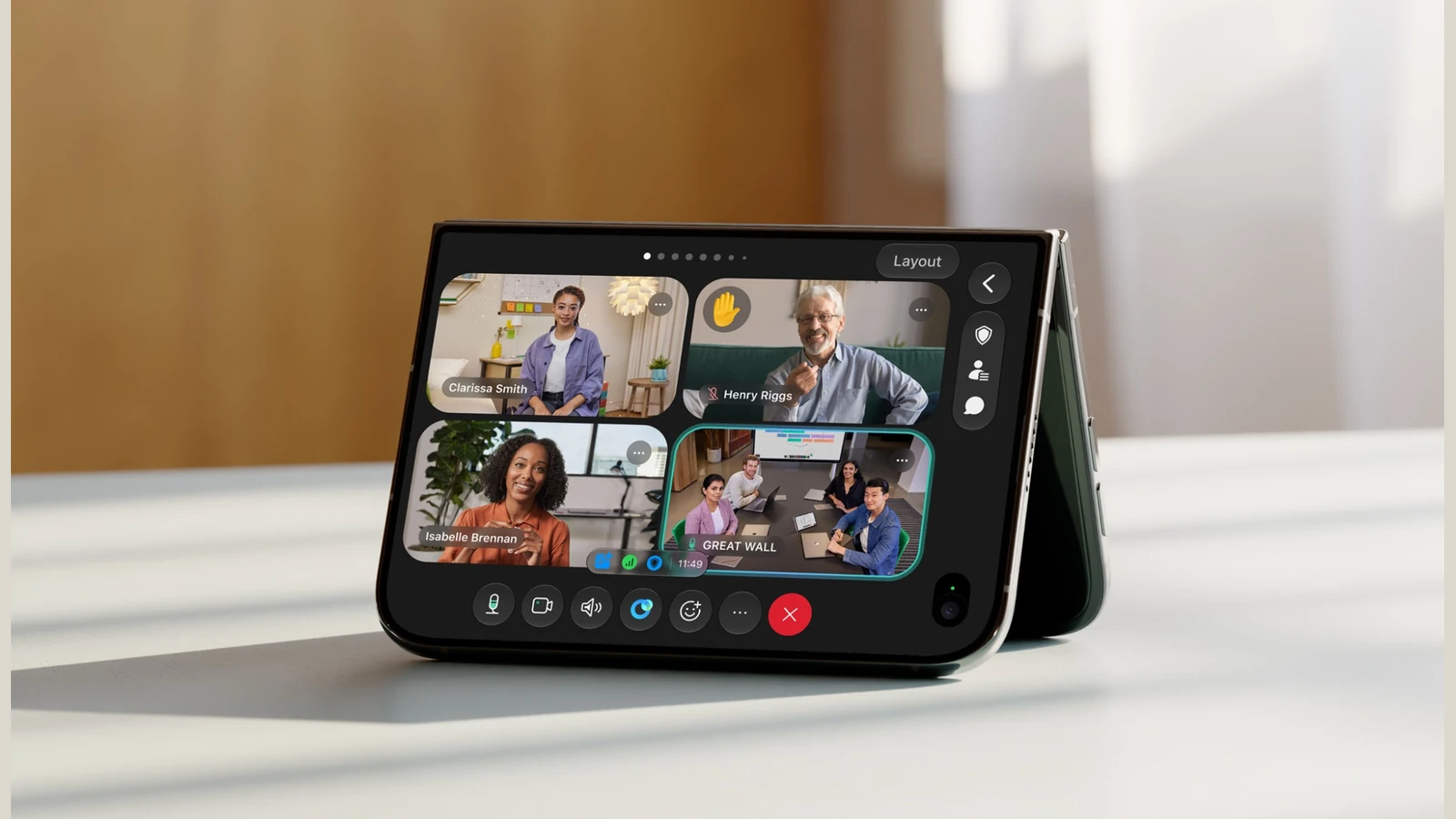
Cisco is bringing Webex to the foldable iPhone Duo, using its two displays for video meetings, live camera sharing and collaboration directly over the image.
The app is available on the App Store and adapts to how the phone is held or propped up: closed, unfolded, portrait, landscape or in a laptop-like position. This goes beyond simply enlarging a video-call window.
More room for meetings and Split View
With the Duo unfolded, Webex can show more participants, keep shared material visible and support collaborative whiteboarding. iOS 27 Split View allows a second app alongside Webex, useful when checking notes or technical details during a presentation.
This makes use of the broader iPhone Duo approach to working across two display formats: a phone that becomes a more spacious workspace when opened.
The camera becomes part of the conversation
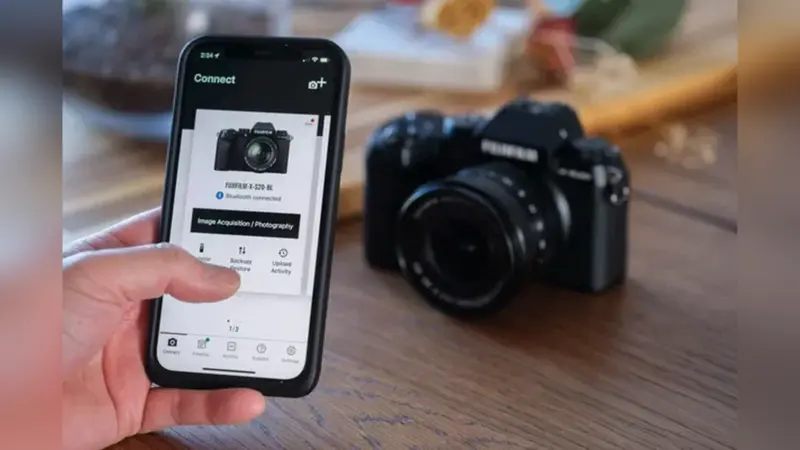
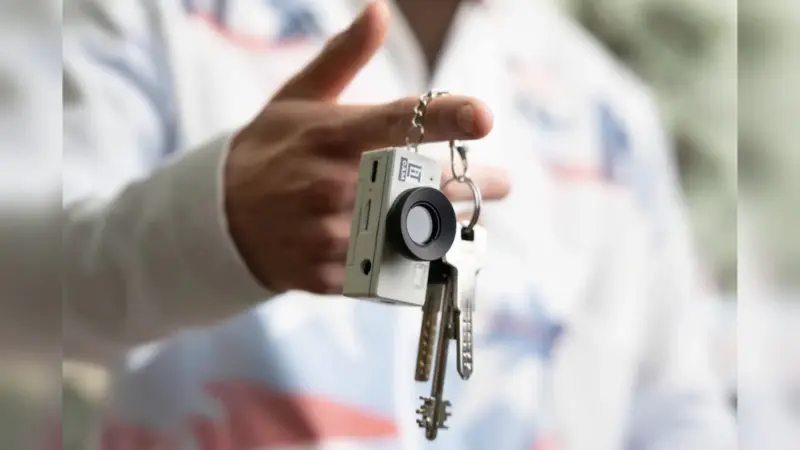
Webex Mobile Camera Share lets users stream live footage from the phone camera into a meeting while the Duo is propped open like a laptop. Remote participants can go beyond watching: they can annotate the video to guide the discussion.
For example, during an online demonstration of photography gear, a presenter could show a control or the connections on a camera rig up close while others mark the exact component being discussed. This is a possible workflow, not a claim of hands-on testing.
Webex Notetaker Agent and AI tools
Alongside Duo support, Cisco has made Notetaker Agent generally available in Webex for iPhone. It can transcribe in-person conversations, produce summaries and capture action items that emerge during meetings.
Cisco AI Assistant can also help retrieve information from discussions, track action items and rewrite messages. These AI features are not exclusive to iPhone Duo.
What we think
The standout feature is Camera Share with annotations from other participants. Anyone who has tried to explain remotely where a cable plugs in or what a camera control does can see the value. Instead of saying “a little farther left,” you can point to the exact spot on a live image.
The folding format is useful because the phone can stand on its own and provide a larger workspace for participants and shared material. Still, for demanding demonstrations, camera angle, sound and lighting matter just as much: a folding device does not solve those problems automatically.
Notetaker serves a different purpose. In a production meeting, it can reduce time spent taking notes, but AI-generated minutes should be checked before they are used for decisions or deliverables.