


Summary
- Lightroom 11.5.30 on iPhone adds Photo to Video through Animate in Quick Actions.
- Generation costs 40 credits for 4 seconds, 60 for 6 seconds and 80 for 8 seconds.
- In our Photography Plan test, Lightroom charged 40 credits from the first generation.
- The resulting 4-second clip did not convince us relative to the credit cost.
Lightroom can now turn a single photo into an AI-generated video directly on iPhone. We tested it with an active Adobe Photography Plan: the first four-second video cost 40 generative credits, and the result did not impress us.
Adobe lists Photo to Video in Lightroom 11.5.30 for iOS, dated September 14, 2026, alongside improved AI-powered search. Both are marked as iPhone-only in those release notes.
What we tested
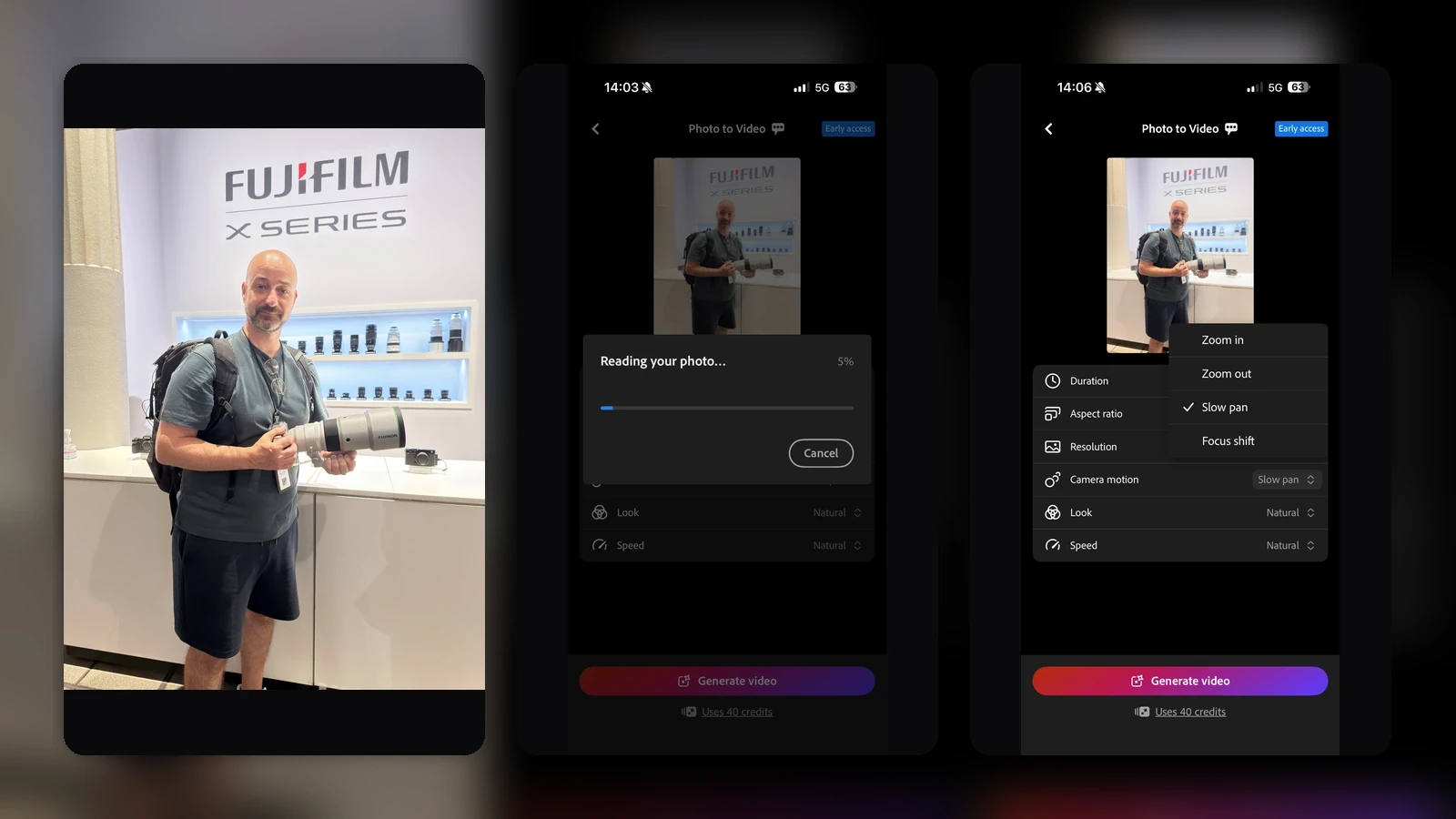
We started with a regular photo and used Photo to Video on iPhone. The feature is found under Quick Actions as Animate, following the path Actions → Animate → Generate video.

According to Adobe’s official documentation, Lightroom mobile uses generative AI powered by Google Veo 3.1 Lite and sends the selected image to the video-generation service.
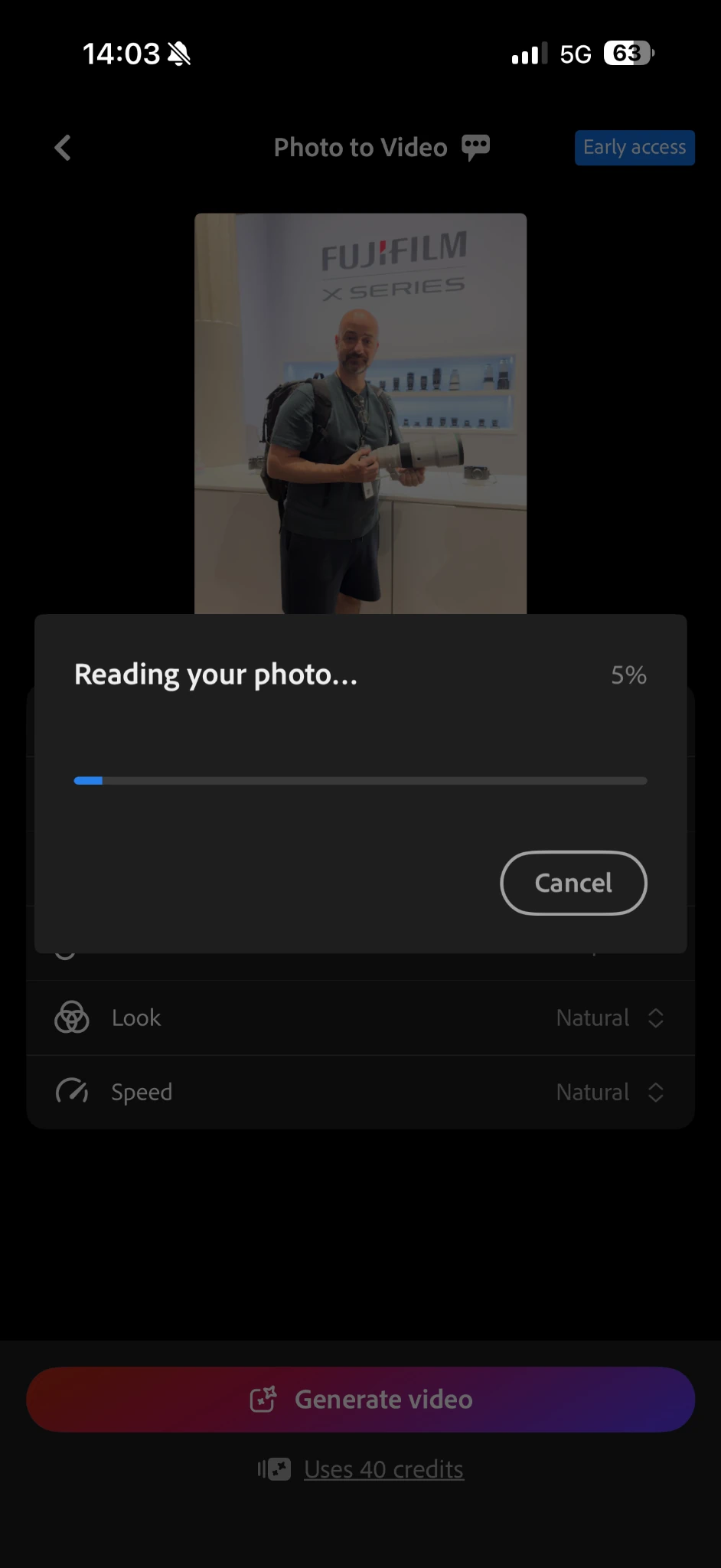
Photo to Video controls
Before generation starts, Lightroom provides several basic output controls. In our test we selected Slow pan, while the same screen also shows the 40-credit cost for a four-second generation.
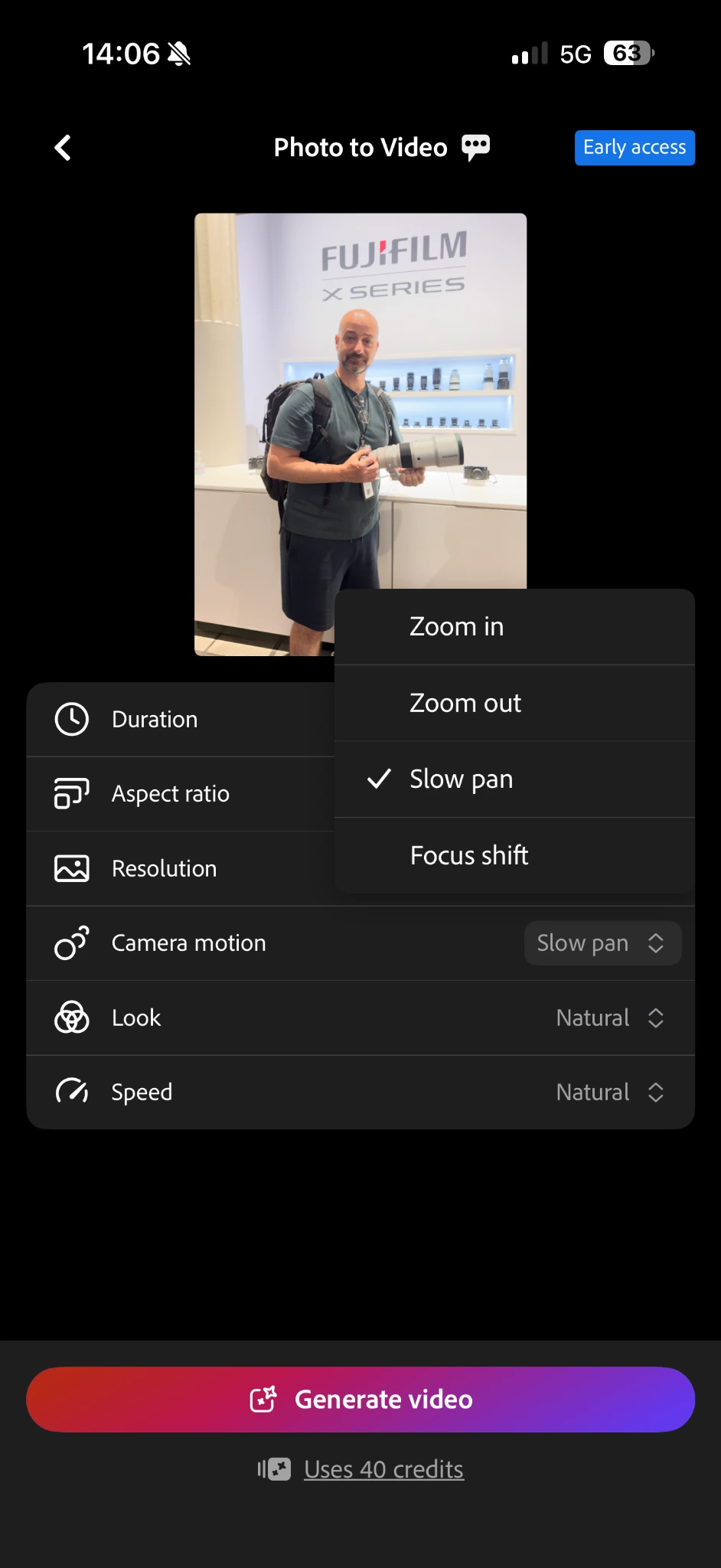
- Duration: 4, 6 or 8 seconds
- Aspect ratio: 9:16 Portrait or 16:9 Landscape
- Resolution: 720p or 1080p
- Camera motion: Natural, Zoom in, Zoom out, Slow pan or Focus shift
- Look: Natural, Golden hour, Vibrant pop, Faded film, Black & White or Dark and moody
- Speed: Slow, Natural or Fast
40 credits for four seconds
Adobe says video generation uses 40 generative credits for 4 seconds, 60 for 6 seconds and 80 for 8 seconds. The eight-second option requires a paid Lightroom plan. Adobe says free users receive two complimentary video generations before credits are consumed.
With our active Adobe Photography Plan, Lightroom charged 40 credits from the first four-second generation. Adobe also notes that if a generation is cancelled after it has started, the credits are still deducted and are not refunded.
The actual result
The generated clip was four seconds long. In this specific generation, the motion was limited and the final result did not add enough value over the source photo for us to easily justify the 40-credit cost.
We are not generalising from a single generation to every photo or setting. Generative models can produce different results depending on the source image and selected options. The practical issue is that every new attempt consumes more credits, making trial-and-error expensive very quickly.
What we think
The concept is useful for quick social content: a finished photo can become a vertical or horizontal clip without leaving Lightroom. In its current mobile form, though, Animate feels more like a quick AI effect than a tool offering detailed creative control.
At 40 credits for four seconds, we would want a more consistently convincing result on the first or second attempt. We did not get that in this test.
Frequently asked questions
Where is Photo to Video on Lightroom for iPhone?
In Quick Actions as Animate. The path is Actions → Animate → Generate video.
How many credits does it use?
40 generative credits for 4 seconds, 60 for 6 seconds and 80 for 8 seconds.
Does everyone get two free generations?
No. Adobe specifies the two complimentary generations for free users. In our Photography Plan test, Lightroom charged 40 credits from the first generation.
Which AI model does mobile Photo to Video use?
Adobe lists Google Veo 3.1 Lite for the mobile Animate workflow.
Can the generated video be edited afterwards?
Yes. Once generated, it returns to the Lightroom library and can be trimmed or adjusted with presets, light and color controls.