

Summary
- The Nikon Z50II is updated to firmware 1.11 with changes to Chinese menu item names.
- The Nikon D780 receives firmware 1.21, fixing occasional underexposure when zoom is adjusted during high-speed continuous shooting.
- The Nikon D6 is updated to firmware 1.71 with fixes for underexposure with D-type lenses and an unintended shutter-speed limitation.
- Installation requires a computer, a card reader and a correctly formatted memory card.
- The D6 may require a second update procedure for its GNSS module.
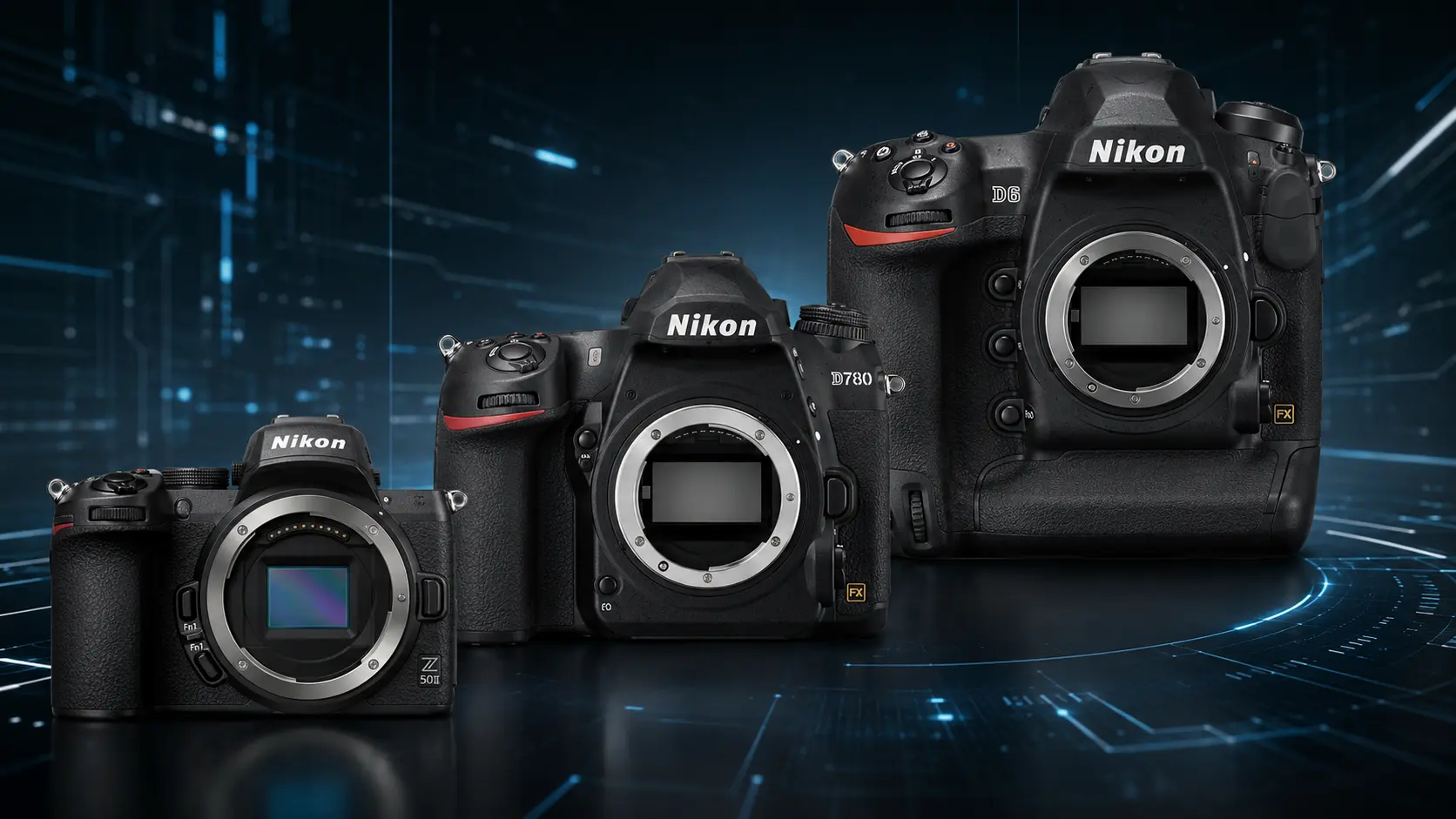
Nikon has released new firmware versions for the Z50II, D780 and D6, with the most significant fixes addressing underexposure issues on the two DSLRs.
Nikon released “C” firmware version 1.11 for the Z50II on August 5, 2026, followed on August 6 by firmware version 1.21 for the D780 and version 1.71 for the D6. The mirrorless Z50II update is limited to changes in Chinese menu item names, while the two DSLRs receive fixes directly related to image exposure.
The changes for the D780 and D6 are relevant in practical use because they address situations in which final images could be recorded darker than expected. These are targeted reliability updates rather than major feature releases.
What changes on the Nikon Z50II
The Nikon Z50II “C” firmware version 1.11 changes certain menu item names when Simplified or Traditional Chinese is selected. Nikon notes that the available languages may vary depending on the country or region.
The new version can be installed on Z50II cameras running firmware versions 1.00 through 1.10 and includes all changes introduced by previous updates. The file is named Z50_2_0111.bin and is approximately 102.83 MB in size.
Nikon warns that the firmware should not be updated while lenses other than Z-mount NIKKOR lenses or mount adapters other than the FTZ and FTZ II are attached, as failure to observe this precaution could cause the camera to malfunction.
The fix for the Nikon D780
Nikon D780 “C” firmware version 1.21 fixes an issue that could occasionally result in underexposed photographs when zoom was adjusted during high-speed continuous shooting.
The update supports cameras running firmware versions 1.00 through 1.20. The file is named D780_0121.bin and is approximately 35.98 MB in size. As with the other two releases, it includes all changes from previous firmware versions.
The two fixes for the Nikon D6
Nikon D6 “C” firmware version 1.71 addresses two separate issues. The first could occasionally cause photographs to be underexposed when a D-type lens was attached.
The second concerns shooting-function recall. In some cases, using this function could limit the shutter speed to 1/250 second even when Auto FP High-Speed Sync was active.
The firmware can be installed on D6 cameras running versions 1.00 through 1.70. The D6__0171.bin file is approximately 61.98 MB in size.
The additional D6 GNSS update
The Nikon D6 may also require a second installation cycle to update the firmware of its GNSS module. After completing the first “C” firmware update, the procedure must be repeated to update the GNSS module.
The second installation is not required when the GNSS module’s “G” firmware is already at version 0.17. That version introduced improved signal-acquisition performance in certain regions where the QZSS satellite system is available.
The installation procedure
A computer and card reader are required for all three cameras. Users should first check the installed version by selecting “Firmware version” in the camera’s setup menu.
The appropriate file must be copied to the root directory of a memory card previously formatted in the camera. If the file is placed inside a folder, the camera will not recognise it.
For the Nikon D780 and D6, the card must be inserted into Slot 1. The update is then launched from the “Firmware version” menu by following the instructions displayed on the screen. Once the process is complete, the camera should be switched off, the card removed and the installed version checked again.
What we think
These updates do not introduce major new features, but the exposure fixes for the D780 and D6 are important for photographers using continuous bursts, older D-type lenses or advanced flash-synchronisation settings. Z50II firmware version 1.11 is clearly less significant for users who do not use Chinese menus, but it remains the latest available version and includes all previous changes.
Frequently asked questions
What are the new firmware versions?
The Nikon Z50II is updated to “C” firmware version 1.11, the Nikon D780 to version 1.21 and the Nikon D6 to version 1.71.
What does the Nikon D780 firmware fix?
It fixes occasional underexposure that could occur when zoom was adjusted during high-speed continuous shooting.
What does the Nikon D6 firmware fix?
It addresses possible underexposure with D-type lenses and an issue that could limit the shutter speed to 1/250 second when shooting-function recall was used with Auto FP High-Speed Sync.
Is a computer required for installation?
Yes. Nikon states that a computer and card reader are required to install all three firmware updates.
Why might the Nikon D6 require a second update?
The second procedure updates the GNSS module. It is not required when the module’s “G” firmware is already at version 0.17.