Summary
- Nikon has released firmware C 1.10 for the Z50II
- The update applies to cameras running firmware C 1.00 to C 1.04
- It adds changes to Picture Control, controls, displays and network settings
- The aperture is no longer limited during video recording in S mode
- Nikon has changed specifications for uninterrupted HDMI video output
- The firmware file is named Z50_2_0110.bin
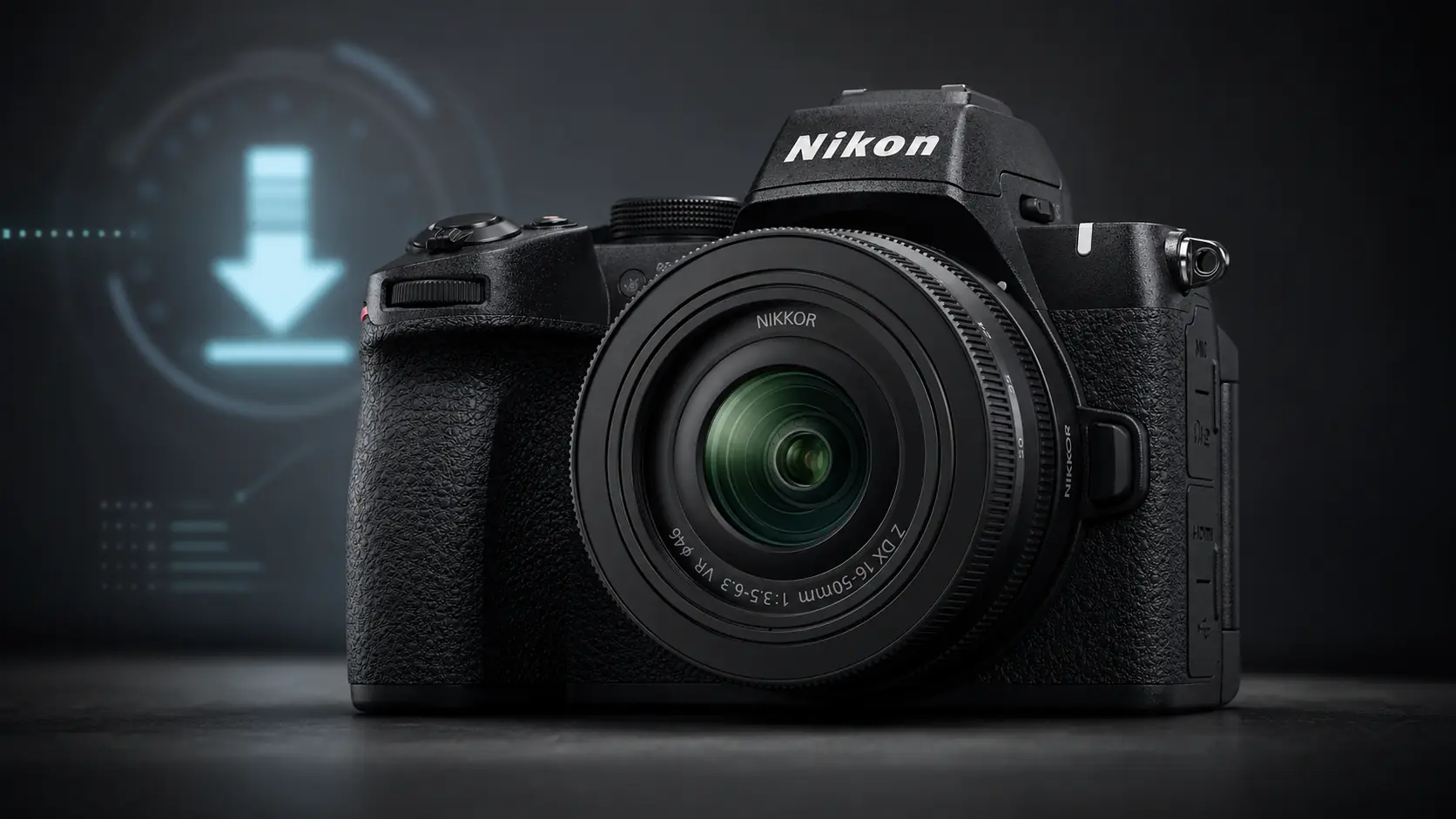
Nikon has released firmware version C 1.10 for the mirrorless Nikon Z50II.
The update applies to Nikon Z50II cameras running firmware C 1.00 to C 1.04 and brings changes to Picture Control, handling, displays, networking, HDMI and video recording.
The update matters mainly for users who work with the Z50II in more demanding conditions, as it adds options that affect everyday operation, connection with smart devices and the camera’s behavior in video workflows.
What changes in firmware C 1.10
Nikon says the new version changes the names of certain items related to Picture Control. Cloud Picture Control is renamed Imaging Recipe, while the option for adding Cloud Picture Control files is replaced by the function for downloading imaging recipes.
In the controls section, a new option is added to the focus position storage function, with the item When saving user settings inside the setup menu.
New display and network options
The setup menu gains the Auto switch monitor display option, which concerns how the camera manages screen display.
On the network side, Nikon adds the Always-on Wi-Fi option under connection to a smart device via Wi-Fi in AP mode. At the same time, the End inactive connection option is added to the FTP server connection options.
Improvements for video and HDMI
One of the most important changes concerns video recording. With the new firmware, aperture is no longer limited during video recording in S mode, meaning shutter-priority auto.
In addition, Nikon has changed the specifications for uninterrupted HDMI video output to external monitors and other devices when recording is stopped.
What it includes from previous versions
Firmware version C 1.10 also includes all changes made in earlier firmware updates.
Among them are fixes for issues involving NEF RAW files, magnified playback, video mode, USB charging with an EN-EL25a battery, as well as changes related to Nikon Imaging Cloud and SnapBridge.
How to install it
The update is installed by downloading the Z50_2_0110.bin file to a computer and copying it to a memory card formatted in the camera.
Nikon notes that the file must be placed in the root directory of the card and not inside a folder, so that the camera can recognize it. The user then inserts the card into the Z50II, selects Firmware version from the setup menu and follows the on-screen instructions.
The company also warns that the firmware should not be updated with attached lenses or adapters other than NIKKOR Z lenses or the FTZ II and FTZ mount adapters.
What we think
Firmware version C 1.10 is not just a routine update. The changes to video, HDMI, Wi-Fi and handling functions show that Nikon continues to improve the Z50II for creators who use it for both photography and video.
Frequently asked questions
Which camera does the new firmware support?
The update is for the Nikon Z50II.
What is the new firmware version?
The new version is C 1.10.
Which previous versions can be updated?
The update applies to cameras running firmware C 1.00 to C 1.04.
What is the firmware file name?
The file is named Z50_2_0110.bin.
Is a computer required for installation?
Yes, Nikon states that a computer and a card reader are required.