Summary
- Nikon has released firmware 1.1 for the COOLPIX P1100
- A rare freeze while adjusting zoom during burst shooting has been fixed
- Incorrect timestamps in video file metadata have been corrected
- The update is for cameras running firmware 1.0 and the file is about 19.69 MB
- A computer, memory card and card reader are required
Nikon has released firmware 1.1 for the COOLPIX P1100, fixing a rare freeze while adjusting zoom during burst shooting and incorrect timestamps in video file metadata.
The update is intended for cameras running firmware 1.0 and is available free of charge from the Nikon Download Center. The file is named firmware.bin and is approximately 19.69 MB.
The first fix directly improves stability during demanding continuous-burst shooting, while the second restores the accuracy of date and time information in video files, helping with archiving and organizing footage.
Two fixes in version 1.1
According to Nikon, firmware 1.1 resolves two issues:
- In rare cases, the camera stopped responding when the user adjusted zoom during burst shooting.
- Some timestamps in video file metadata differed from the actual recording date and time.

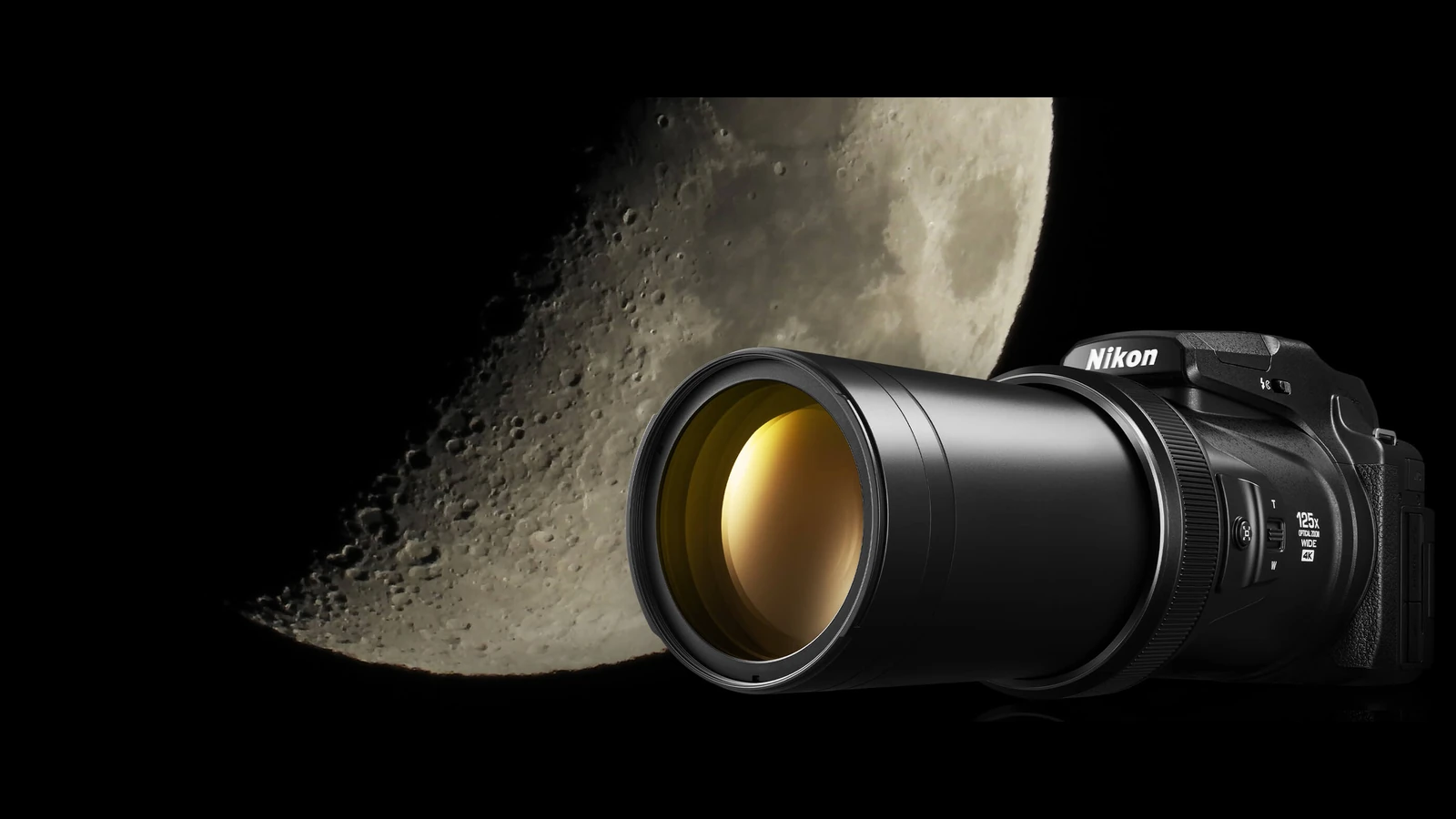
The COOLPIX P1100 and its 125x zoom
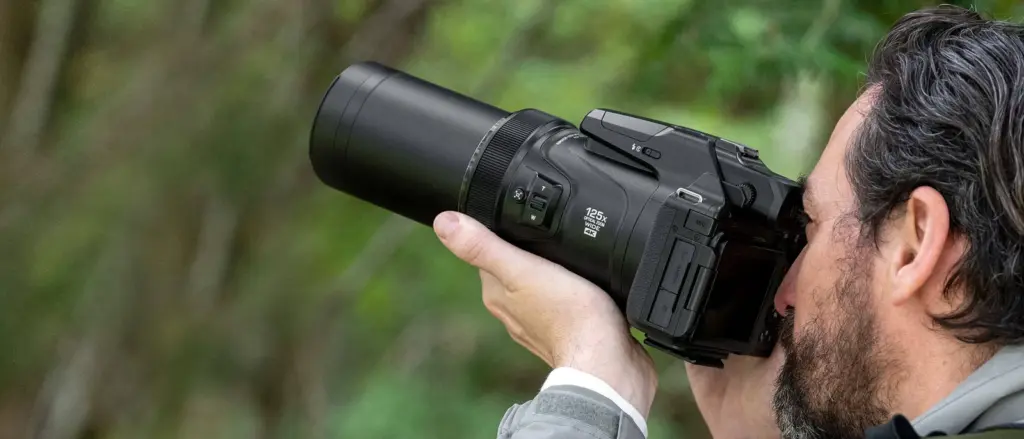
The COOLPIX P1100 was introduced in 2025 as the successor to the P1000. It features a 125x optical zoom with a 24–3000mm equivalent focal-length range in 35mm format, while Dynamic Fine Zoom reaches a 6000mm equivalent. It also supports 4K UHD recording at 30p and Dual Detect Optical VR.
With these specifications, stable zoom operation during burst shooting and accurate video metadata affect two of the camera’s core uses: photographing distant moving subjects and recording video at very long focal lengths.
Download and compatibility
Firmware 1.1 is intended for COOLPIX P1100 cameras running version 1.0. If the camera already has version 1.1 installed, no new download or installation is required.
How to check the firmware version
Turn on the camera, press the MENU button and open the Setup menu. Select Firmware version to view the installed version, then turn the camera off after checking it.
Installing firmware 1.1
First format the memory card in the camera. On the computer, create a folder named “firmware” and copy firmware.bin into it. Then use a card reader to copy the entire “firmware” folder to the root directory of the memory card.
After confirming that the card is not write-protected, insert it into the COOLPIX P1100. Open Setup > Firmware version and follow the on-screen instructions to start the update.
When the update is complete, turn the camera off, remove the card and check again to confirm that version 1.1 is installed. Nikon notes that the procedure can also be performed by an authorized Nikon service representative.
What we think
Firmware 1.1 is a focused update, but it addresses two specific issues with practical consequences. A freeze during burst shooting can cost a shot, while incorrect timestamps make footage harder to organize. Owners still running version 1.0 have a clear reason to update.
Frequently asked questions
What is the latest firmware version for the COOLPIX P1100?
The latest version is 1.1 and it is intended for cameras running firmware 1.0.
What does firmware 1.1 fix?
It fixes a rare freeze while adjusting zoom during burst shooting and video metadata timestamps that did not match the actual recording date and time.
Is a computer required for the update?
Yes. Nikon’s official procedure requires a computer, a memory card and a card reader.
Which file should users download?
The file is named firmware.bin and is approximately 19.69 MB. The download is enabled after selecting an operating system and accepting the license agreement.