

Summary
- Zoner Studio’s fall update introduces 37 presets across six categories.
- AI Lab provides 19 creative tools and exports JPEG files up to 4K.
- Luminance masks, tone curves, and color toning also receive improvements.
- Build 722 is available to subscribers at no extra charge.
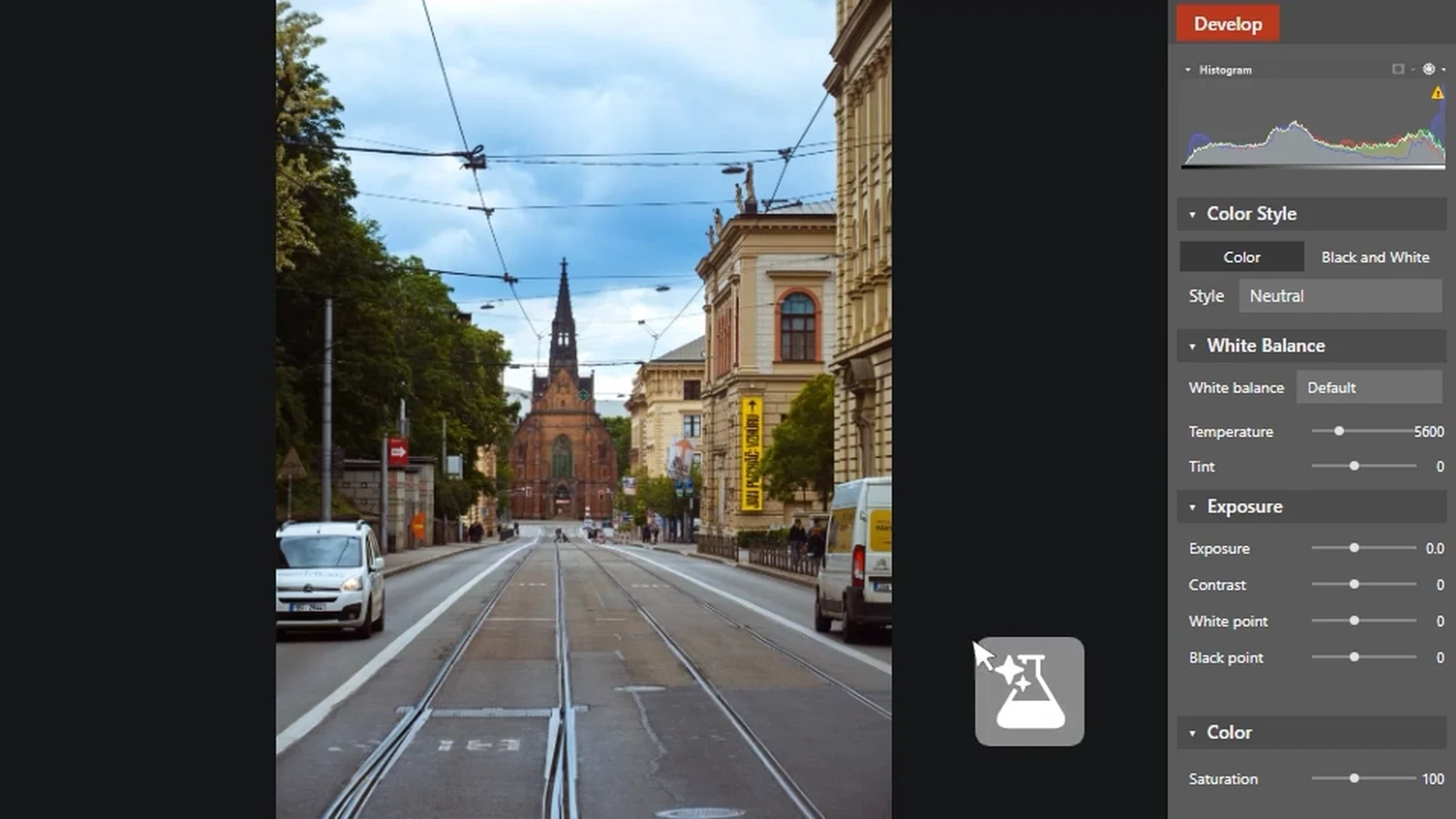
Zoner Studio’s new update makes presets far more flexible and adds a dedicated AI Lab for edits that go beyond conventional photo processing.
Released on November 10, 2026 as Build 722, the fall update introduces 37 presets across six categories, 19 AI features, and finer control over color and contrast.
Following the organization and image-stacking tools introduced in the Zoner Studio Summer Update 2026, this release puts more emphasis on developing a consistent look and applying it efficiently across a set of photographs.
37 presets designed to work together
The biggest shift is in Develop. The new presets are designed as individual editing steps: photographers can start with a color grade, add microcontrast or cinematic glow, and finish with sharpening, noise reduction, or grain. Applying a preset from one category does not automatically wipe out adjustments from another.
The six groups are Color Grades, Look Modifiers, Quick Adjustments, Corrections, Finishing Touches, and Creative Effects. The collection also includes options such as AI Subject Pop and rim lighting. Users can change a preset’s intensity and inspect the exact parameters it modifies.
A completed combination can be saved as a custom preset and used across an entire album. Preset management is easier too, with user folders and the ability to hide unused options. Most old presets have been replaced, though the original Color and Black and White presets remain available as separate downloads.
More precise color, contrast, and brightness adjustments
Luminance Range now offers smoother selections of highlights and shadows in local masks, including Blacks, Shadows, Midtones, Highlights, and Whites. The previous selection method remains available.
In Tone Curve, Saturation Correction helps prevent unwanted color shifts when adjusting contrast, with correction available for both RGB and Luma curves. Color Toning now adds dedicated midtone adjustments alongside highlights and shadows, with Lightness and Blending controls for smoother transitions.
AI Lab: 19 tools, a different workflow from RAW Develop
AI Lab is a separate space for experimenting on photographs that have already been edited. Its 19 features include Object Removal, Generative Expand to extend a frame, Generative Rotate to fill missing areas after rotation, and Noise Removal.
There is an important practical limitation: AI Lab only works online, handles one photograph at a time, and outputs a new JPEG at up to 4K resolution. Unlike conventional RAW adjustments, the edits are not non-destructive. Zoner recommends finishing regular processing first and using AI Lab as the final creative step.
Smaller changes that save time
Search can now filter images by the stacks they belong to, making it easier to locate focus-stacking series or finished composites. The Video module gains ready-made animated text styles, while the Zoni assistant now opens directly inside the application with F1.
Availability
Build 722 is available to Zoner Studio subscribers at no extra charge. The application runs on Windows 10 and 11, with a seven-day free trial for new users and no payment card required.
More information here.
What we think
The change to presets is what stands out for us. When working through a large photo set, the last thing you need is a new look that destroys your previous adjustments. Building a result from smaller independent steps and applying that recipe to a full series fits a real photographic workflow much better.
The refinements to luminance masks and midtone controls are just as useful, even if they are less flashy. When trying to preserve natural skin tones or balance harsh highlights and deep shadows, those extra controls can matter more than one more dramatic effect.
We would approach AI Lab with different expectations. Object removal and generative expansion are useful for experimenting and for lower-resolution outputs. But if you regularly deliver high-resolution work to clients or maintain a RAW-based workflow, the JPEG output limit of up to 4K means AI Lab is not your main editing environment yet.
Frequently asked questions
Does AI Lab offer non-destructive RAW editing?
No. Zoner recommends completing RAW adjustments in Develop first. AI Lab outputs a new JPEG at up to 4K, and its changes are not non-destructive.
Does the new update cost extra?
The fall update is included for existing Zoner Studio subscribers at no additional cost. New users can access a seven-day trial.
Is Zoner Studio available for Mac?
No. Zoner Studio is available for Windows 10 and 11, and there is no macOS version.