

Summary
- Adobe is preparing local MCP integrations for Photoshop, Premiere, Illustrator and After Effects.
- Third-party AI agents will be able to edit native project files while preserving layers, bins and sequences.
- The integrations are planned for private beta in early 2027.
- Already available AI Assistants are a separate feature.
AI agents will be able to open and edit actual Photoshop and Premiere projects while preserving layers and timelines: that is the direction Adobe outlined at MAX 2026.
On November 10, the company previewed local Model Context Protocol (MCP) integrations that would let third-party AI agents perform tasks inside Creative Cloud applications. The integrations are planned for private beta in early 2027.
Adobe’s official video introduces the broader evolution of its Creative Agent:
What an AI agent could do differently
A conventional generative AI prompt can produce an image, a video or a finished result. This approach aims to edit the underlying structure of a professional project. Rather than merely returning an exported file, an agent could make changes that a creator can continue adjusting.
Adobe specifically highlights Photoshop layers, Illustrator vectors, Premiere bins and editing sequences as structures that would remain available for manual changes. Creators could step in at any point instead of being left with a flattened, difficult-to-revise output.
Photoshop, Premiere, Illustrator and After Effects
In Photoshop, preserving layers is especially important for complex retouching, compositing and client work that goes through repeated revisions. The aim is to let an agent help with edits without removing access to the individual elements.
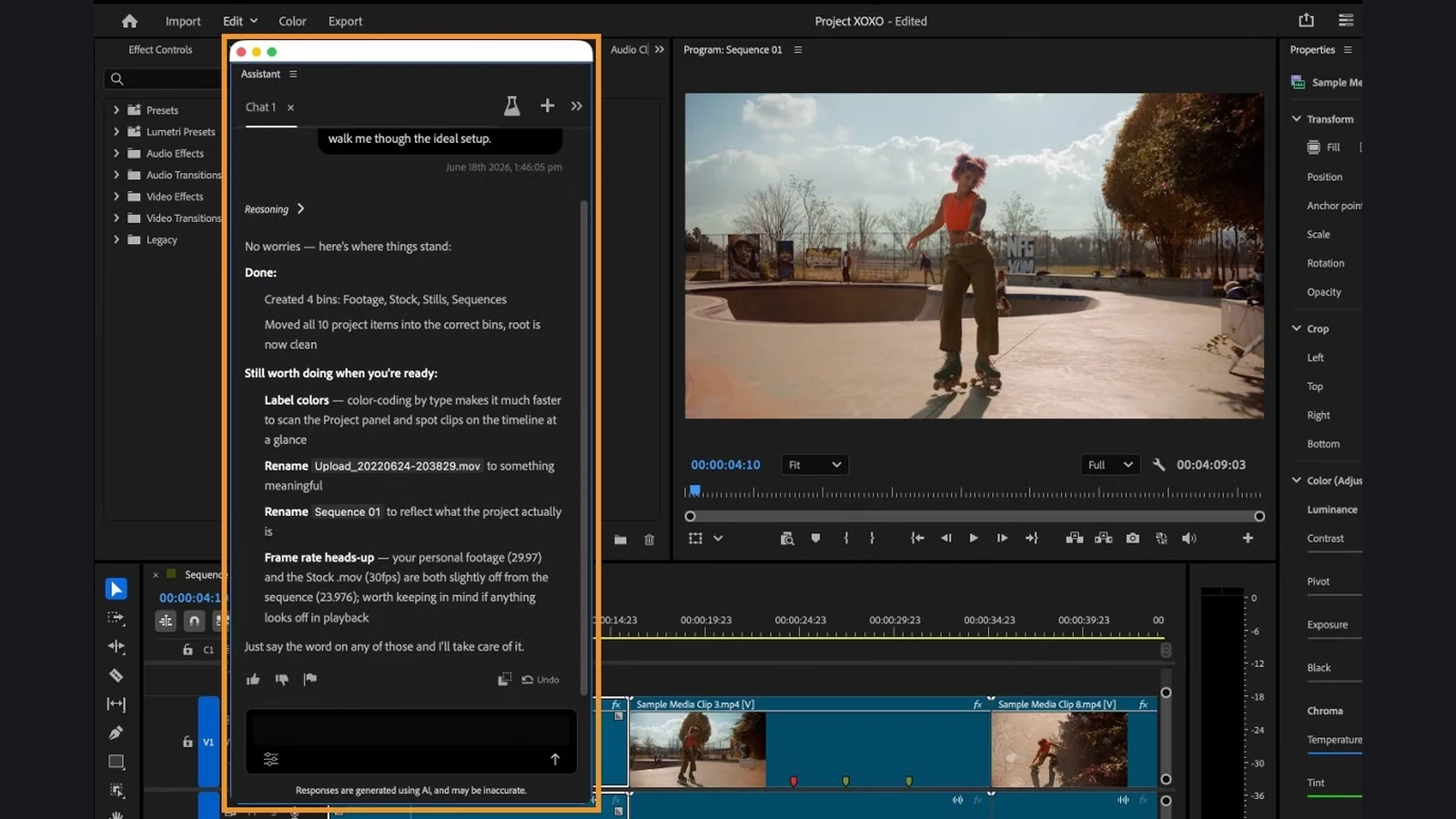
In Premiere, bins and sequences underpin real productions. Adobe describes agents working with these project structures while editors retain access to clips, shot order and detailed editing decisions. Similar local integrations are planned for Illustrator and After Effects.
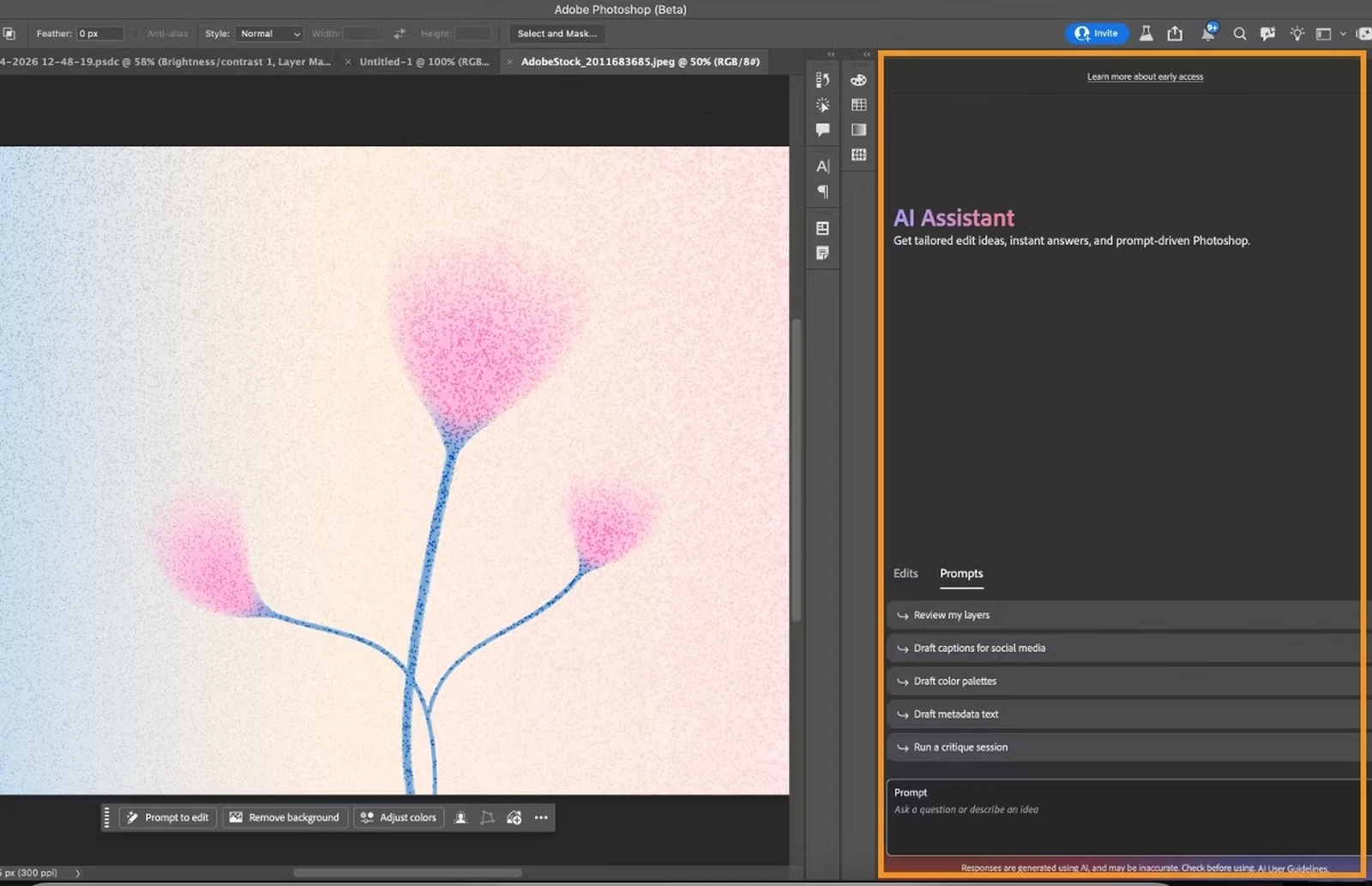
This announcement is separate from Creative Agent features already available in beta. For instance, Premiere’s assistant can already apply effects across multiple clips and adjust color or exposure throughout a sequence. Meanwhile, prompts to the existing Premiere AI Assistant consume Firefly credits under its current beta model. None of that means the new MCP integrations are already live.
How this connects with other apps
MCP is a way for an AI agent to communicate with tools and services. Through Adobe’s previewed local integrations, an agent would be able to use Creative Cloud functions on a user’s computer and make edits to native project files.
In Adobe’s example, an agent connected to services such as Google Drive or Slack could retrieve a brief from Google Docs, work on a project using Creative Cloud tools and share the result with colleagues. This illustrates the intended workflow; it does not establish that every combination is available now.
The Adobe Firefly Graph is a different tool. Already in public beta, it enables visual design of repeatable AI workflows inside Firefly. The new MCP plan focuses instead on an external agent working directly with editable projects in desktop creative applications.
When will it be available?
Adobe says its local MCP integrations are scheduled for private beta in early 2027. It has not announced a general release date, final list of supported third-party agents or specific pricing for these connections. Existing AI Assistants and other Creative Cloud features have separate release schedules.
For professional workflows, the key tests will be how accurately an agent handles real layers, masks, sequences and project dependencies, and how easily creators can inspect or reverse its changes.
What we think
Anyone who has spent hours organizing a Premiere project or refining dozens of Photoshop layers can see the appeal. Asking AI for a good-looking result is one thing; getting it to handle a defined part of the job and then picking up the editable project is far more useful.
On a video production, sorting footage, consistent naming and changes across a long sequence can consume serious time. On a photo job, receiving a properly layered file matters more than getting an impressive flattened image that needs to be rebuilt.
The deciding factor will be control. If an agent gets a mask wrong or moves the wrong clip, an editor needs to spot it and fix it immediately without losing work. That is where genuine production automation separates itself from a fast-looking demo.
Frequently asked questions
Can I already use a third-party AI agent to edit local Photoshop or Premiere files through these MCP integrations?
Not through the new local integrations Adobe announced. A private beta is planned for early 2027. Today’s AI Assistants are separate beta features.
Will the edits preserve layers and sequences?
That is Adobe’s stated design: changes inside native projects with editable layers, vectors, bins and sequences, so creators can continue working manually.