

Summary
- Adobe is bringing AI image editing and Express templates to Microsoft Photos on Windows 11.
- A preview for Windows Insiders is scheduled to start in December 2026.
- The company also details optimized Photoshop, Premiere, After Effects and Substance 3D Painter versions for powerful Arm PCs.
- No general-release date has been announced for the Photos integration.
Adobe is bringing AI-powered editing tools and Adobe Express templates into Microsoft Photos on Windows 11, allowing users to edit photos and start creative projects without first opening a separate app.
The partnership was announced on November 10, 2026, at Adobe MAX. The first preview for Windows Insiders is scheduled for December, while the same announcement outlines professional Adobe app optimizations for high-performance Arm-based Windows PCs.
What Adobe Express will add to Microsoft Photos
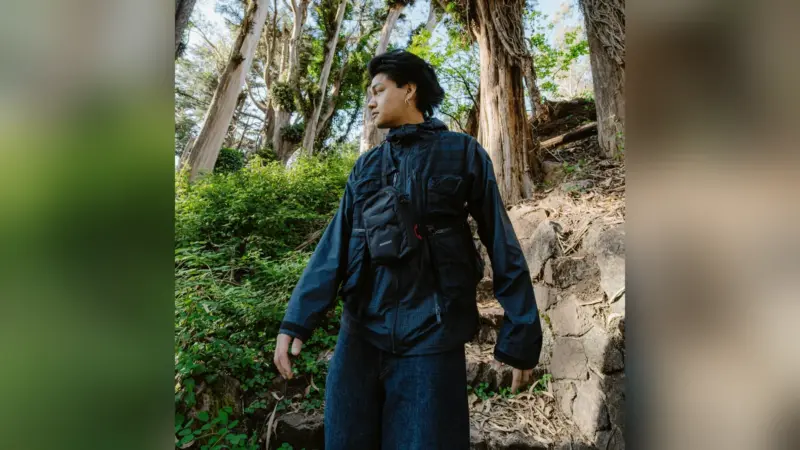
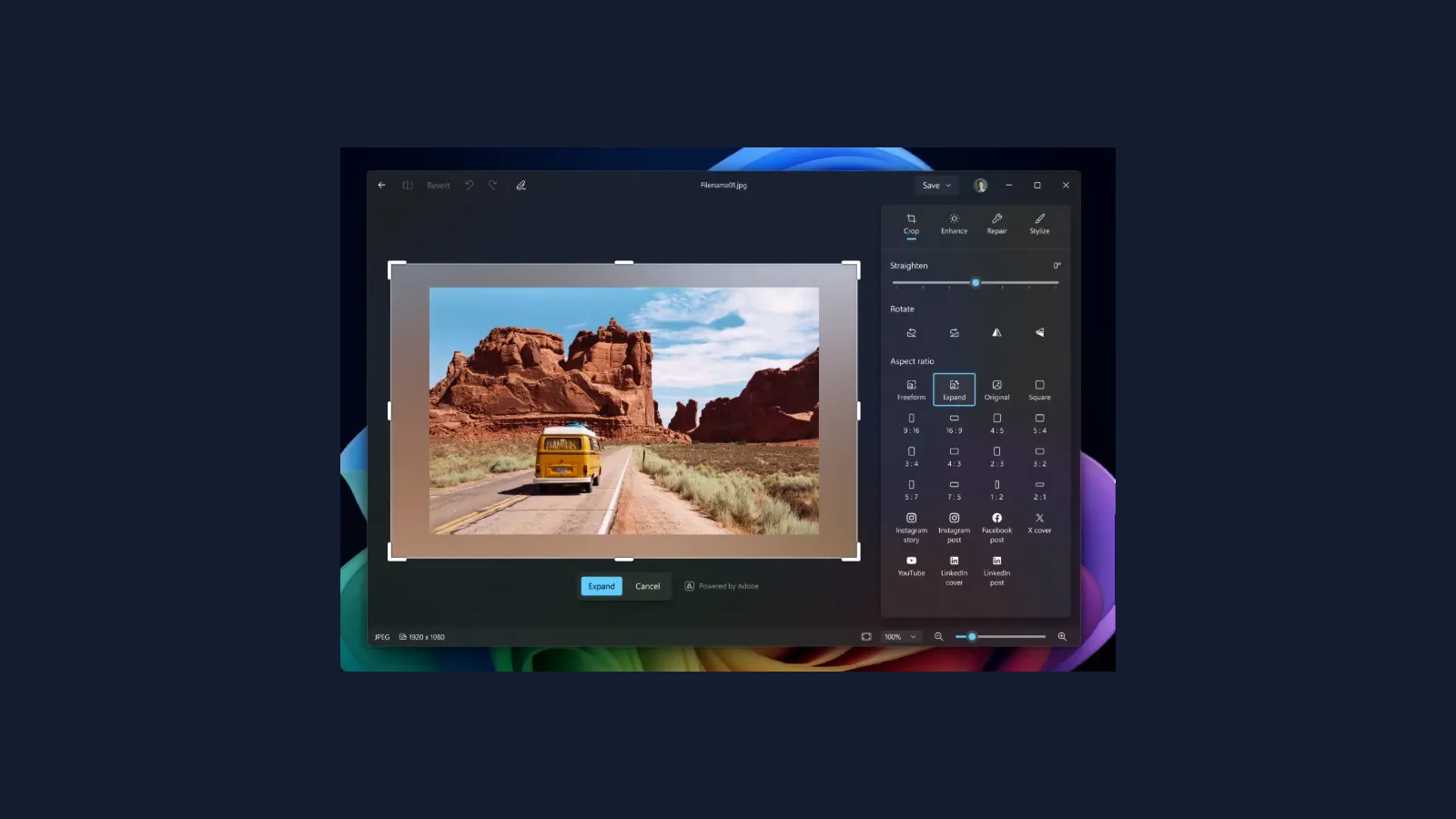
Inside the native Photos editor, Expand will extend a photo beyond its original borders by generating additional image content. Adobe also describes rotation without losing parts of the original frame, with newly exposed edges filled in.
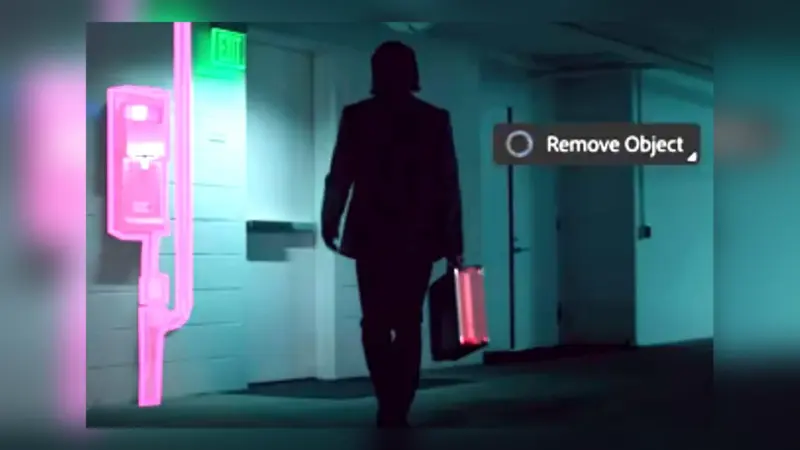
Users will be able to select an object or region and describe what they want to add or change in natural language. Unwanted objects can be removed while the background is reconstructed. These are generative edits, which means the resulting image may include elements that were not captured in the original photograph.
The connection goes beyond the editor. From the Windows 11 Photo Viewer, a photo can be opened in Adobe Express and previewed in a personalized template before the user continues designing. This could make it quicker to turn an image into an invitation, flyer or social post without repeated exports and imports.
The move follows the integration of Adobe creative tools into Google Gemini: selected capabilities are increasingly appearing within the services people already use.
Photoshop and Premiere optimized for powerful Arm-based Windows PCs
The other side of the announcement covers Photoshop, Premiere, After Effects and Substance 3D Painter (beta). Adobe says optimized versions are available for high-performance Arm-based Windows devices, including the new Surface Laptop Ultra powered by NVIDIA RTX Spark. This should not be read as a performance promise for every Windows computer.
For Photoshop, Adobe highlights improved responsiveness and processing, with the Remove tool using on-device generative AI as an example. It is also developing a compositing-based architecture for live filters, HDR and brush interactions; that architecture is still described as work in progress, not as a finished feature available today.
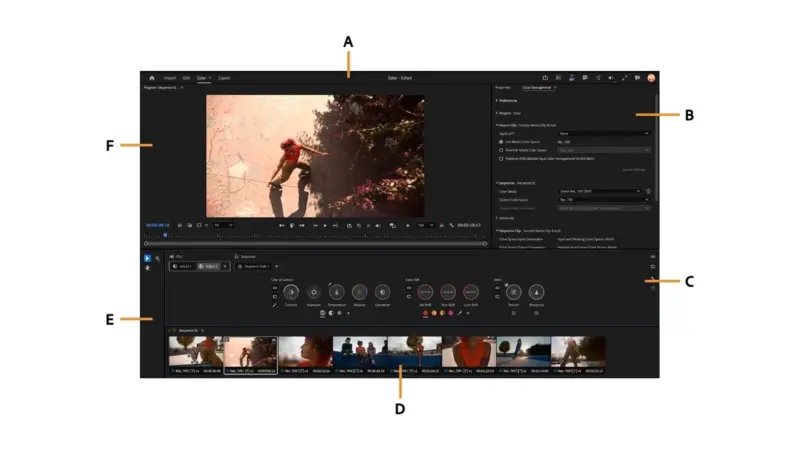
For Premiere, Adobe points to an optimized video pipeline, stronger real-time editing and color performance, and faster rendering of complex timelines. It also cites improvements in Enhance Speech and Object Mask. After Effects has been optimized for the compositing and matte-refinement work that often follows an edit.
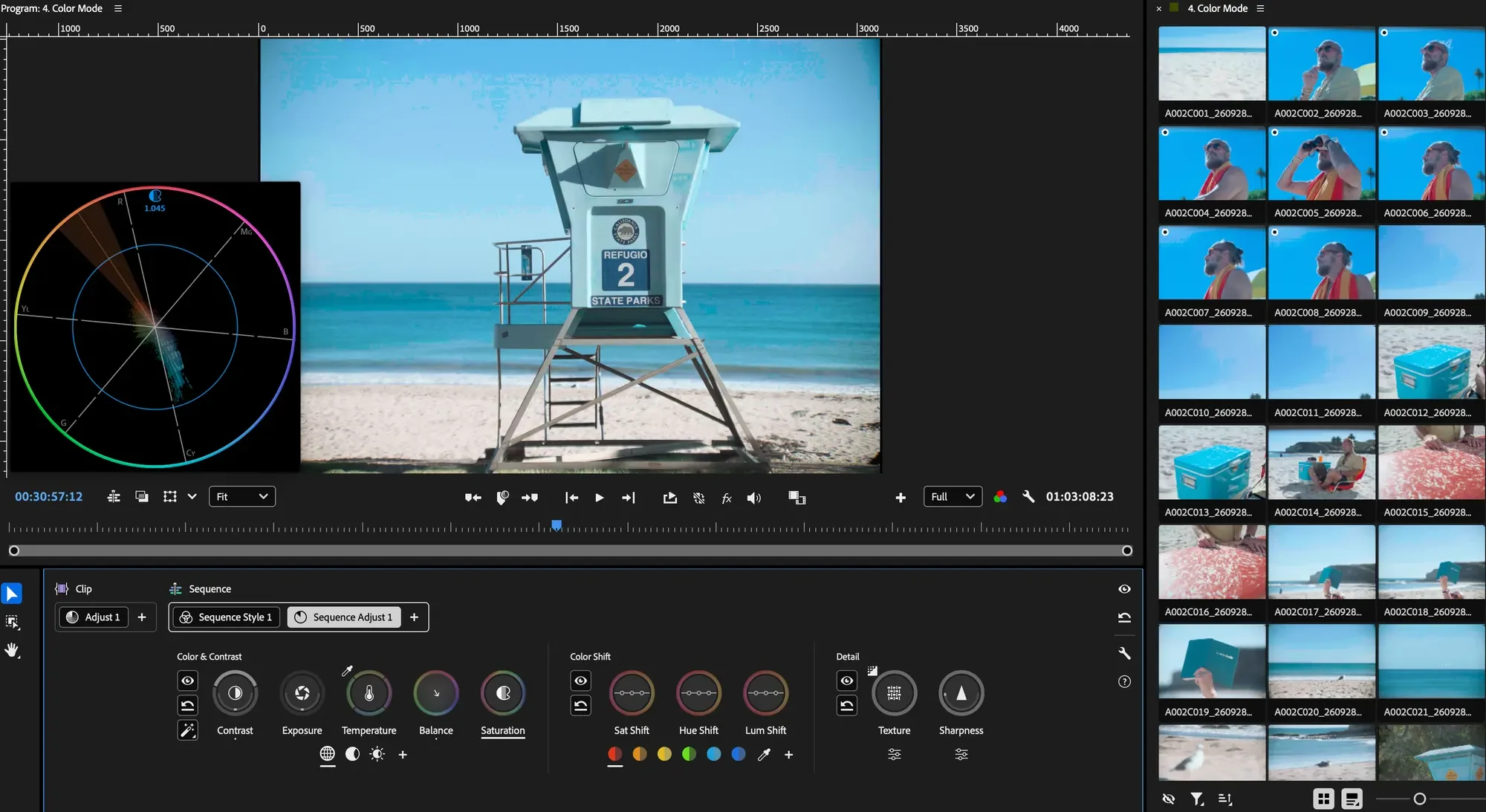
AI tools for video and audio are already becoming part of Premiere and After Effects creative workflows. Here, however, the specific announcement is about hardware-targeted application optimization, rather than a feature arriving automatically on every PC.
Substance 3D Painter, still in beta for this configuration, is aimed at production-grade texture work, mesh baking and large asset sets. Adobe says it will continue benchmarking and optimizing alongside Microsoft, but the announcement does not provide independent comparable benchmarks.
When will it be available?
The Microsoft Photos integration is planned to enter preview for Windows Insiders in December 2026. Adobe has not announced an exact general-release date or a comprehensive list of regions, supported devices or subscription requirements for every feature. The optimized professional apps for the specified high-performance Arm devices are described as available now.
What we think
The practical appeal is having creative editing much closer to the place people already browse their pictures. For a quick product shot or social graphic, expanding a frame and moving straight into a template could save several small but annoying steps.
Photographers should still think carefully about when to use AI expansion. Adapting a photo for a poster is one thing; introducing generated details into an image presented as a factual record is quite another. Photoshop and more controlled editing workflows remain valuable when precision and transparency matter.
For filmmakers, promises of faster playback, grading and rendering matter more than the device names. Before replacing an existing workstation with an Arm laptop, we would want to see performance on actual codecs and complex production timelines.
Frequently asked questions
Can I use Adobe Express inside Microsoft Photos now?
Not as a generally available feature. Adobe plans to start the Windows Insiders preview in December 2026.
Does this put the full Photoshop application inside Photos?
No. The announcement covers selected Adobe-powered AI editing features in Photos and a path into Adobe Express for further design work.
Will the Premiere optimizations benefit every Windows 11 PC?
Adobe is specifically discussing high-performance Arm-based Windows systems, rather than promising identical gains across every PC configuration.