


Summary
- Adobe in Gemini enables photo editing, batch adjustments and creative asset workflows through natural language.
- It is not the full Photoshop or Lightroom interface inside Gemini.
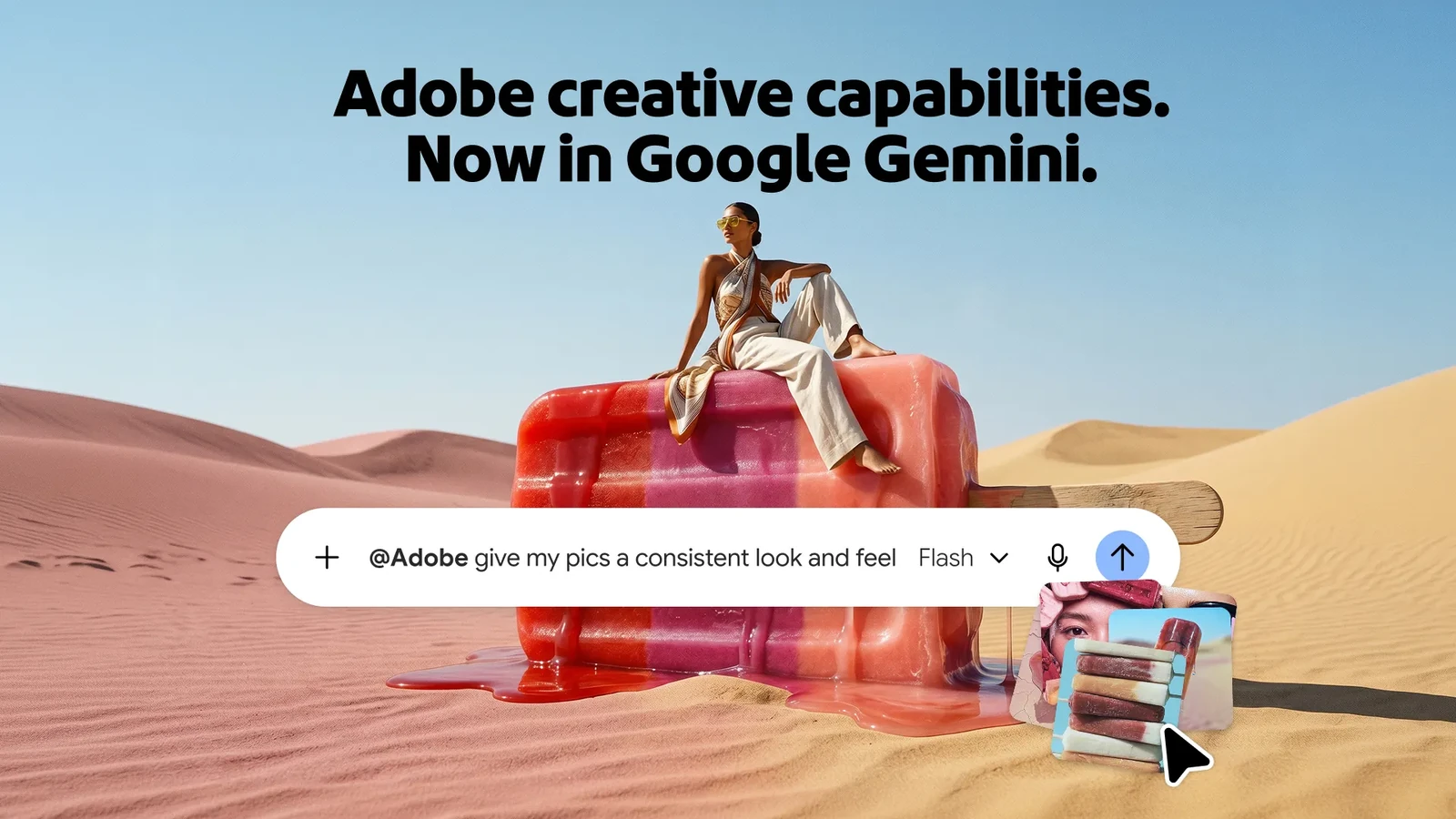
Adobe is enabling a new Connected App in Google Gemini that brings capabilities from Photoshop, Lightroom, Firefly and Adobe Express into the conversation, allowing users to request photo edits and creative tasks in natural language.
Google announced a new wave of Gemini Connected Apps on September 23, including Adobe. One day later, Adobe detailed Adobe in Gemini and explained which creative workflows can be handled without leaving the chat.
What Adobe actually brings to Gemini
The integration does not place the full desktop interfaces of Photoshop or Lightroom inside Gemini. It is a connection that exposes selected Adobe capabilities and tools, allowing the user to describe the desired result while the system orchestrates the appropriate steps.
Adobe explicitly notes that Adobe for Google Gemini does not include every feature from each application. The available toolset is expected to expand over time.
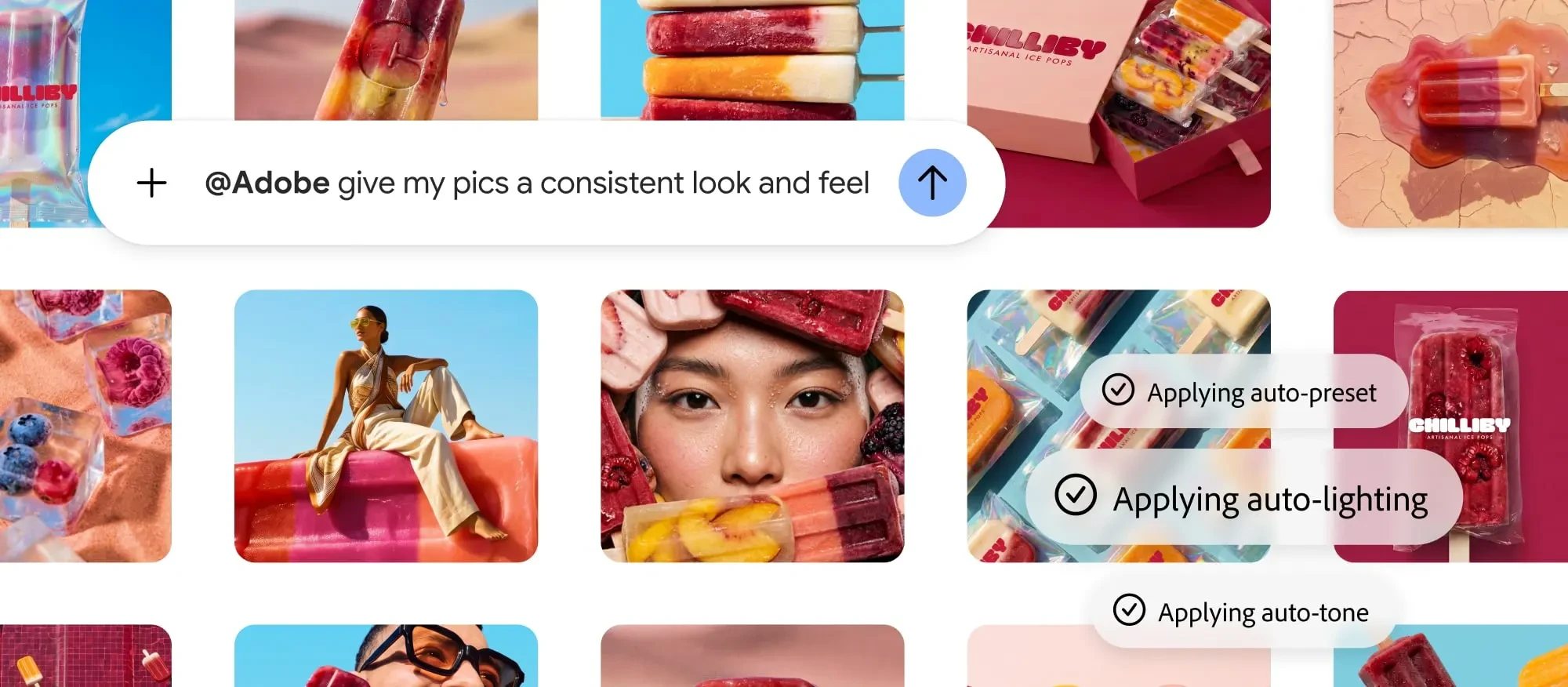
Photo editing and batch workflows
For photographers, the most direct use case is editing one or more images from within the conversation. Adobe says the connector can adjust lighting, colour and tone, as well as apply consistent cropping across a set of photos.
Adobe also shows a workflow in which a Lightroom preset is applied across multiple images to create a consistent look. This is particularly relevant to product photography, ecommerce and social production where a large number of files need to share the same visual treatment.
Beyond photo editing
The Connected App is not limited to Lightroom and Photoshop. Adobe also connects Firefly and Adobe Express, enabling users to create mockups, generate variants for different social platforms and customise templates from within the conversation.
An asset can, for example, be turned into versions for ecommerce, Instagram, TikTok or Facebook, while a logo can be applied to multiple product mockups without rebuilding each variation manually.
How to enable it
Google lets users work with Connected Apps from Gemini settings or by mentioning an app in the conversation. Adobe’s setup path is Settings → Personal Intelligence → Connected Apps → Adobe. Users can then call the tool with @Adobe or simply ask Gemini to carry out a creative task.
Adobe says the integration is available across all Gemini plans and began a global rollout on September 24, 2026. Some capabilities require signing in to an Adobe account and certain tools may require an eligible paid Adobe plan, while actual availability can also depend on service and regional support.
What changes for photographers’ workflows
The main change is that part of the editing process can now begin before the user opens the full Photoshop or Lightroom application. For quick corrections, batch processing and asset variations, Gemini becomes a natural-language front end to Adobe tools.
At the same time, the connector does not replace the full applications when detailed control, layers, masks, precise colour work or complex retouching are required. Adobe positions Gemini as another entry point into the workflow, with the option to continue work in Adobe’s main applications.
What we think
The notable shift is not that Photoshop has been moved wholesale into Gemini, but that selected capabilities from Adobe’s ecosystem can now be called through natural language from an external AI interface. That can reduce steps for repetitive work and quick batch edits, while demanding photographic work still benefits from the complete Lightroom and Photoshop environments.
Frequently asked questions
Does Gemini now include the full Photoshop and Lightroom applications?
No. Adobe provides access to selected capabilities across Photoshop, Lightroom, Firefly and Express and states that not every feature from each application is included.
Can I edit multiple photos at once?
Yes. Adobe describes batch workflows with consistent lighting, colour, tone and cropping, as well as applying a Lightroom preset across multiple images.
Do I need an Adobe account?
Signing in to an Adobe account may be required for the full available workflow, and some capabilities can require an eligible paid Adobe plan.
Which Gemini plans support it?
Adobe says Adobe in Gemini is available across all Gemini plans, with the global rollout beginning on September 24, 2026. Final availability can vary by account, service and region.