

Summary
- More than 30 creators from 18 countries contributed to Made to Create.
- The film moved from shoot to final edit in less than one month.
- Firefly, Frame.io, Acrobat and Workfront supported different stages of the collaboration.
- Artists also used Photoshop and Premiere for specific creative tasks.
How do you bring together dozens of creators across 18 countries and complete a film in under a month? Adobe has detailed the production workflow behind its Made to Create film.
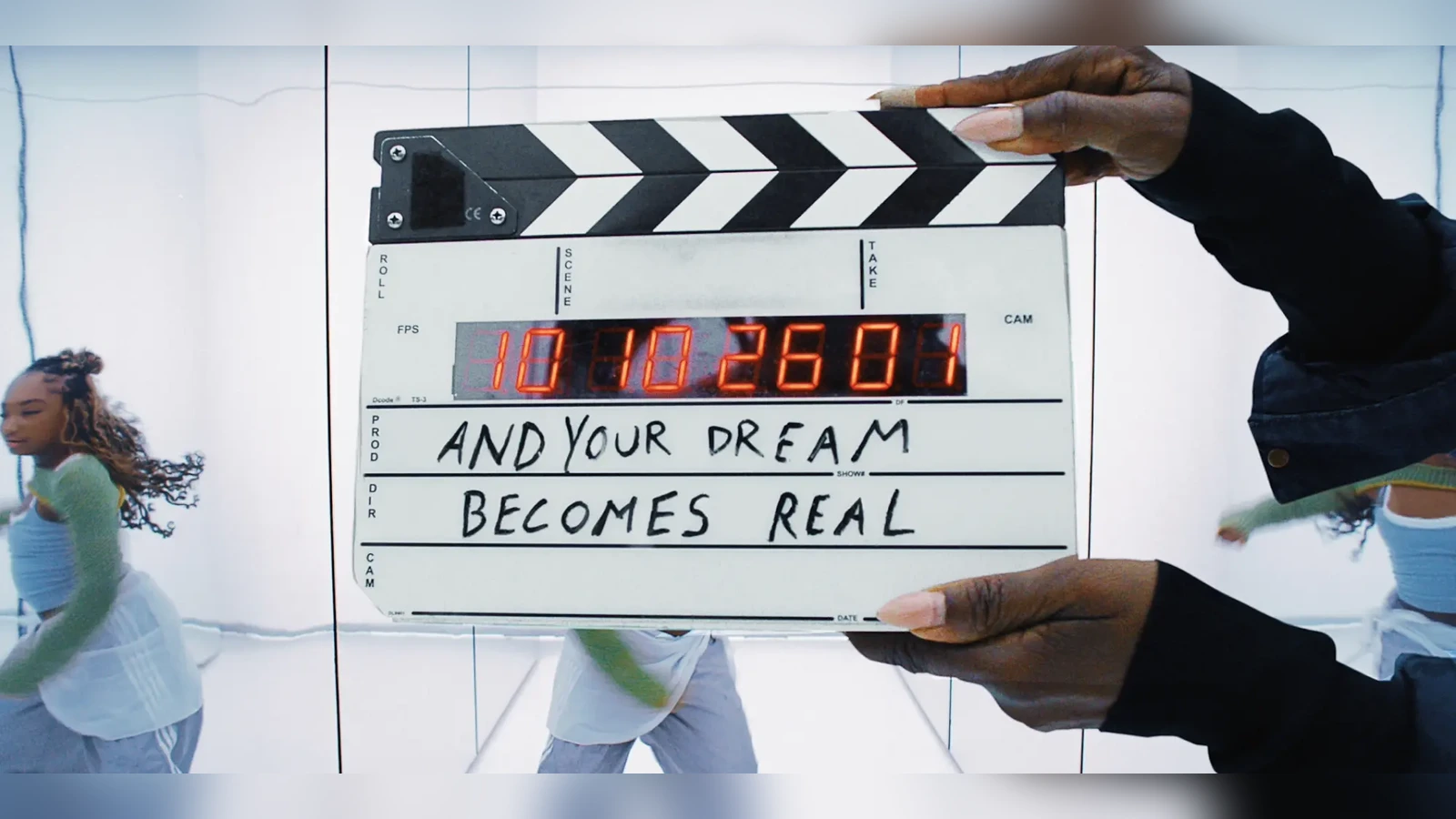
Released on November 10, 2026 around Adobe MAX, the film was directed by Santiago Carrasquilla and features contributions from more than 30 artists and other creative talents across 18 countries. Adobe teams, agency 72andSunny and participating artists worked together on the production.
From shoot to final edit in under a month
That timeline describes the period from shooting to final edit, not necessarily the entire campaign development. With many collaborators and different visual styles, the challenge was maintaining a shared creative direction while giving each contributor space to retain their own identity.
Adobe Firefly supported ideation, storyboarding and creative exploration. The teams could test directions and align decisions before and during production. The finished film combines illustration, animation, live-action footage, digital art and work produced by a range of creators.
Frame.io for cuts, Acrobat for approvals, Workfront for planning
Frame.io served as the central repository for video assets and editing versions. Collaborators and approvers could access project status and historical feedback across asset versions, helping prevent revisions from becoming scattered across files and conversations.
Acrobat handled review and approval of static creative assets, presentations and documents. Acrobat AI Assistant summarized large sets of information and audience insights to inform the creative brief and campaign KPIs. Workfront centralized scheduling and resource allocation across the in-house team, agency and creative partners.
The distinction is important: editing a shot, approving a particular cut and assigning the next task are different activities. In a distributed production, keeping them separate and traceable can prevent delays and misunderstandings.
What individual artists did with the tools
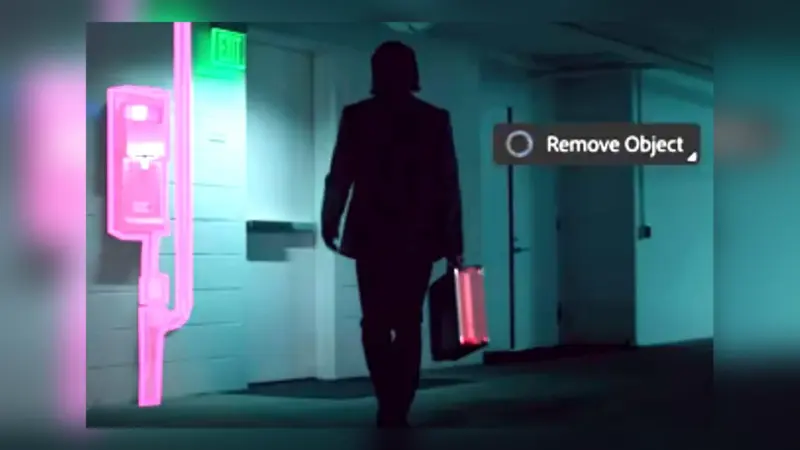
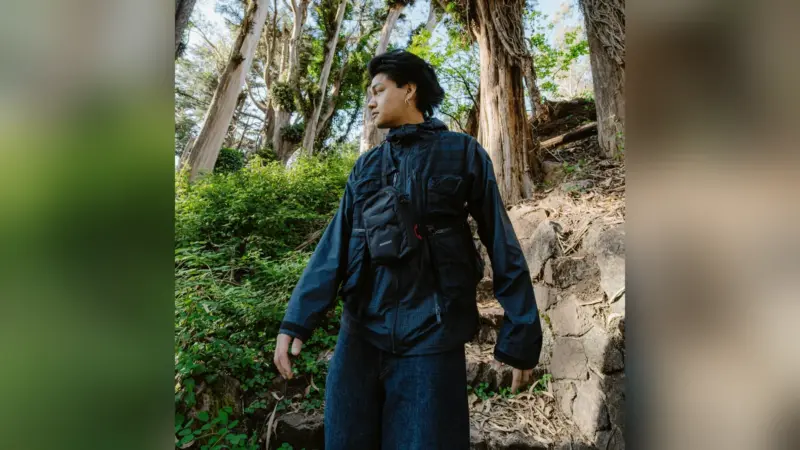
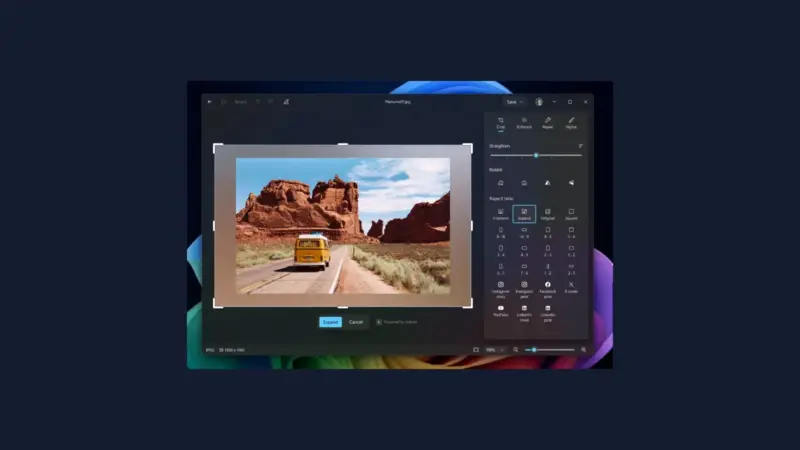
Michael Lim, known as Space Dawg, used Photoshop Object Rotate and Animation Timeline to develop characters and experiment with movement. Ukrainian director, photographer and stylist Tanu Muiño used Premiere color tools to refine her footage and Auto Reframe to adapt it for different formats.
Visual artist YoveLourself, Nigerian filmmaker Malik Afegbua and Lithuanian designer Oddatide used Firefly capabilities, including Image to Video, to animate still concepts and explore different visual treatments. The essie brand coordinated creative assets and approvals with the team using Acrobat.
This cross-application approach also reflects the ongoing integration of Premiere with creation tools and cloud-based media. Recent Premiere 26.5 and AI workflow developments show how editing is increasingly connected to broader production systems.
What we think
For working filmmakers, the most useful takeaway is not simply the impressive number of contributors. Adobe describes review, scheduling and creative execution as different parts of the production. On a complicated job, knowing which version was approved can matter more than another fast visual effect.
It is also notable that the artists did not all follow one creative method. One developed animation in Photoshop, another graded and reframed footage in Premiere, while others explored generative video. A shared workflow did not demand a uniform visual style.
This is, of course, Adobe describing its own production and selecting examples that feature its own software. It does not prove a small crew could match the same schedule or that software can replace producers and coordinators. The transferable lesson is to make approvals, version histories and responsibilities explicit at every stage.