

Summary
- Assisted Review Beta now works during tethered shooting.
- It flags closed eyes, missed focus and black frames.
- 2nd Gen Wireless Tethering expands to the Canon EOS R3 and EOS R6 III.
- Canon EOS R8 II gets day-one support on desktop and mobile.
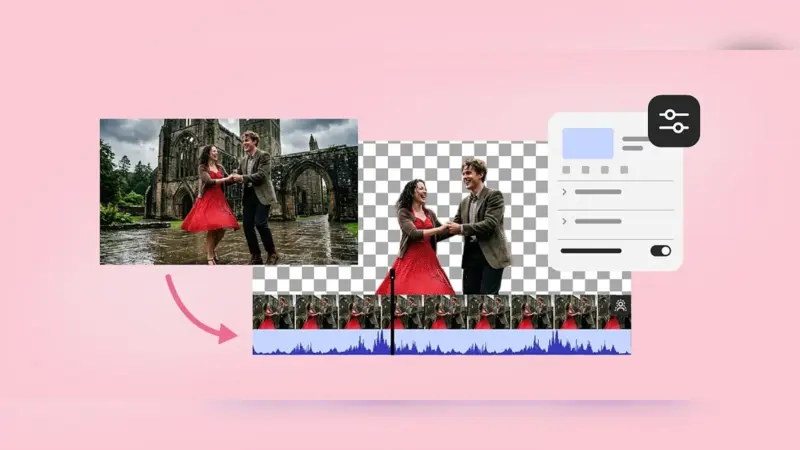
Capture One’s September 2026 update brings Assisted Review Beta into tethered shooting, allowing the software to flag technically problematic frames while the session is still in progress.
In its official announcement, Capture One says the system can flag closed eyes, missed focus and black frames during tethering. At the same time, 2nd Gen Wireless Tethering expands to the Canon EOS R3 and EOS R6 III, while day-one support is added for the Canon EOS R8 II on desktop and mobile.
Technical review while the set is still live
Assisted Review was introduced as a beta feature in Capture One 16.8. According to Capture One’s documentation, it uses AI to flag common technical issues and organizes the results with tags that can be filtered in the Browser, used in Smart Albums and combined with star ratings and color tags.
The key change in the September 2026 update is the use of Assisted Review during tethered shooting. A potential issue can therefore be spotted before the session ends, while there may still be time to reshoot a frame.
This is especially relevant to weddings, events, portrait sessions and high-volume studio productions, where photographers or digital technicians may need to assess large numbers of images without interrupting the flow of the shoot.
It does not delete images or replace culling
Capture One makes clear that Assisted Review does not automatically remove images. It adds tags and leaves the final selection or deletion decision to the photographer. The company also notes that the feature remains in beta, so some issues may be missed or incorrectly flagged.
2nd Gen Wireless Tethering for EOS R3 and EOS R6 III
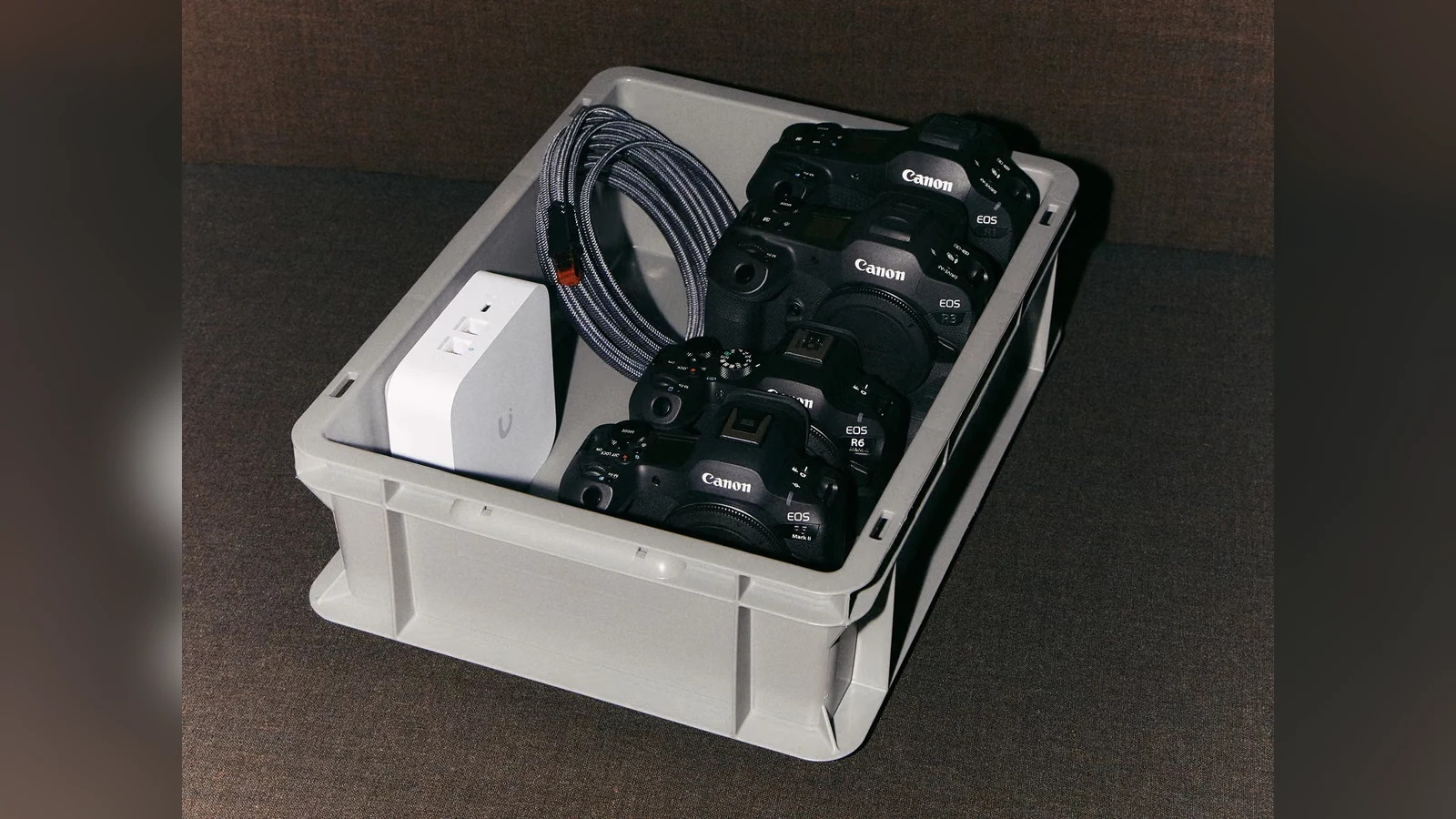
The second major change is the expansion of 2nd Gen Wireless Tethering to the Canon EOS R3 and EOS R6 III. Capture One describes the technology as a wireless workflow designed to deliver performance close to a wired connection.
In its technical overview, the company says 2nd Gen Wireless Tethering now supports the Canon EOS R1, EOS R3, EOS R5 Mark II and EOS R6 Mark III. For a more stable professional setup, Capture One recommends a 5 or 6 GHz network and, where possible, a dedicated router.
Day-one support for Canon EOS R8 II
The same update adds day-one support for the Canon EOS R8 II on both Capture One desktop and mobile. For professionals bringing a new body directly into an existing workflow, this removes the need to wait for a later compatibility update.
What we think
The most useful aspect of Assisted Review is not that AI “chooses” photographs, but that it moves an initial technical check closer to the moment of capture. During an event or demanding studio shoot, spotting a problematic frame early can matter more than saving a few minutes later in culling.
Frequently asked questions
Does Assisted Review automatically delete photos?
No. It flags images with tags, while the final selection or deletion decision remains with the photographer.
What issues can it detect?
For the September 2026 update, Capture One lists closed eyes, missed focus and black frames during tethering.
Is it a finished feature?
No. Assisted Review remains in beta and its detection accuracy may vary.
Which Canon cameras now support 2nd Gen Wireless Tethering?
Capture One lists the Canon EOS R1, EOS R3, EOS R5 Mark II and EOS R6 Mark III.
Find out more here.