Summary
- Capture One Mobile gains second-generation wireless tethering
- The feature initially supports the Canon EOS R1 and EOS R5 Mark II
- An editable RAW file can appear in under a second
- The full-resolution file transfers in the background
- The connection works over a local Wi-Fi network without Bluetooth or cloud services
- Support arrives with Capture One Mobile version 3.3.x
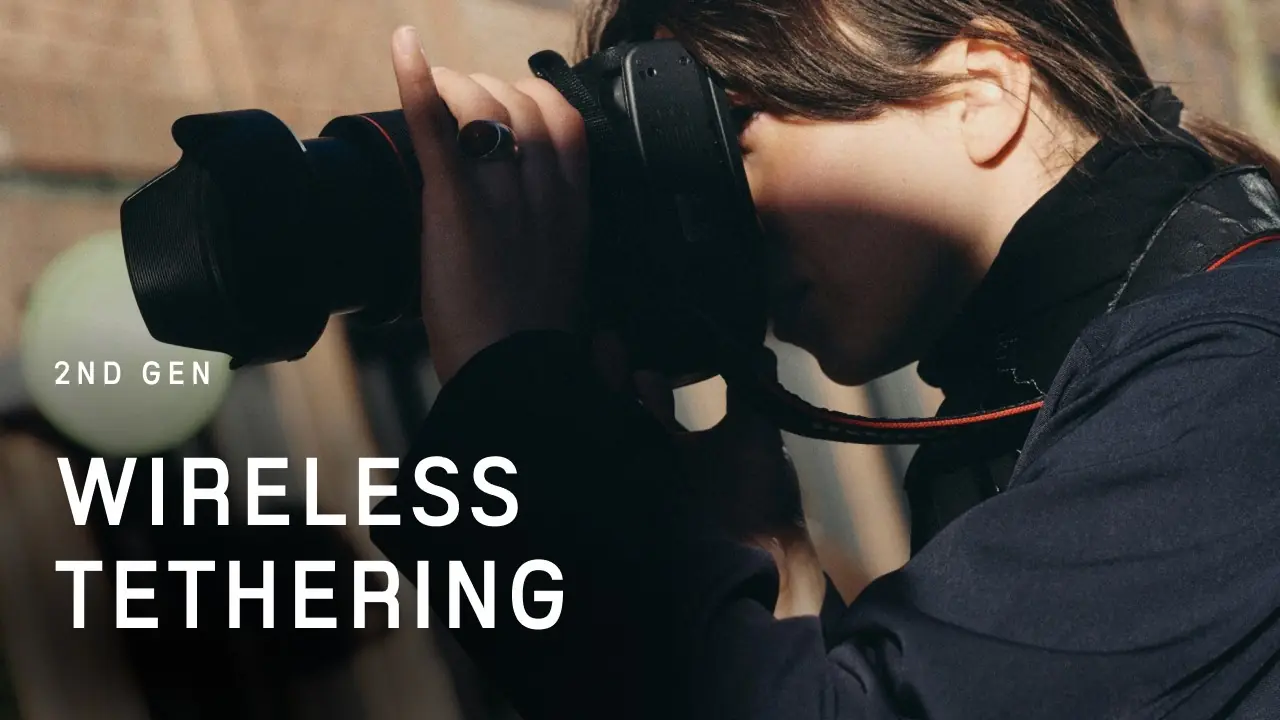
Capture One Mobile is gaining second-generation wireless tethering for the Canon EOS R1 and EOS R5 Mark II, promising performance close to a wired connection.
The new feature allows photographers to view an editable RAW file on an iPhone or iPad in under a second, while the full-resolution file transfers in the background.
The development is particularly significant for professional productions, as it aims to address the long delays that previously made wireless tethering impractical for fast-paced photo shoots.
Editable RAW files appear almost instantly
Capture One’s second-generation Wireless Tethering system initially transfers a fully editable RAW file, allowing photographers and their collaborators to review the image and begin making adjustments immediately.
According to the company, the file can appear on the connected device in under a second, depending on network conditions. The full-resolution RAW follows in the background, while any adjustments already applied are preserved.
This approach significantly reduces waiting times compared with older wireless solutions, which could require between 10 and 25 seconds to display a file.
No Bluetooth or cloud services required
The connection operates over a local Wi-Fi network and does not rely on Bluetooth or a cloud service.
Images remain on the local network, reducing dependence on an internet connection and making the feature suitable for studios and on-location productions.
In the event of a temporary signal interruption, Capture One says the connection is automatically restored without losing captured images.
Greater freedom during a shoot
Removing the cable allows photographers to move more easily around their subject, change shooting angles and work farther away from the viewing device.
Clients, art directors and other members of the production team can also monitor images on an iPhone or iPad and use Capture One’s review and editing tools.
Features previously available in the desktop version are now being brought to Capture One Mobile.
Which cameras are supported
The new system is initially available exclusively for two Canon full-frame mirrorless cameras:
Canon EOS R1
Canon EOS R5 Mark II
The feature first arrived on desktop with Capture One Pro 16.8 in late May 2026. Mobile device support was added with Capture One Mobile version 3.3.x, released on July 15, 2026.
The feature is available to active Capture One subscribers and users with a compatible software license.
What we think
The rapid display of an editable RAW file is the feature that could make wireless tethering genuinely practical for professional productions. Its initial limitation to two expensive Canon cameras restricts its audience, but the technology clearly demonstrates the direction in which tethered photography is moving.
Frequently asked questions
Which cameras work with the new wireless tethering system?
The second-generation feature initially supports the Canon EOS R1 and Canon EOS R5 Mark II.
Which devices support Capture One Mobile?
Capture One Mobile is available for compatible iPhone and iPad devices.
Is an internet connection required?
Transfers take place over a local Wi-Fi network and do not rely on a cloud service. The devices must be correctly connected to the same compatible network.
Is the full-resolution RAW transferred immediately?
A fully editable RAW file is displayed first for immediate review and editing. The full-resolution file then transfers in the background.
Which version of the application is required?
Support was introduced with Capture One Mobile version 3.3.x, released on July 15, 2026.