Summary
- Google Pics began its wider rollout on September 1, 2026
- Image editing is now integrated into Docs and Slides, with Drive to follow
- It supports object and area selection, in-image text editing and up to five simultaneous changes
- Access is available through Google AI Pro and Ultra and selected Workspace plans
- Its main advantage over Canva and Firefly is direct integration into the Workspace workflow
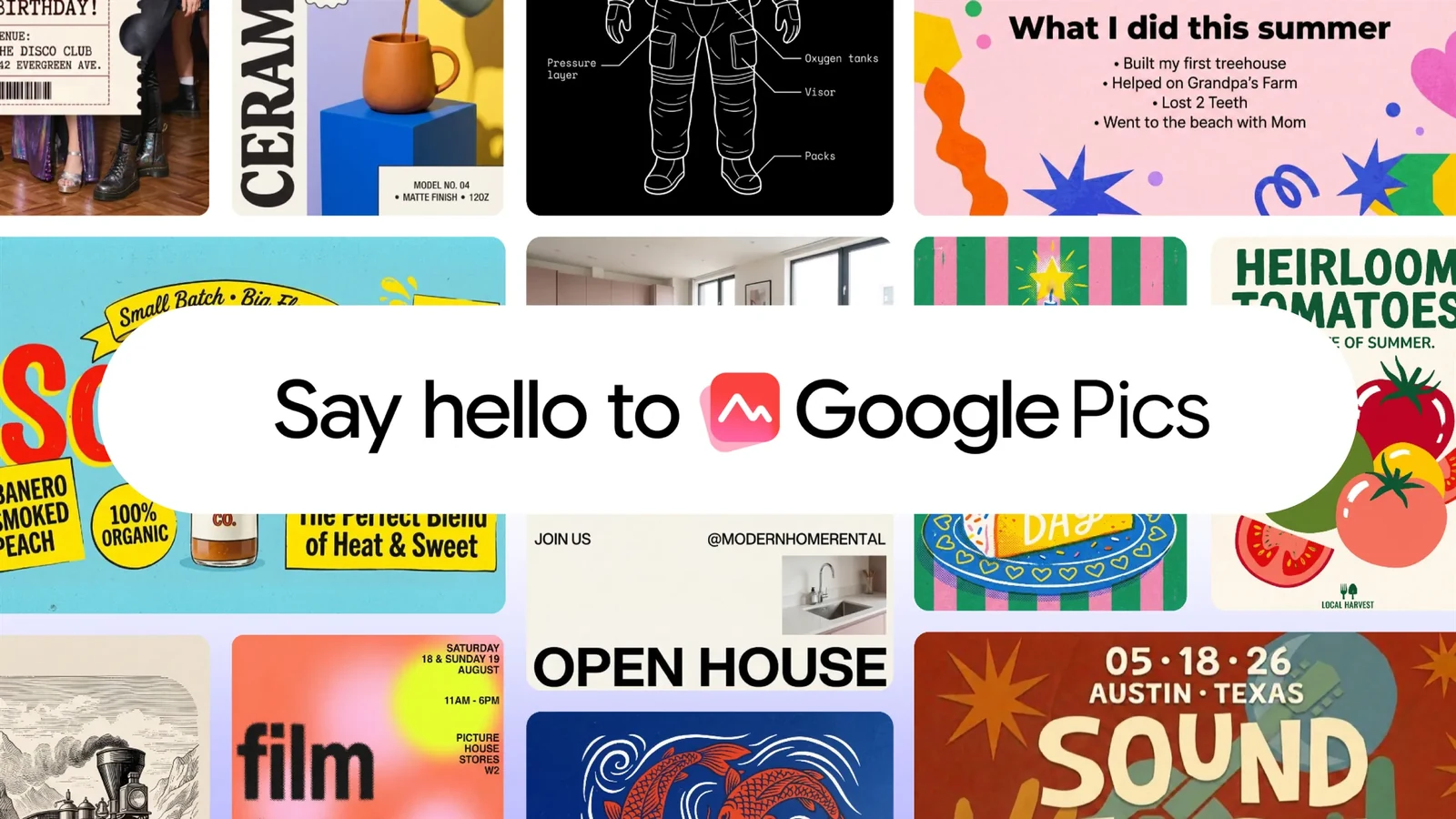
Google Pics is moving from its testing phase into a wider rollout, bringing AI-powered image creation and targeted editing directly to Google Docs and Slides, with Drive to follow.
Google announced on September 1, 2026, that the new tool is gradually becoming available to Google AI Pro and Ultra subscribers and selected Workspace business plans. Alongside the standalone web app, Pics opens inside documents and presentations, allowing users to edit an image without moving it to another program.
The development matters because it brings capabilities previously associated mainly with dedicated creative applications into the environment where teams already write, present and share material. Google Pics is not limited to creating images from text: it isolates objects, accepts targeted changes in selected areas, edits text within an image and supports collaboration on the same file.
From introduction to a real rollout
PTTL covered the original Google Pics introduction at Google I/O 2026, when the service was available only to a limited group of testers. The new announcement is not a repeat of that story: it confirms that the wider rollout has begun, adds the Docs integration and identifies the plans that are eligible for access.
The Docs and Slides integrations began on September 1. Drive will follow over the coming weeks, while Pics also works as a standalone tool. Google says the rollout is gradual, so the feature may not appear for every eligible account at the same time.
What it can actually change in an image
Google Pics is powered by the Nano Banana image model and accepts JPEG, PNG, BMP and TIFF files from a computer, Google Drive or Google Photos. Users can also begin with a blank canvas, describe the image they want and use existing files as style references or as sources for individual visual elements.
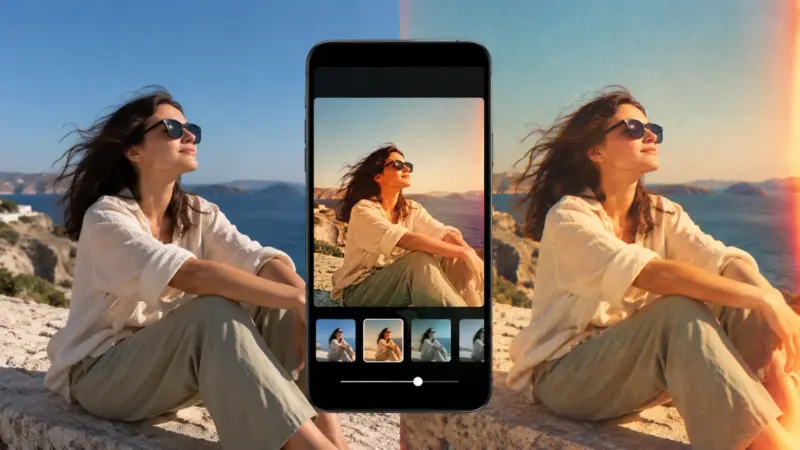
Editing is performed with natural-language instructions, but it does not have to affect the entire frame. Pics recognises individual objects, allows users to select a specific region with the pointer and accepts up to five changes to elements within the same image before applying them. An object can therefore be added, removed or transformed without asking for the entire composition to be regenerated.
The tool places particular emphasis on text already present in an image. It detects that text and allows it to be corrected, replaced, translated or restyled, with the aim of preserving the design and font. Conventional crop, rotation and aspect-ratio controls for 16:9, 1:1 and 4:3 are also included, as is the option to generate multiple variants from the same prompt.
How it works inside Docs and Slides
In Docs and Slides, the user selects an image and clicks “Edit image.” Google Pics opens inside the same application, can be minimised while generation is under way and, once the result is ready, replaces the original image in the document or presentation.
This is the central advantage of the integration: the file does not need to be exported, opened in a separate program and imported again. Creations can also be shared with collaborators who edit the same image, using the collaboration model already familiar from Google Workspace.
Google also provides an official video demonstrating image creation, targeted editing and the use of Pics inside Workspace applications.
Google’s official video demonstrates Google Pics inside Workspace. Video: Google
Which accounts get access
According to the official availability page, Google Pics is included in Business Standard, Business Plus, Enterprise Standard and Enterprise Plus plans, as well as AI Expanded Access. For education, it is offered through Google AI Pro for Education.
Personal accounts need a Google AI Pro or Google AI Ultra 5x/20x subscription. Certain legacy add-ons that are no longer sold also retain access, including AI Ultra Access, Gemini Business and Gemini Enterprise. The service is supported through Workspace Experiments as well, Google’s trusted-tester program for personal accounts.
Pics currently works on desktop computers only. The standalone application supports image generation and editing with Greek-language instructions, and the Slides integration also includes Greek. The Docs help page still lists that integration as available in English. The service is available in countries that support Workspace accounts, except for personal accounts in Germany.
Generative AI features are subject to usage limits. Google says users will receive higher access to these features in the standalone Pics app at least through February 28, 2027, while usage inside Docs and Slides follows the existing Nano Banana limits for those applications.
How it compares with Canva and Adobe Firefly
Google Pics’ basic capabilities already exist in competing tools. Canva Photo Editor recognises objects for removal, replacement or recolouring, generates new backgrounds and places the result within a broader environment for templates, layout and publishing. The newer Magic Layers can also turn a flat image into editable layers, although it is currently in public beta in a limited number of markets.
Adobe Firefly Image Editor offers Generative Fill, Generative Remove, Generative Expand, Generative Upscale and background removal, together with tools such as AI Markup and Precision Flow for more controlled interventions. Its approach remains closer to a dedicated creative editing environment and the wider Adobe ecosystem.
Google’s differentiation is less about a single new feature and more about where those features become available. Pics brings prompt-based editing, object selection, text modification and collaboration into Docs and Slides, with a direct connection to Drive. Canva and Firefly, by comparison, continue to provide broader design or dedicated editing toolsets outside the flow of a Workspace document.
What it means for creators and teams
For a photographer, designer or editor, Google Pics does not on its own replace a full photo-editing program. The official documentation does not mention RAW support, colour management or complex layer-based work. It can, however, remove a significant number of intermediate steps when producing mock-ups, presentations, social graphics, posters, infographics and quick image corrections.
That convenience also changes the relationship between the image and the document. Generative editing stops being a separate stage and becomes a built-in part of daily work. For professional teams, that means faster iterations but also a greater need to identify which parts of an image have been generated or altered with AI, particularly in journalistic and documentary content.
What we think
The most important aspect of Google Pics is not that it adds another way to generate images from a prompt. It moves editing to the place where visual material is already being used and approved. Canva and Adobe Firefly remain stronger as standalone creative environments, but Google has a clear distribution advantage within Workspace. The tool’s real value will depend on the consistency of its targeted edits, the level of control it gives users and transparency around AI interventions.
Frequently asked questions
What is Google Pics?
It is a web-based AI image creation and editing tool powered by the Nano Banana model and integrated into Google Workspace.
Which applications already support it?
Integration began on September 1, 2026, in Google Docs and Slides. Drive integration will follow over the coming weeks, and a standalone app is available at pics.new.
Can it edit existing images?
Yes. It accepts JPEG, PNG, BMP and TIFF files, isolates objects or selected regions, edits text within an image and allows up to five targeted changes before they are applied.
Which personal accounts get access?
A Google AI Pro or Google AI Ultra 5x/20x subscription is required. The service is also supported for personal accounts participating in Workspace Experiments.
Does it replace Canva or Adobe Firefly?
Not completely. It covers several comparable generative editing functions, but its main advantage is direct access inside Docs, Slides and soon Drive rather than an equally broad set of design or professional editing tools.