Summary
- DxO PhotoLab 10 adds Depth Masks that estimate foreground, midground and background without stored depth data
- New colour grading uses a unified wheel for shadows, midtones, highlights and the overall image
- AI Masks improve recognition of people and individual facial features
- Automatic sensor-dust removal and new histogram controls reduce repetitive work
- A new licence costs €249.99, upgrades start at €129.99 and a free 30-day trial is available
DxO PhotoLab 10 introduces Depth Masks without requiring a stored depth map, redesigned colour grading and a series of smaller changes aimed more at a photographer’s daily workflow than at a generic promise of AI.
The new version analyses an image to separate foreground, midground and background, improves masks for people and facial features, and adds automatic sensor-dust removal. It also expands U Point tools, the Control Brush and direct tonal adjustments through the histogram.
Its practical value lies in the combination: less time spent on manual selections, more coherent grading and the option to finish pixel-level work in Affinity without losing DxO RAW corrections, provided the image is exported correctly as a TIFF rather than simply passing along the unprocessed raw file.
Depth Masks without embedded depth data
Depth Masks do not require a portrait-mode file or a depth map from a specific camera. PhotoLab analyses visual content and estimates depth, which the user controls through foreground, midground and background sliders together with edge feathering.
The approach is useful for landscapes, architecture, street work and portraits where a simple subject mask does not always separate the scene. It is not a true distance measurement and difficult overlaps may need correction, but it provides a fast starting point for atmospheric perspective, contrast or different colour treatment across depth layers.
Redesigned colour grading in one workspace
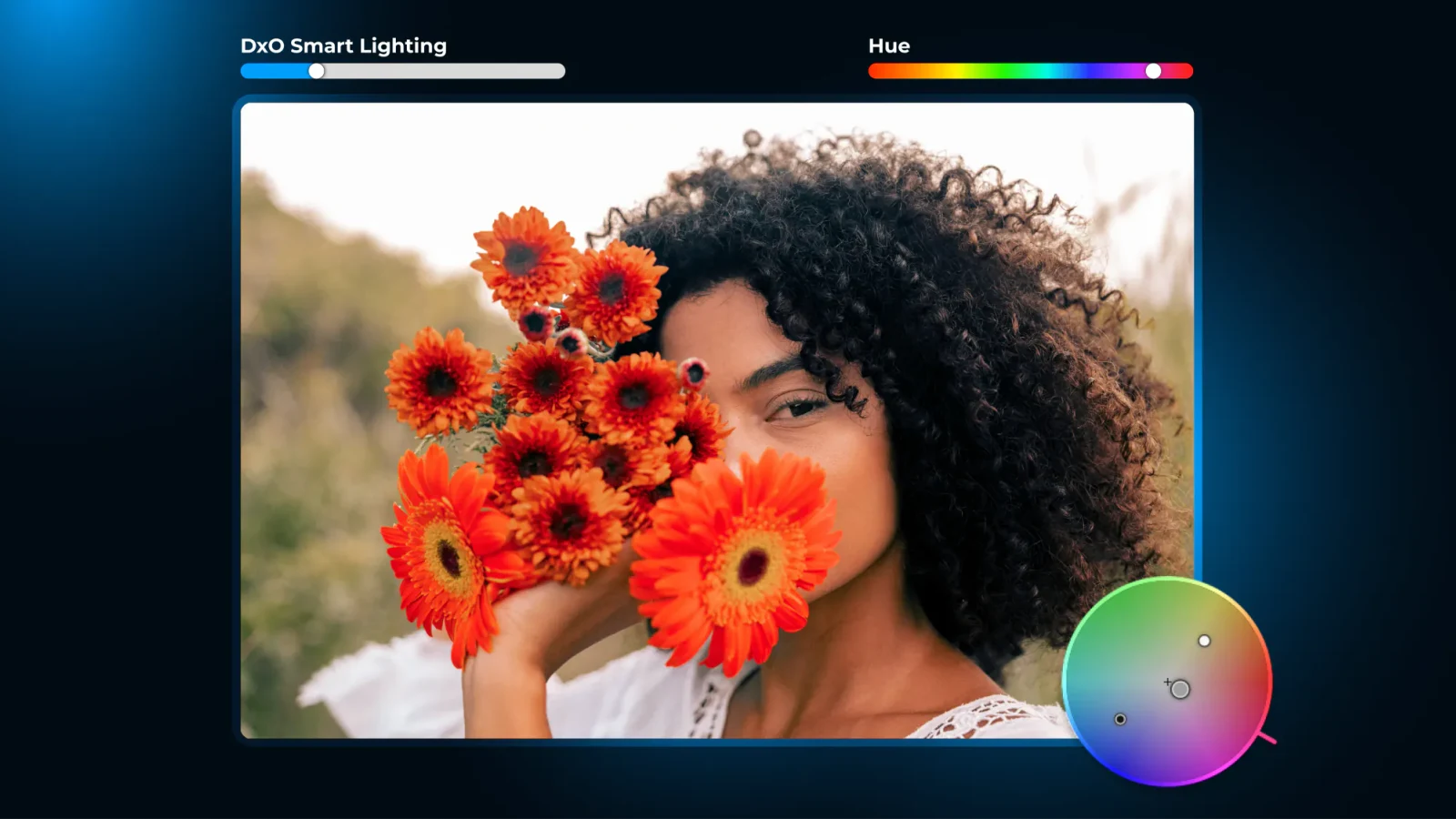
Colour grading brings shadows, midtones, highlights and the overall image into one wheel. Ranges can be linked for coherent adjustment or controlled independently for a more complex look.
For photographers, that reduces movement between separate tools and makes the relationship between colour decisions more visible. Colour grading remains a creative adjustment and does not replace colour management, a calibrated display profile or a sound starting white balance.
AI Masks, U Point and more precise local adjustments
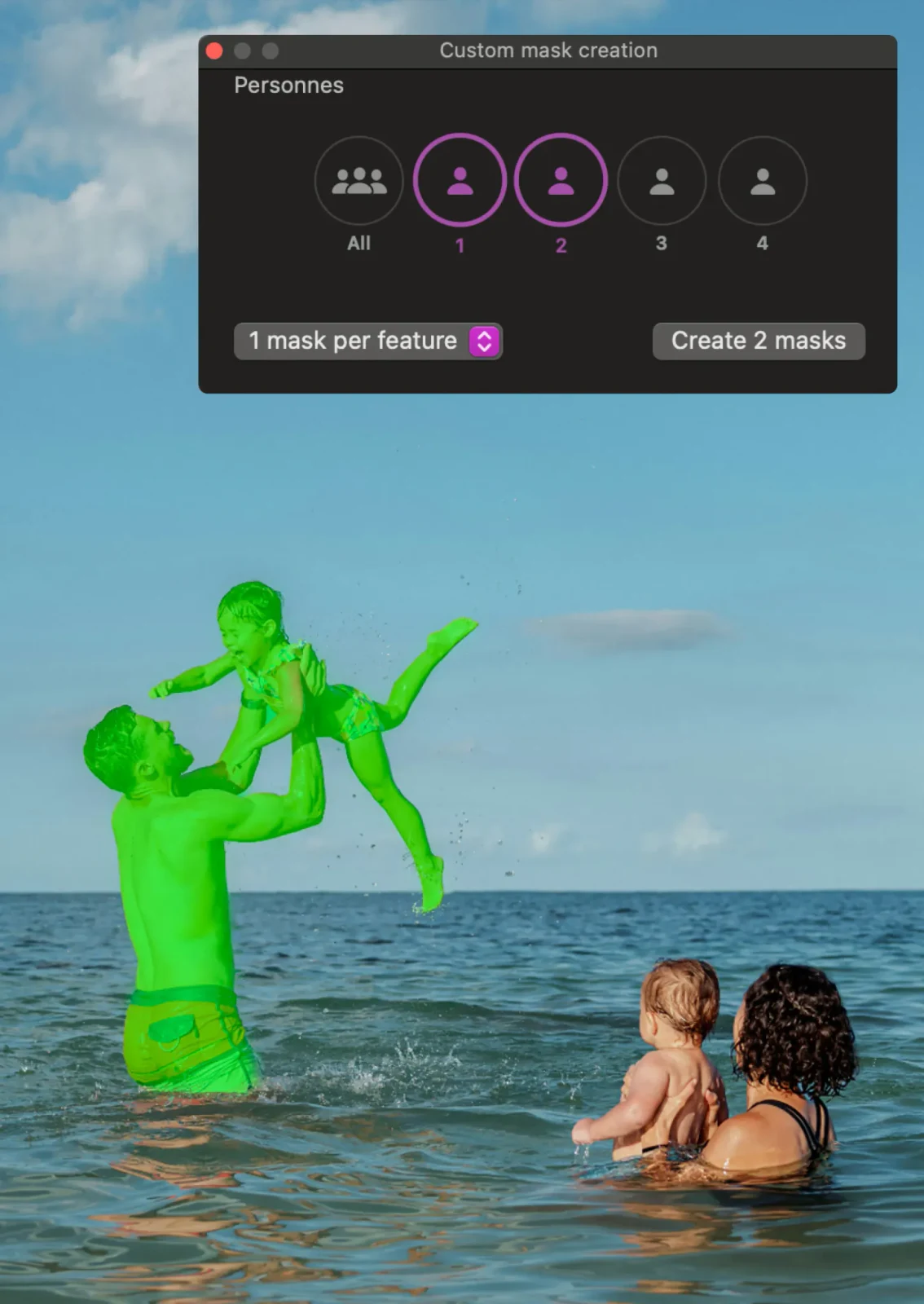
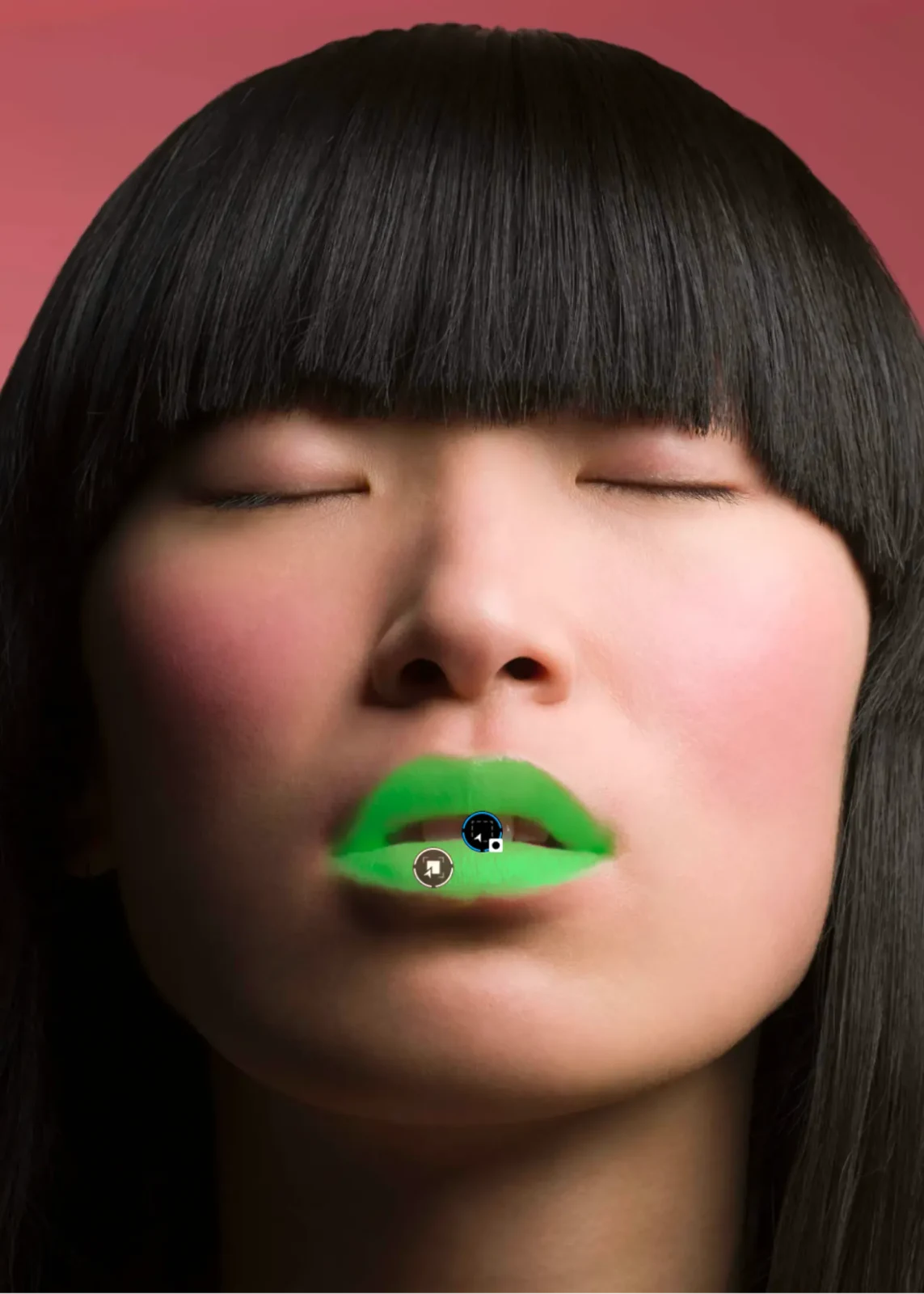
AI Masks now recognise people more effectively and can isolate individual facial features. That allows separate treatment of skin, eyes or hair without requiring a complete manual brush pass on every image.
DxO also extends U Point tools with more flexible control points, a new Control Brush and elliptical selections. These are valuable when an automatic mask gets close to the desired result but needs local reinforcement or subtraction.
Dust removal and everyday speed
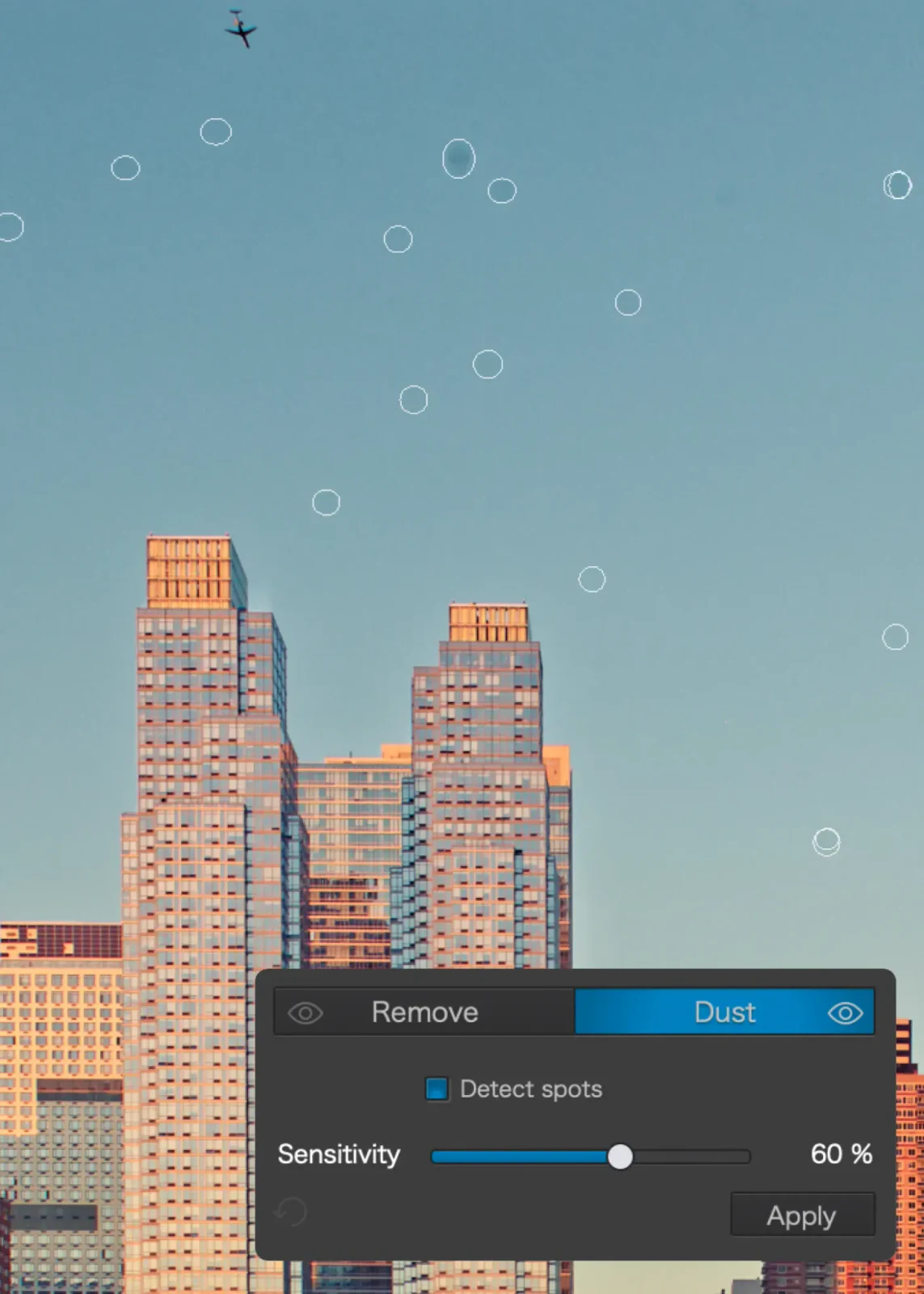
Automatic sensor-dust removal finds small recurring spots and can save substantial time with narrow apertures, open skies and large series from the same camera body. Visual checking remains necessary, especially when fine scene detail resembles a dust mark.
New tonal controls such as Whites and direct manipulation through the histogram speed up the initial balance. Revised database and folder handling also targets libraries where PhotoLab serves as both browser and RAW developer without a separate catalogue.
How to use it correctly with Affinity
Export to Affinity continues the edit in Affinity by Canvas. If the original raw file is sent without processing, DxO corrections are not embedded. To carry optical corrections, denoising, colour and local adjustments across, the practical bridge is a 16-bit TIFF export.
TIFF creates a larger file but preserves much more information than JPEG for retouching, compositing and layers. This is not a non-destructive round trip back into the raw file: Affinity edits apply to the rendered file, while the original raw and PhotoLab settings remain separate.
Availability and price
DxO PhotoLab 10 is available for Windows and macOS under a perpetual licence. DxO’s official purchase page displays a European price of €249.99 for a new licence and upgrades from PhotoLab 8 or 9 from €129.99, alongside a free 30-day trial that requires no card.
The prices are shown directly in euros in DxO’s European store. The final upgrade price depends on the version already owned and is confirmed through the customer account.
What we think
PhotoLab 10 does not change the programme’s core identity as a strong RAW developer with optical corrections. Its most meaningful progress is placing AI at specific points of friction — depth selection, faces and dust — while colour grading and 16-bit export to Affinity cover the creative second stage without requiring a subscription ecosystem.
Frequently asked questions
Do Depth Masks require depth data?
No. PhotoLab 10 estimates depth from the visual content of the image.
Do DxO adjustments transfer when the raw file is opened in Affinity?
Not when only the original raw file is passed along. A 16-bit TIFF export is recommended to bake in DxO adjustments.
Does PhotoLab 10 require a subscription?
No. DxO sells it as a perpetual licence for Windows and macOS.
How much does it cost?
The official European price is €249.99 for a new licence, while upgrades from PhotoLab 8 or 9 start at €129.99.