Summary
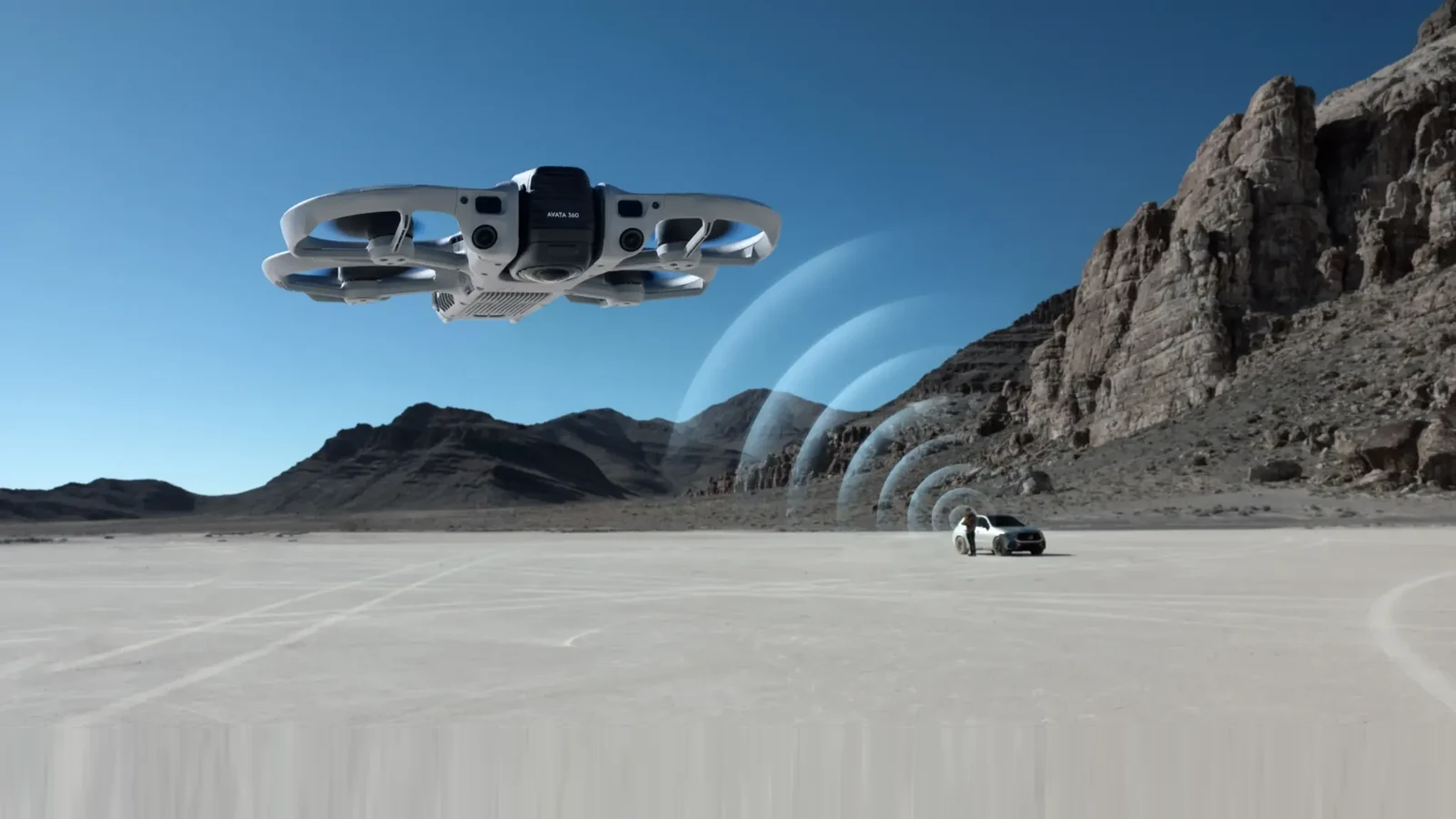
The DJI Avata 360 now supports Waypoint missions and the RC Pro 2 controller, thanks to a firmware update that also adds useful improvements to in-flight controls.
Aircraft firmware v01.00.0800 arrives alongside v01.00.0900 for the RC Pro 2. Owners using these two devices need to update both to enable the new compatibility.
Waypoint missions for more repeatable shots
Waypoints let pilots plan a route on the map, add successive points, and associate them with a Point of Interest. The drone follows the planned course while the screen displays mission progress, estimated duration and total distance.
For filmmaking, this means more consistent camera moves: an approach, flyby or orbit can be designed ahead of time. Combined with 360° recording at up to 8K/60fps, the footage can then be reframed in post-production.
RC Pro 2, FocusTrack and Vision Assist
RC Pro 2 compatibility allows owners of that controller to fly the Avata 360 without carrying a different controller for this aircraft. The update also adds zoom to FocusTrack, giving pilots more control over the viewing angle while tracking a subject.
Vision Assist can now automatically switch its auxiliary view to match the direction of travel: forward, backward, left, right, up or down. This makes it easier to see the area the aircraft is moving towards without manually switching views.
How to update
The Avata 360 receives firmware v01.00.0800, while the DJI RC Pro 2 receives v01.00.0900. Check and install updates through DJI’s official tools. After updating, review safety and Return-to-Home settings before flying, as some flight parameters can be reset.
DJI Avata 360 — official firmware downloads.
DJI RC Pro 2 — official firmware downloads.
What we think
Waypoints are likely to be the most useful addition for filmmakers flying the Avata 360. The point is not merely having a drone follow a route on its own; it is being able to design a camera move at a deliberate pace and focus on the shot you want to create.
We also like the prospect of using the RC Pro 2 across more aircraft. If you have already invested in the controller, that is one less item to pack. Automatic Vision Assist switching is similarly a small change that could make everyday flying more comfortable.
Automation still does not replace checking the location and watching for obstacles. For a preplanned mission, testing the route in a safe environment before the actual shoot remains sensible.
Frequently asked questions
Do both the aircraft and RC Pro 2 need updating?
Yes. The new pairing requires the corresponding firmware versions: v01.00.0800 for the Avata 360 and v01.00.0900 for the RC Pro 2.
What do Waypoints enable?
They allow pilots to plan a flight path with map points and link it to a Point of Interest for programmed flight moves.