

Summary
- Apple lets you designate a Legacy Contact who can request access to certain data after your death.
- The feature does not guarantee recovery of files stored only on a locked device.
- What is a Legacy Contact?
- How to enable it on iPhone
- What a Legacy Contact needs after the account holder dies
- What happens after Apple approves the request
- Access lasts for three years
- What if no Legacy Contact was set up?
- Legacy Contact does not replace a backup
- What we think
- Frequently asked questions
iPhone photos are not automatically “inherited” with the device: to let a trusted person request access to data held in an Apple Account after the account holder dies, Apple provides the Legacy Contact feature.
The issue returned to the spotlight after an Amateur Photographer article described a widower who could not access the only digital copies of his wedding photos, which were stored on his late wife’s iPhone. The case highlights a real problem: a phone can also be a family photo archive, but possession of the device does not automatically mean access to its data.
There is an important distinction. Apple documents Legacy Contact access to certain data stored in iCloud or included in an iCloud Backup. The feature therefore should not be treated as a way to recover photos that exist only locally on a device and were never synced to iCloud or included in an available backup.
What is a Legacy Contact?
A Legacy Contact is a person you designate so that, after your death and after Apple verifies the request, they can access certain data in your Apple Account.
Available data can include iCloud Photos, Notes, Mail, Contacts, Calendars, Reminders, Messages in iCloud, files in iCloud Drive, Health Data, Voice Memos, Safari bookmarks and Reading List, and content included in an iCloud Backup.
Not everything is included. A Legacy Contact cannot access purchased movies, music or books, subscriptions and in-app purchases, or information stored in iCloud Keychain such as passwords and payment information.
How to enable it on iPhone
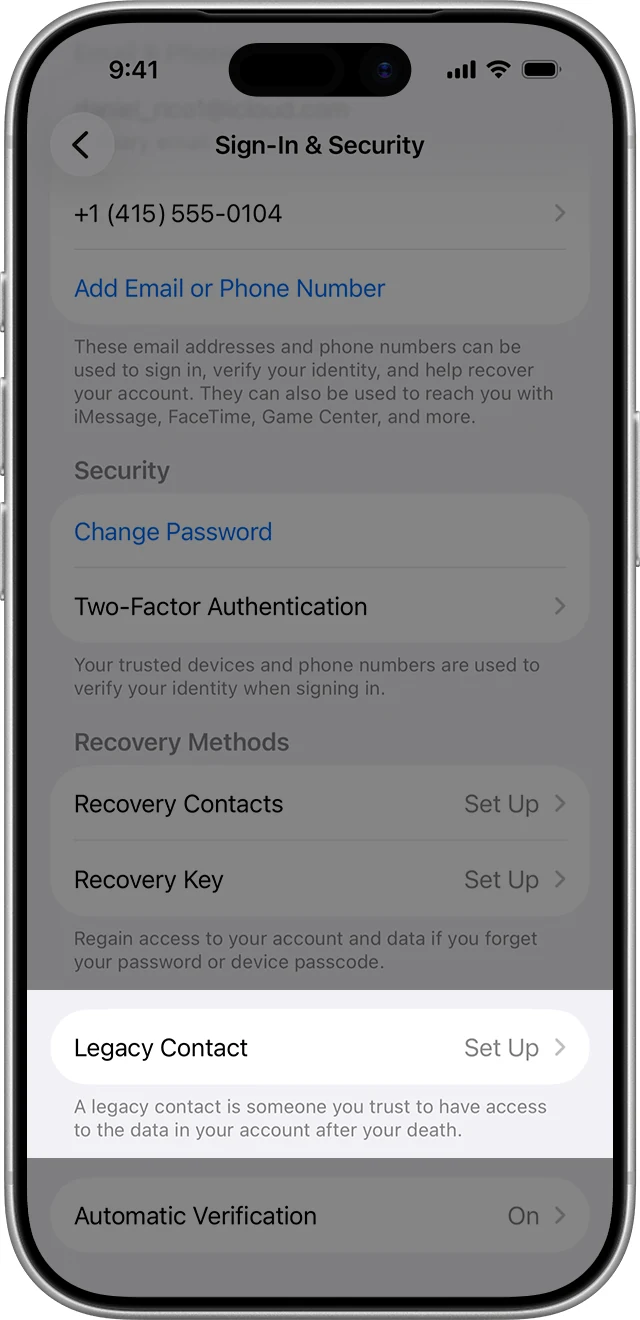
On iPhone or iPad, Apple’s path is Settings → [your name] → Sign-In & Security → Legacy Contact → Add Legacy Contact. The feature requires a compatible software version — iOS 15.2, iPadOS 15.2, or macOS Monterey 12.1 and later — and two-factor authentication for the Apple Account.
The person you designate does not need an Apple Account or an Apple device, and you can add more than one Legacy Contact.
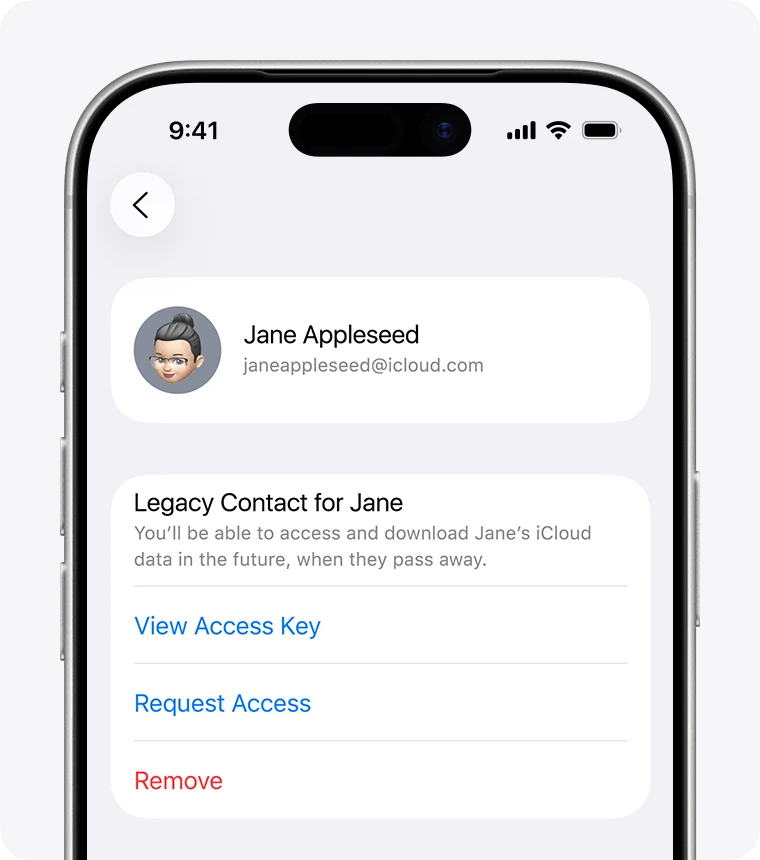
The key element is the access key. It can be shared through iMessage where supported, or provided as a printed copy, PDF, or screenshot. Apple says the access key is required for the future access request.
What a Legacy Contact needs after the account holder dies
To submit an access request, a Legacy Contact needs the access key and the account holder’s death certificate. Apple notes that documentation requirements can vary by country or region.
The request can be started on a compatible iPhone, iPad or Mac, or on Apple’s Digital Legacy website. Apple reviews and verifies the request before granting access.
What happens after Apple approves the request
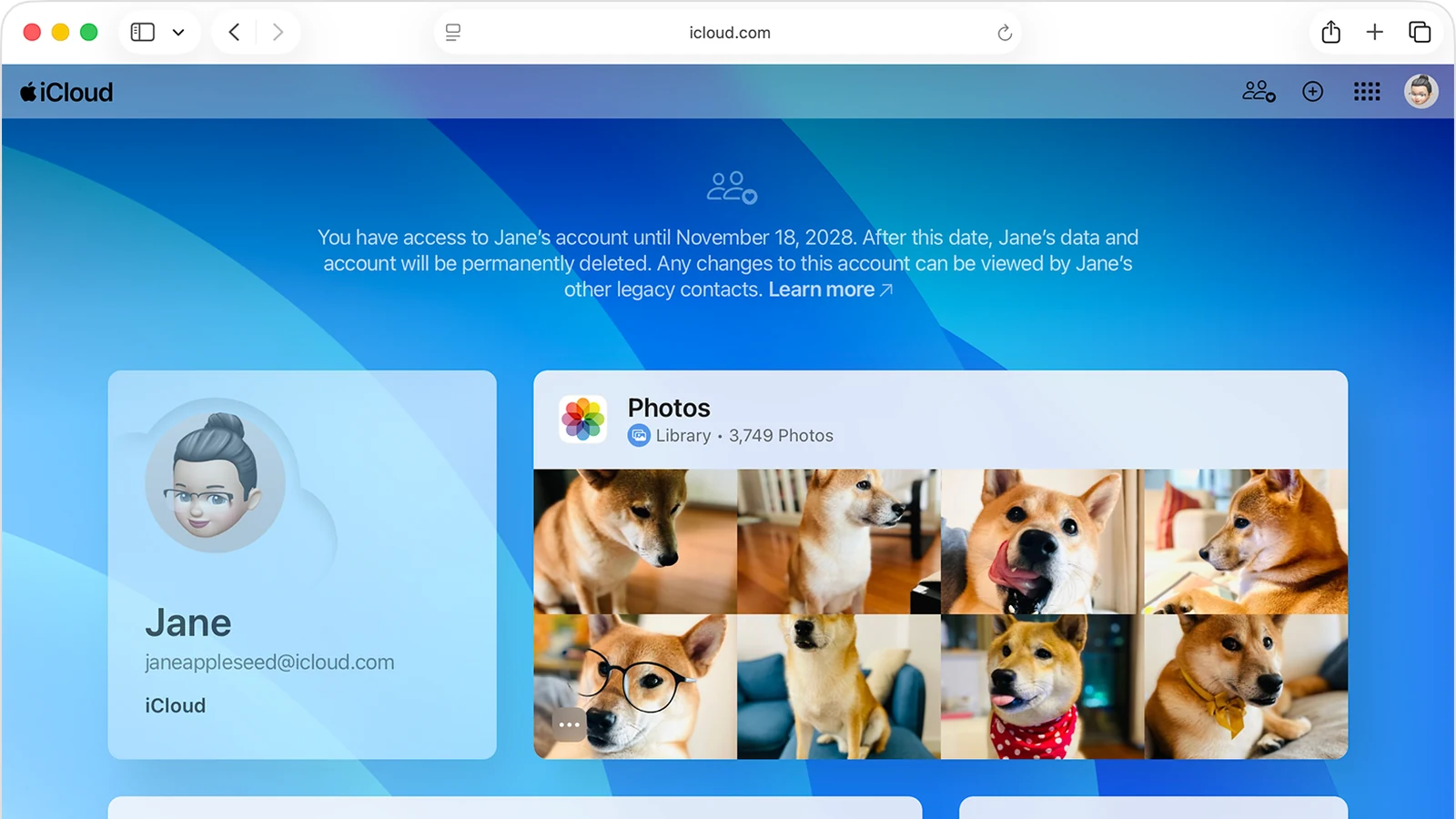
After approval, Apple provides a special Legacy Contact Apple Account for accessing the available data. The deceased person’s original Apple Account no longer works, and Activation Lock is removed from devices that used that account.
Those devices must be erased and restored before they can be used with another Apple Account. Apple also allows access to available data through iCloud.com, data downloads through privacy.apple.com, and, where applicable, restoration of an iCloud Backup to another device.
Access lasts for three years
Legacy Contact account access is temporary. Apple sets a three-year period from the approval of the first Legacy Contact account request. After that, the account is permanently deleted, so any content that needs to be preserved should be downloaded in time.
If more than one Legacy Contact was added, other contacts may also access the account and make decisions about its data, including permanently deleting the account.
What if no Legacy Contact was set up?
The absence of a Legacy Contact does not mean there is no process at all. Apple accepts requests from relatives or legal representatives to access or delete a deceased person’s account, but legal documentation is required and, depending on the country or region, a court order or alternative documentation may be necessary.
Legacy Contact does not replace a backup
The feature addresses authorised access after death, not long-term archiving. If a photo exists only on the iPhone and was never synced to iCloud Photos or included in an available iCloud Backup, Legacy Contact does not guarantee that the file can be recovered.
Important family photographs and professional work should also exist in an independent backup. PTTL has a detailed guide to backing up photos and videos on iPhone and iPad, covering options from iCloud to local copies on a computer or SSD.
What we think
For photographers, creators and families who keep most of their personal archive on a phone, Legacy Contact is worth setting up before it is ever needed. Two different safeguards are still required: a proper backup so the files survive, and a clear access route for the person who may eventually need to manage them.
Frequently asked questions
Can a Legacy Contact see my photos while I am alive?
Not through the Digital Legacy process. Access is granted after the account holder dies and only after Apple verifies and approves the request.
Does a Legacy Contact need an iPhone or Apple Account?
No. Apple says the person you designate does not need an Apple Account or an Apple device.
Can they access my saved passwords?
No. iCloud Keychain data, including passwords and payment information, is not included in the data a Legacy Contact can access.
What if the photos exist only on the iPhone?
Apple describes access to data in iCloud and iCloud Backup. If the images were not synced to iCloud Photos and do not exist in an available backup, you should not assume that Legacy Contact alone can recover them from a locked device.