

Summary
- ENISA has warned about risks to connected devices following cyberattacks on commercial refrigeration systems. Routers, NAS devices and cloud accounts need protection when they hold client work.
- RAID and synchronization are no substitutes for an independent backup.
- Security updates, MFA and tested restores can reduce exposure.
Cyberattacks on commercial refrigeration systems in Europe have delivered an uncomfortable reminder: a photographer’s or filmmaker’s security does not stop at their laptop. It extends to the network where client files are stored.
In October and early November 2026, attacks were reported against connected commercial refrigeration systems in several European countries. On November 10, ENISA executive director Juhan Lepassaar warned that routers and other household devices could become future targets. This is a warning about possible next targets, not evidence of a mass compromise of domestic refrigerators.
What the refrigeration attacks tell us
ENISA’s official statement dates the first incidents affecting commercial installations to October 11, followed by a new wave on November 1–2. Remote management is useful, but exposed or outdated systems can present an entry point. Investigators are looking at commercial infrastructure, not incidents involving the home devices of our readers.
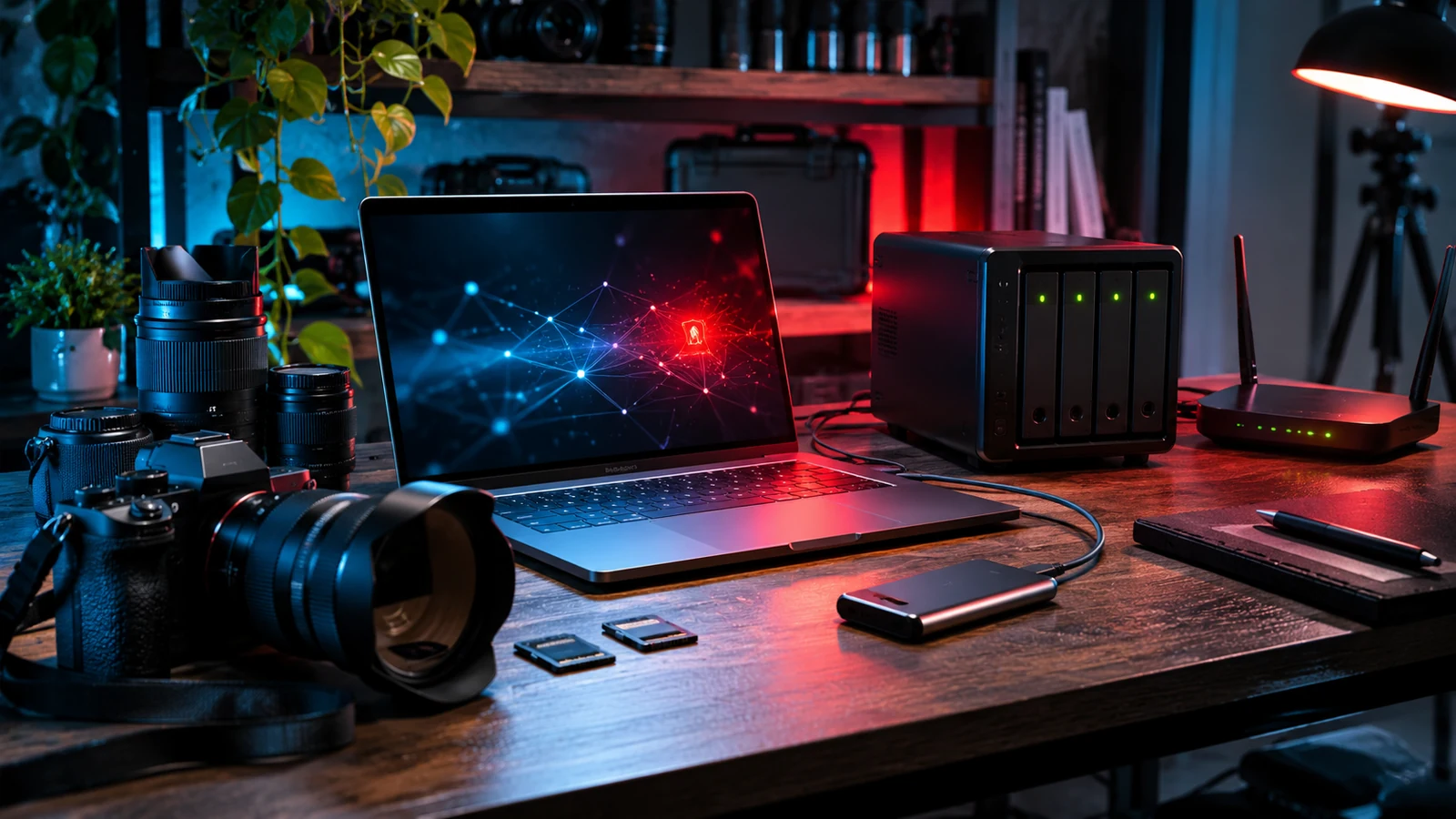
The equivalent risk in a creative workspace is more specific: an outdated router, an internet-exposed NAS, or poorly protected cloud accounts can put RAW files, video projects, contracts, and client personal data at risk. Compromising one smart device does not automatically grant access to every file; network configuration and isolation matter.
Where can a photographer or filmmaker be exposed?
The editing computer and external SSDs are not the only devices in a modern studio. A single Wi-Fi network might also serve a NAS, a printer, surveillance cameras, a smart TV, and automation devices. It helps to know which devices can talk to each other and which can be reached from the public internet.
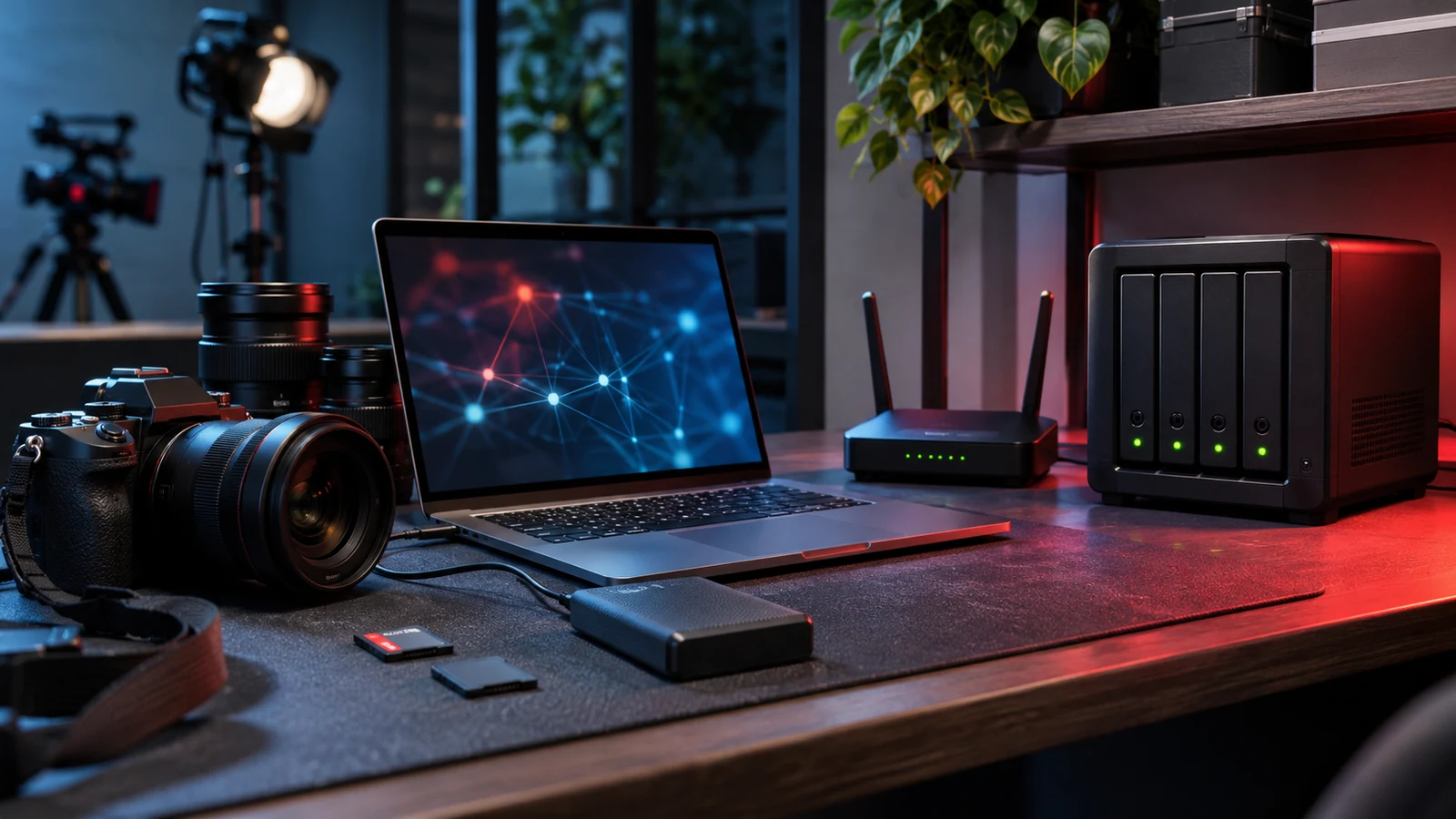
Consider networked cameras that can move around a home: beyond image quality, account permissions, access management, and video storage policies deserve attention. Other IoT devices that have no reason to reach professional project folders should be kept on a separate network where possible.
Client files need real backups, not just sync
Our photography storage guide covering NAS and cloud explains the practical 3-2-1 principle: three total copies, on two types of media, with at least one stored at a different location. For professional work, add an offline or deletion-protected copy, version history, and regular recovery tests.
RAID in a NAS can help with a drive failure, but it is not a backup. If ransomware encrypts accessible folders, files are deleted, or synchronization spreads damage, RAID alone will not restore an older version. Testing a real client-folder recovery matters more than seeing a green “backup completed” indicator.
The practical security checks worth doing
Router: replace default administration credentials, update firmware, enable WPA3 or WPA2-AES, and disable remote management, WPS, and UPnP unless there is a clear need. Put IoT devices and guests on a separate network with isolation from the professional NAS whenever the router supports it.
NAS and computers: install security updates, avoid exposing the NAS administration interface or shared folders directly to the internet, disable unused services, and give collaborators access only to the folders they need. For remote access, prefer a properly configured VPN or another strongly authenticated solution instead of open ports.
Accounts and collaborators: use different unique passwords for email, cloud storage, NAS, and client delivery services, with a password manager and multifactor authentication (MFA), preferably phishing-resistant. Audit shared links, expiry dates, and whether former collaborators still have access.
Storage devices: enable device encryption, such as FileVault or BitLocker where available, and protect the portable SSDs you carry on shoots. Verify unexpected file links, invoice attachments, and delivery requests before opening them.
What should we do if we suspect a breach?
Disconnect the affected system from the network to help contain the incident, but do not rush to erase logs or other evidence. From a clean device, change relevant credentials, revoke active sessions, and seek qualified security assistance or contact the service provider. Restore files only after the environment has been checked and secured.
If client personal data have been lost, disclosed, or rendered unavailable, data-protection obligations may also apply. Under the GDPR, a controller must document a personal data breach and, where it is likely to pose a risk to individuals’ rights and freedoms, notify the competent supervisory authority without undue delay and, where feasible, within 72 hours of becoming aware. A likely high risk also requires notifying affected individuals without undue delay. The decision depends on the actual circumstances.
What we think
A lost preset can be rebuilt. A failed drive can be replaced. The RAW files from a wedding or unreleased documentary footage, however, may be impossible to recreate. File security needs to become a routine part of our work, much like checking memory cards before leaving a shoot.
The common mistake is not failing to buy an expensive security system. It is setting up a NAS or cloud service for convenience and then never reviewing passwords, backups, or access permissions. An hour spent on sensible settings—and, above all, a real restore test—is worth more than a stack of apps promising absolute protection.
When we deliver images for clients, trust is about more than photographic quality. It is also about taking responsibility for files not being lost or exposed. If there is one improvement to make today, we would start with an independent backup and MFA on the accounts that hold our professional work.
Frequently asked questions
Can a compromised router expose NAS files?
It can increase the risk, depending on network reachability, access permissions, and exposed services. It does not automatically give an attacker access to every file.
Is RAID or cloud sync enough?
No. RAID cannot prevent malicious deletion or encryption, and sync can propagate unwanted changes. You need an independent versioned backup and a tested recovery process.
Do clients need to be informed after every cyber incident?
Not automatically. If personal data have been breached, the GDPR obligations must be assessed: documentation, possible supervisory-authority notification, and notifying affected people where there is a high risk.