

Summary
- PTTL has launched a new AI image checking page.
- Sightengine provides a model probability estimate on a 0–100 scale.
- Separate checks look at digital provenance and image metadata.
- The result is a starting point for verification, not conclusive proof.
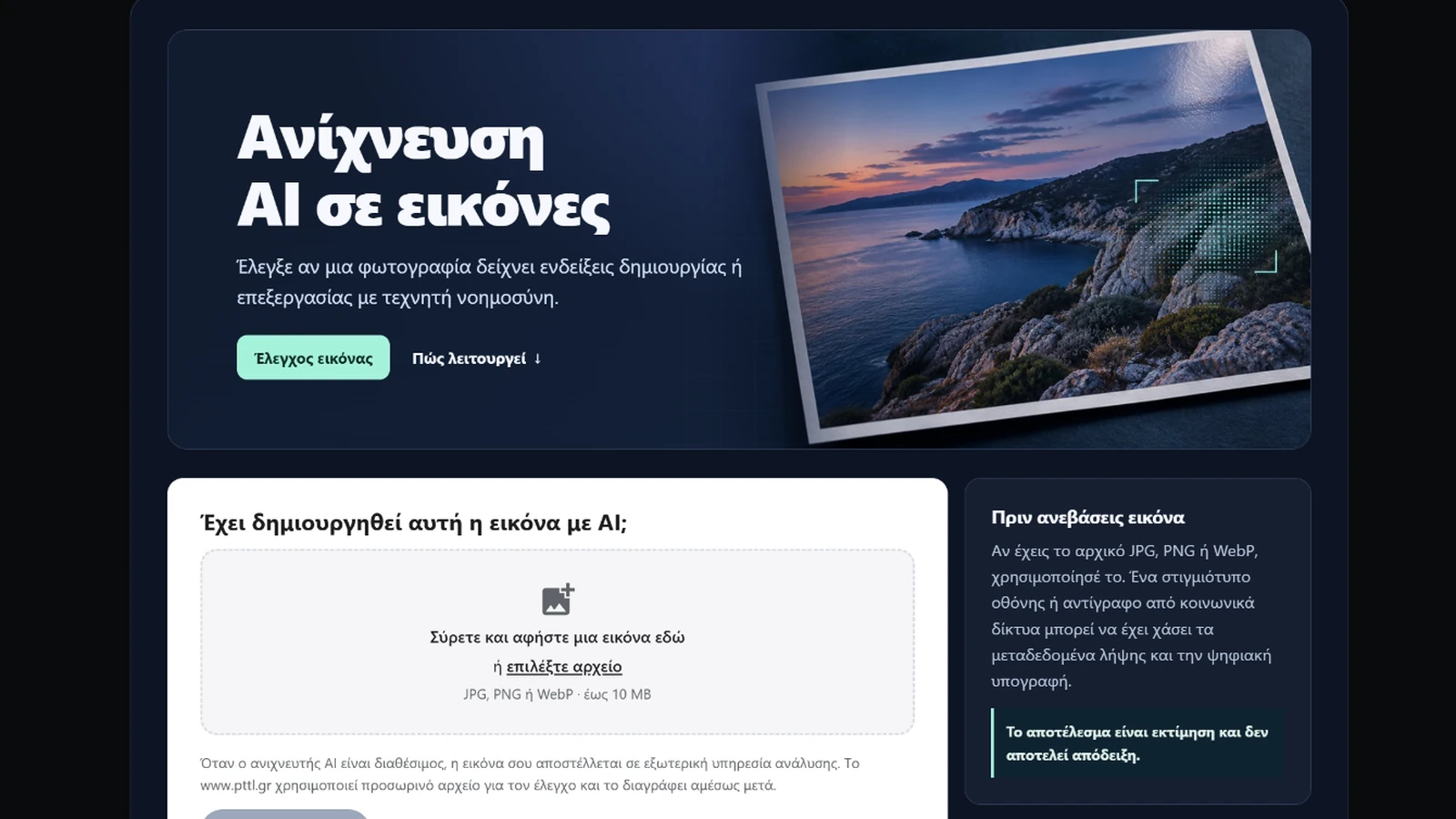
Can you tell whether a photograph was created with artificial intelligence? At PTTL, we have built a new page bringing AI detection, digital provenance and image metadata checks together in one place.
The PTTL AI image checker accepts JPG, PNG and WebP files up to 10 MB. Drag a file into the upload area or select it from your device to run the check. When available, the visual AI analysis is powered by Sightengine.
How AI detection works with Sightengine
Sightengine provides an AI-Generated Image Detection model that examines image pixels and assesses whether an image was generated or edited with generative AI. It does not use EXIF or other metadata to produce that score. PTTL displays the result on a 0–100 scale alongside any other available findings.
Three checks provide a broader picture
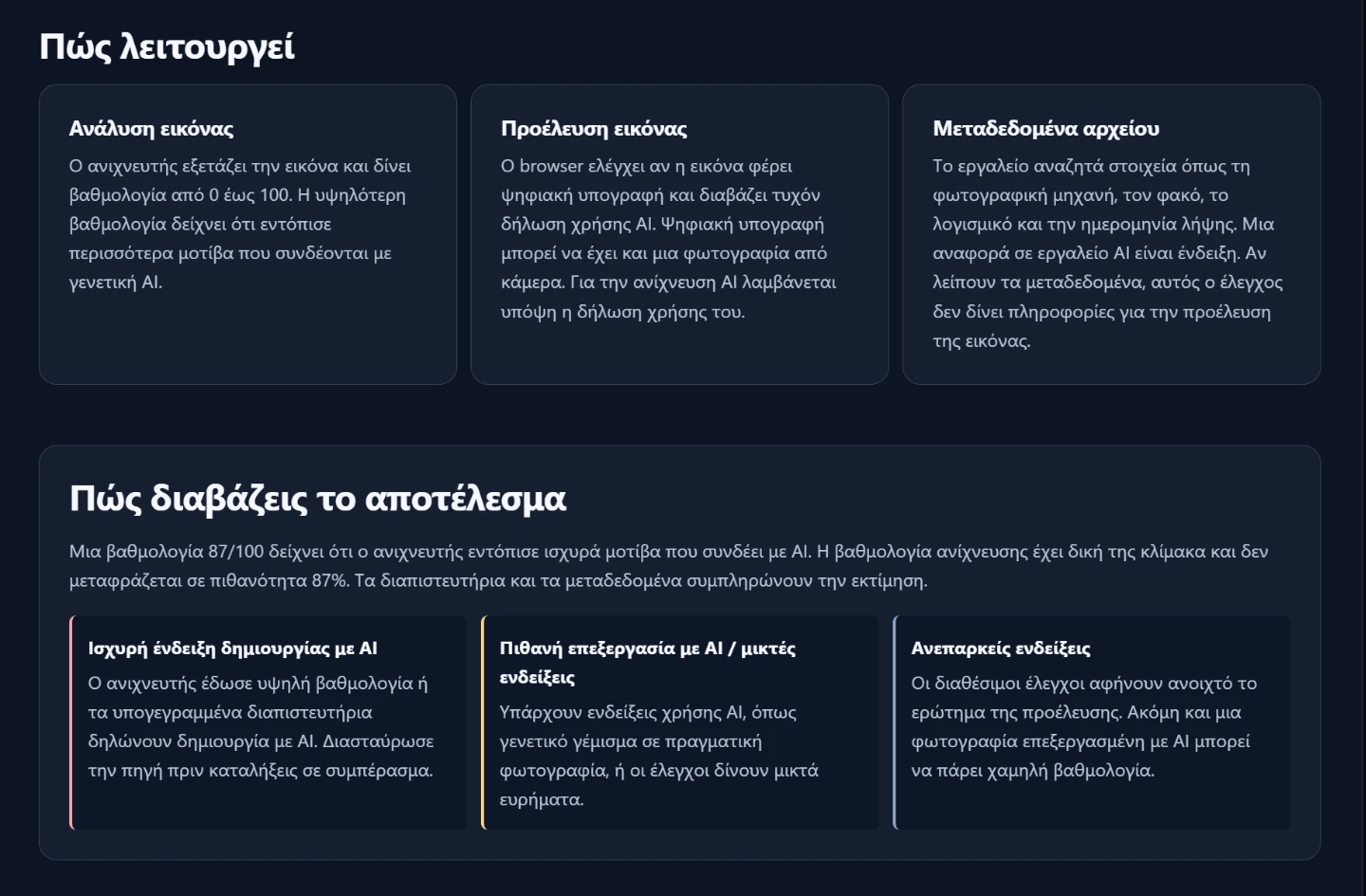
AI analysis is the first component. The second is a digital provenance check: the browser looks for signatures and any declared use of AI in provenance information. Third, the metadata check looks for camera, lens, software and capture date, when these details are present.
These clues do not always tell the same story. A genuine camera photo can have a valid digital signature, and missing metadata is not evidence that an image was generated with AI. We show the findings separately so readers can see exactly what was detected.
What does a score of 87/100 mean?
Sightengine returns a value from 0 to 1, which we display on a 0–100 scale. If it returns 0.87, PTTL shows 87/100 — in other words, an 87% model probability or confidence estimate that the image was AI-generated or AI-edited. A higher score indicates stronger confidence from Sightengine.
It remains an algorithmic estimate, not proof of the image’s true origin. The page provides three result descriptions: “Strong indication of AI generation”, “Possible AI editing / mixed evidence” and “Insufficient evidence”. A low score does not rule out AI involvement.
Which image to upload, and what to check next
For provenance and metadata checks, use the original JPG, PNG or WebP whenever possible. A screenshot or social-media copy may have lost capture information and digital signatures. Sightengine works on pixels and can assess copies too, although heavy compression or major transformations may affect its confidence.
If you are considering publishing a disputed image, request the original file or RAW where possible, verify who created it and run a reverse image search. Our practical guide to identifying AI images also covers visual clues, including shadows, textures and geometry.
What happens to uploaded images
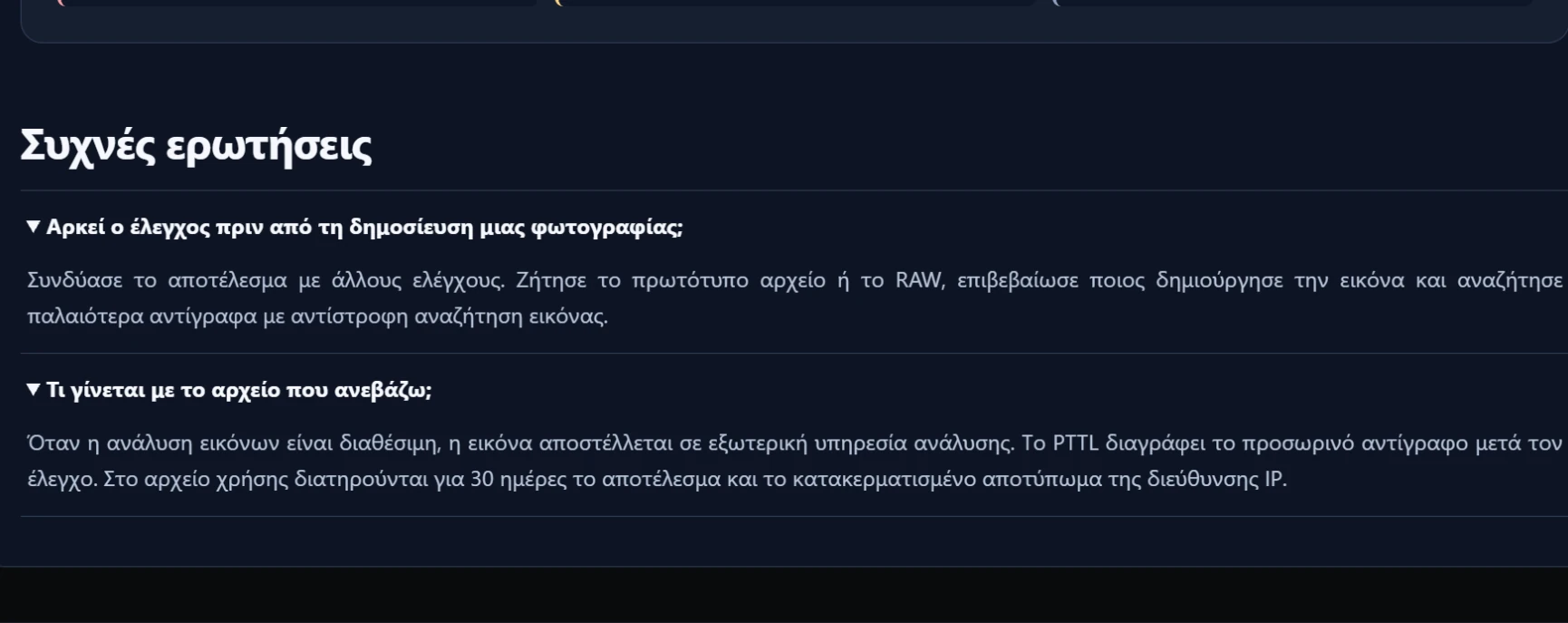
When AI analysis is available, we send the image to Sightengine for processing. PTTL uses a temporary file and deletes it immediately after the check. Our usage log retains the result and a hashed representation of the IP address for 30 days.
Sightengine states in its own retention policy that images are deleted after processing by default, with certain exceptions for features that involve storage. Because this step sends an image to an external provider, keep that in mind before uploading client photos or other non-public content.
What we think
An AI detector is useful when it helps you examine an image, not when it encourages a snap judgment. That is what we wanted to build: a way to get an initial Sightengine assessment and, on the same page, see whether the file offers more information about its origins.
As photographers, we know that dramatic light, heavy retouching or an unusual scene can make a genuine photograph look suspicious. A score should not become an accusation against its creator. The incorrect AI Content labels applied to real photos on Instagram are a clear example of why that distinction matters.
Use the tool as a starting point: check the score, look at the file information, and then verify the source. That workflow is more valuable than an unexplained “AI or real” verdict.
Frequently asked questions
Does 87/100 mean 87%?
Yes. A Sightengine result of 0.87 appears as 87/100, or 87% on the model’s scale. It is the model’s probability/confidence estimate of generative AI involvement, not conclusive proof.
Can I check RAW files or video?
This form supports JPG, PNG and WebP files up to 10 MB. RAW and video uploads are not listed as supported. A RAW file can still be valuable independent evidence of image provenance.
Does a low score prove that an image is authentic?
Not necessarily. A low score only means this particular check found no strong evidence of AI. For consequential decisions, verify the image with additional information.
What data is retained after the check?
PTTL deletes its temporary file after processing and retains the result and a hashed IP representation in the usage log for 30 days. When AI analysis runs, the image is sent to Sightengine under that service’s processing policy.