

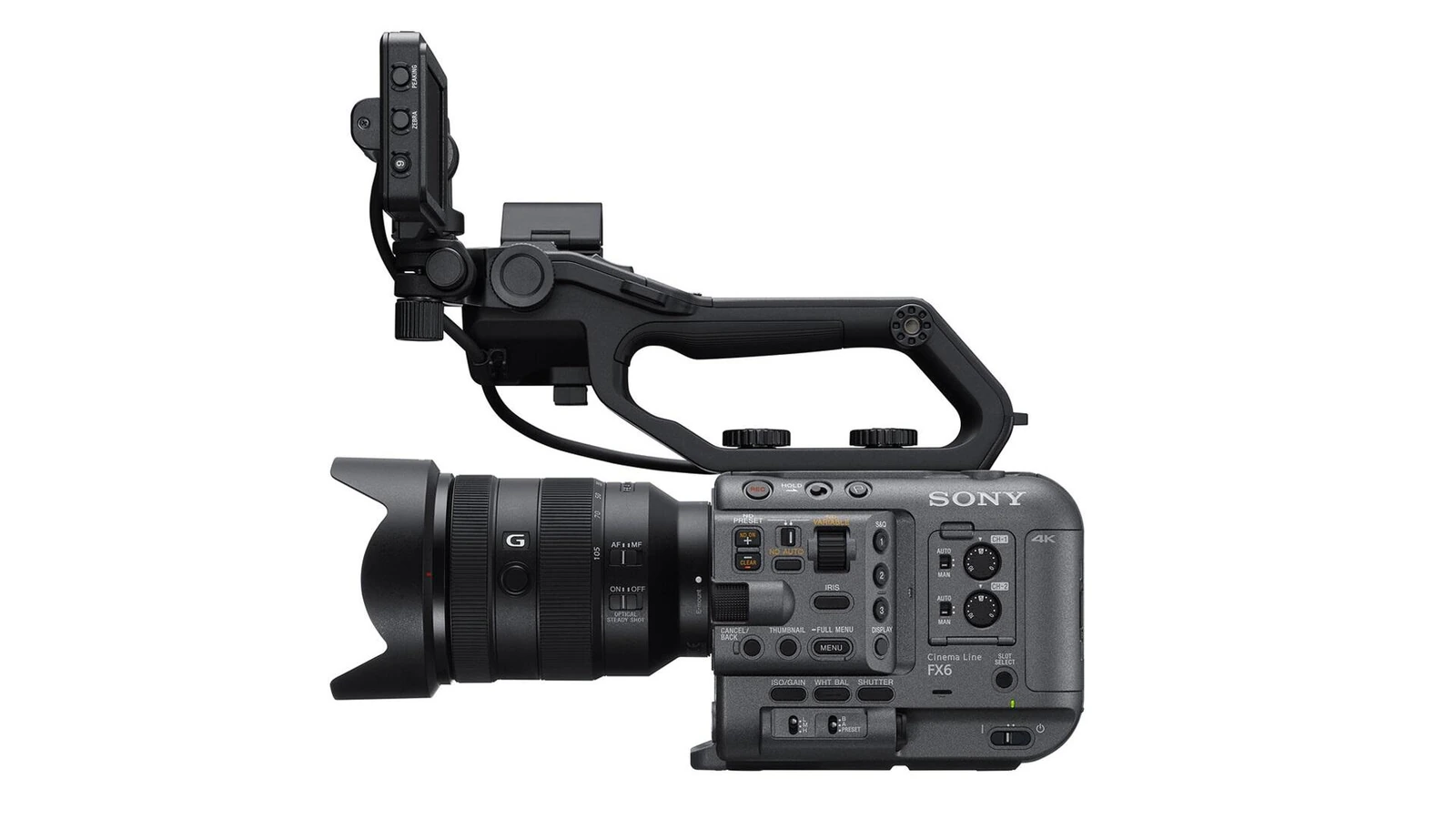
Summary
Simultaneous dual-slot recording is an important safety net on the Sony FX6, and firmware 6.02 fixes a rare bug that could undermine it.
Sony released the update on November 5, 2026, for the ILME-FX6V and ILME-FX6VK. This is a recording-reliability fix, not an update introducing new creative features.
What firmware 6.02 fixes
When the FX6 records to both media slots simultaneously, the second card can hold a backup of the footage. Sony says that, in rare circumstances, an error in one slot could also interrupt recording in the other. Version 6.02 improves the stability of this specific operation.
For an interview, documentary or shoot that cannot be repeated, dual recording is valuable only if the second card offers meaningful redundancy. The fix targets this particular failure scenario; it does not guarantee that recording media or cameras can never fail.
The update also includes improvements introduced in earlier versions. Firmware 6.00, for example, added the BIG6 interface and external Blackmagic RAW recording via HDMI. BIG6 is also found on the newer Sony FX5 with Open Gate and internal RAW, but these are not new additions in version 6.02.
More information here.
Back up your settings before updating
Sony warns that upgrading to 6.02 from firmware 5.02 or earlier resets the camera to its default settings. To preserve your setup, save the settings in an All File before installing the firmware and reload that file when the update is complete.
That matters on production cameras with carefully configured scene files, image settings and custom controls. Trying to reconstruct your setup as a shoot gets underway is not a good backup plan.
How to install the update
Sony provides the BODYDATA.DAT update file on its official FX6 firmware 6.02 download page. Use an SDXC or CFexpress Type A card formatted in the camera, and place the file in the card’s root directory without changing its filename.
Insert the card into slot B — the only slot that recognises firmware update data. With the supplied AC adaptor connected, select Maintenance → Version → Version Up and follow the on-screen confirmations. Sony says the process takes around eight minutes, although the duration can vary with the versions involved.
Do not remove the card or interrupt power during the update. After the camera restarts automatically, check Maintenance → Version to confirm version 6.02 is installed and restore your All File if necessary. A short simultaneous-recording test before a professional shoot is also a sensible precaution.
What we think
Backup recording exists because equipment can fail at the worst possible moment. If a fault in one card slot can stop the other as well, the very reason for recording to two media disappears.
That makes firmware 6.02 more important than its modest version number might suggest. For FX6 operators filming interviews, documentaries and client work, recording reliability matters far more than another menu feature.
We would handle this as a planned maintenance task, not something to do minutes before a call time: save the settings, keep reliable power connected, complete the update, then check both recording slots. That is what makes the fix useful in practice.
Frequently asked questions
Will updating the Sony FX6 to firmware 6.02 erase my settings?
Yes, if you are updating from version 5.02 or earlier. Save your settings as an All File first, then reload it after the update is installed.
Which card slot is used for the firmware update?
Sony specifies slot B for the SDXC or CFexpress Type A card containing the BODYDATA.DAT file.