

Summary
- DaVinci Resolve 21.0.1 is a maintenance release focused on stability.
- It fixes color issues with DNG and Apple ProRAW files.
- Fusion, Photo page, Fairlight and HDR H.265 rendering receive improvements.
- Support is added for Sony Alpha 7R VI ARW RAW stills.
- Blackmagic recommends backups before opening projects in the new version.
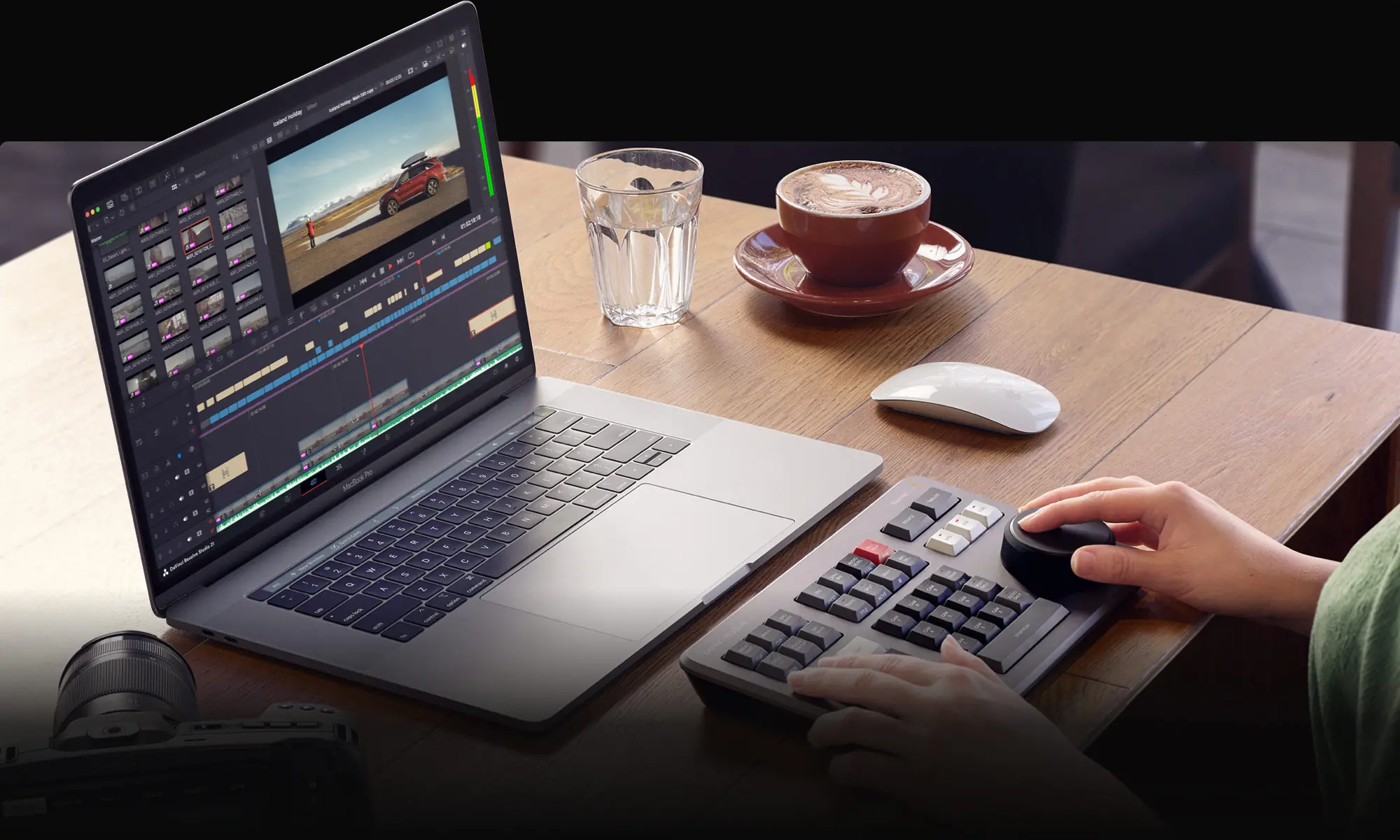
Blackmagic Design has released DaVinci Resolve 21.0.1, a maintenance update focused on color issues, Fusion, HDR exports and overall stability.
The new DaVinci Resolve 21.0.1 update introduces a series of fixes across several parts of the software, including DNG and Apple ProRAW files, smart bins, linked audio management, the Photo page, Fusion effects, H.265 HDR rendering and Project Manager performance with large libraries.
The update matters for editors and colorists who use Resolve in daily production, as many of the fixes affect workflow reliability, color accuracy and project behavior in professional environments.
What changes in DaVinci Resolve 21.0.1
DaVinci Resolve 21.0.1 fixes multiple color issues with DNG and Apple ProRAW files, while also improving issues related to automatic smart bins after deleting keywords.
The release also addresses problems with multiple linked audio during media management, as well as various issues involving Resolve FX on the Photo page.
The Photo page also receives fixes for the shortcut used to switch the viewer, more consistent creation of new photo albums and improved color thumbnail refresh for the photo transform indicator.
Fixes in Fusion, Edit and Fairlight
There are also important fixes in Fusion. Blackmagic says it has addressed a keyframe issue when copying clips with Fusion effects, as well as keyframe refresh problems for Fusion effects on the Edit page.
In addition, the release fixes Fusion viewer color issues with some RCM settings, problems with saturation limits in Fusion gradient controls and display issues in dual screen layouts.
On the audio side, the new version fixes an occasional issue with Fairlight loudness meters, while transcription now properly follows the language set in the project settings.
Improvements in HDR, formats and performance
DaVinci Resolve 21.0.1 fixes a color issue with MainConcept H.265 HDR renders, as well as a similar issue with Windows native H.265 HDR renders.
The update adds support for Sony Alpha 7R VI ARW RAW stills and the ability to decode Affinity RGB 16-bit formats.
There are also fixes for lag when toggling bypass grades and Fusion effects, non-English character input issues on Linux and Project Manager scroll lag in large project libraries.
Pay attention to project libraries
For DaVinci Resolve 21.0.1, efforts have been made to keep project libraries compatible with DaVinci Resolve 20.3.2.
However, projects created or opened in DaVinci Resolve 21.0.1 will no longer be accessible in version 20.3.2. For this reason, Blackmagic recommends a full project library backup, as well as individual project backups, before opening projects in the new version.
Free version and Studio
The free version of DaVinci Resolve 21.0.1 includes the same high-quality processing as the Studio version and can handle unlimited resolution media files.
However, mastering and output are limited to Ultra HD resolution or lower, while on Windows and Linux only a single processing GPU is supported.
The Studio version remains necessary for features such as multiple GPUs, 4K output, motion blur effects, temporal and spatial noise reduction, multiple AI-based tools, HDR tools, camera tracker, voice isolation, surround and immersive audio, additional Resolve FX, 3D stereoscopic tools and remote rendering.
Minimum system requirements
On Mac, DaVinci Resolve 21.0.1 requires macOS 15 Sequoia or later, an Apple Silicon computer, 8 GB of RAM or 16 GB when using Fusion, and Blackmagic Design Desktop Video 12.9 or later for monitoring.
On Windows, it requires Windows 10 Creators Update, 16 GB of RAM or 32 GB for Fusion, an integrated or discrete GPU with at least 4 GB of VRAM, OpenCL 1.2 or CUDA 12.8 support, official AMD or Intel drivers and NVIDIA Studio driver 581.57 or newer for NVIDIA cards.
For Windows on Arm, it requires Windows 11 for ARM, a Qualcomm Snapdragon X Elite series processor and 16 GB of RAM or 32 GB for 4K and Fusion.
On Linux, it requires Rocky Linux 8.6, 32 GB of RAM, a discrete GPU with at least 4 GB of VRAM, OpenCL 1.2 or CUDA 12.8 support, official AMD drivers or NVIDIA Studio driver 580.119.02 or newer.
What we think
DaVinci Resolve 21.0.1 looks more like a stability release than an update with headline new features, but the fixes for RAW, HDR, Fusion and Project Manager are meaningful for anyone working daily on demanding projects. The backup recommendation before opening projects in the new version should not be ignored.
Frequently asked questions
What is new in DaVinci Resolve 21.0.1?
The release mainly brings fixes for DNG, Apple ProRAW, Fusion, HDR H.265 renders, smart bins, the Photo page, Fairlight meters and overall performance.
Are projects compatible with older versions?
Project libraries have been designed to remain compatible with DaVinci Resolve 20.3.2, but projects created or opened in version 21.0.1 will no longer open in 20.3.2.
Is a backup needed before upgrading?
Yes. A full project library backup and separate backups of individual projects are recommended before opening them in DaVinci Resolve 21.0.1.
What limitations does the free version have?
The free version limits mastering and output to Ultra HD resolution or lower and supports only one processing GPU on Windows and Linux.
Is the Sony Alpha 7R VI supported?
Yes, version 21.0.1 adds support for Sony Alpha 7R VI ARW RAW stills.