Summary
- DJI is rolling out new updates for the Osmo Pocket 4 and Pocket 4P
- Both models gain direct uploads to Google Drive, OneDrive and NAS
- The Pocket 4P gains 10-bit D-Log in Slow Motion, but not D-Log2
- The official Pocket 4P D-Log LUTs are updated to version V2.0
- The Pocket 4 gains Frame Tracking, zoom while tracking and FrameTap support
- The Pocket 4P adds 45-degree diagonal gimbal control
- Osmo Pocket 4P Gets D-Log in Slow Motion
- New V2.0 LUTs for the Pocket 4P
- Direct Transfers to Google Drive, OneDrive and NAS
- 45-Degree Joystick Movement on the Pocket 4P
- Pocket 4 Gets Better Tracking and More Controls
- More Button Customization
- What Owners Should Know Before Installing
- What We Think
- Frequently Asked Questions
DJI is rolling out significant firmware updates for the Osmo Pocket 4 and Osmo Pocket 4P, adding direct cloud and NAS file transfers while finally bringing 10-bit D-Log to Slow Motion on the 4P.
The most important change for the Osmo Pocket 4P is the ability to record slow motion in 10-bit D-Log, while both models gain Camera Cloud Service for transferring footage directly to Google Drive, OneDrive or a personal NAS. The standard Pocket 4 also receives several tracking, control and automation features previously introduced on the newer 4P.
The update matters mainly to creators who use the Pocket cameras as genuine production tools rather than only for quick clips. D-Log in slow motion makes color matching inside a graded production considerably easier, while direct cloud or NAS transfers can reduce the intermediate steps involving a phone, memory card or computer.
Osmo Pocket 4P Gets D-Log in Slow Motion
The new Osmo Pocket 4P firmware adds a 10-bit D-Log color mode to Slow Motion. This is a substantial change because high-frame-rate footage previously could not use this log profile, making it more difficult to match against material recorded in D-Log.
The 4P can reach up to 4K/240fps with its main wide-angle camera and up to 4K/200fps with its telephoto camera. A CineD test after updating found that D-Log is available even at the highest slow-motion frame rates.
There is one important distinction: the new capability is D-Log, not D-Log2. D-Log2 remains available in compatible standard recording modes on the Pocket 4P, but this firmware does not extend it to Slow Motion.
That distinction matters because D-Log2 is the more advanced log profile on the 4P and is associated with the maximum dynamic range DJI claims for its main camera. D-Log in slow motion nevertheless offers much more grading flexibility than a baked-in color look.
New V2.0 LUTs for the Pocket 4P
Alongside the firmware, DJI has updated the official Osmo Pocket 4P D-Log to Rec.709 and D-Log to Rec.709 Vivid LUTs to version V2.0. DJI’s official download information states that firmware versions before v01.01.71.20 use V1.0 LUTs, while firmware v01.01.71.20 and later should use V2.0.
The change is particularly relevant to users who have already built a workflow around D-Log. The LUT version should correspond to the camera firmware so that the Rec.709 conversion follows DJI’s updated color response.
PTTL previously covered the DJI Osmo Pocket 4P launch, its dual-camera system and D-Log2 capabilities, positioning the model closer to demanding production use than earlier Pocket generations.
Direct Transfers to Google Drive, OneDrive and NAS
A shared addition to both the Osmo Pocket 4 and 4P is Camera Cloud Service. It allows the camera to transfer files directly to supported cloud storage or NAS over Wi-Fi, without first requiring a manual copy to a phone or computer.
DJI currently lists Google Drive, Microsoft OneDrive and personal NAS systems among the supported options. Service availability can vary by country or region and mobile device type, and DJI notes that the supported service list may change in future updates.
In practice, this may be particularly useful for travel productions, weddings, events, journalism or production teams that want files to reach a centralized storage location quickly.
It does not, however, replace a complete backup strategy on its own. Transferring a file to cloud storage or a NAS does not necessarily mean that multiple independent copies of the original footage already exist.
45-Degree Joystick Movement on the Pocket 4P
The Osmo Pocket 4P also gains support for 45-degree diagonal joystick movement. Previously, users effectively had to combine pan and tilt inputs, while the update allows more direct diagonal gimbal moves.
It may appear minor next to the D-Log addition, but it has practical value for controlled camera moves within a shot, especially when the Pocket is used as a compact gimbal camera rather than simply a point-and-shoot device.
Pocket 4 Gets Better Tracking and More Controls
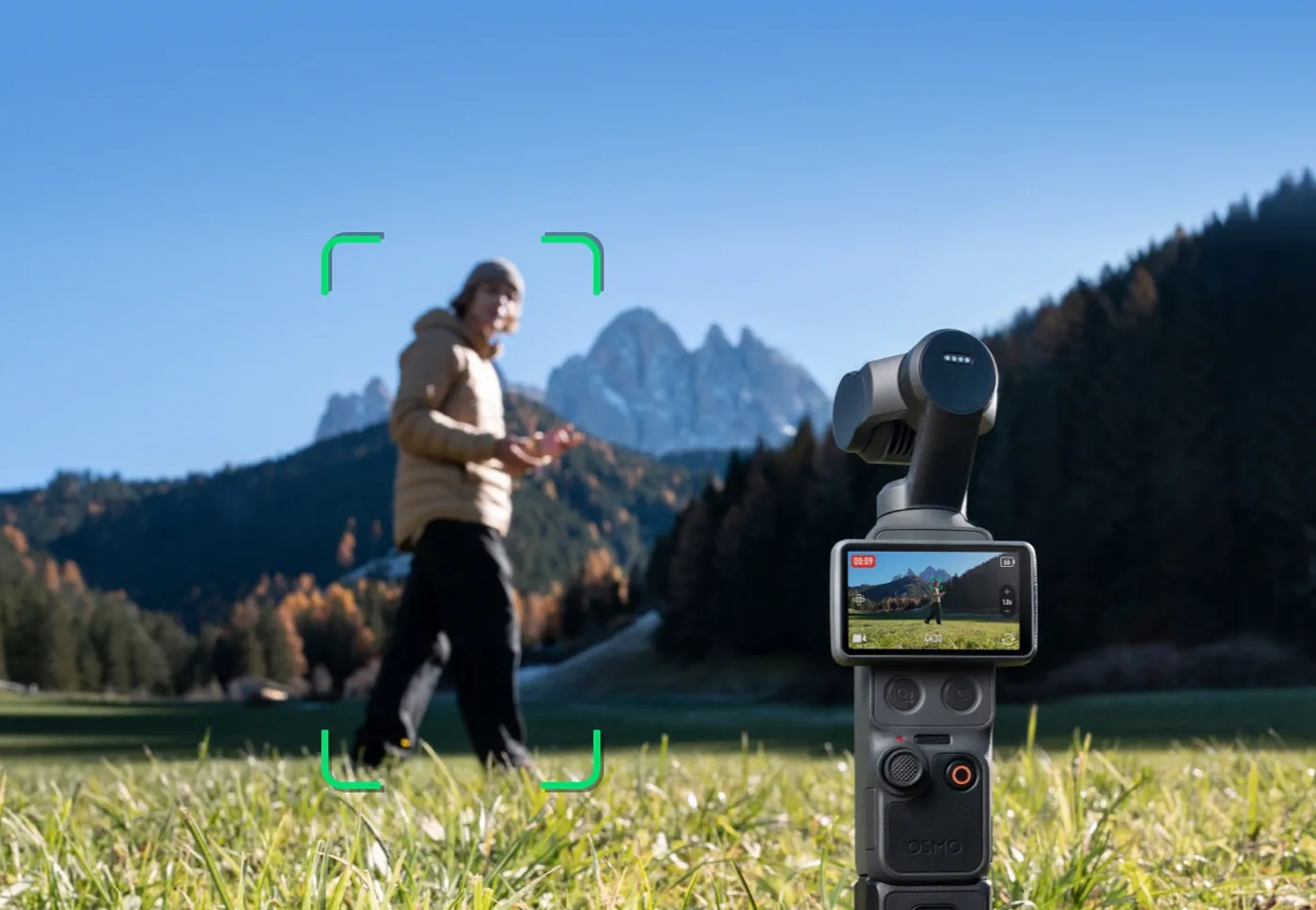
For the Osmo Pocket 4, firmware v01.03.10.05 is much broader. It adds Frame Tracking, allowing the camera to automatically identify and select a potential ActiveTrack subject. Once the subject frame turns yellow, a single joystick press starts tracking while preserving the chosen composition.
Smart Gimbal Mode can now remember the last selected mode after the camera is powered off, while zooming during tracking is also supported using the joystick or physical buttons.
Support is also added for the Osmo FrameTap remote controller, while the compatible fill light can automatically adjust brightness and color temperature according to the scene.
More Button Customization
DJI is also expanding the Pocket 4 Custom Button. A press-and-hold action can now be assigned either to zoom out or to open the custom settings menu.
In portrait orientation, there is also a virtual custom button that can be configured with different actions for single, double, triple and press-and-hold inputs. This is particularly useful for creators who regularly shoot vertical content and want quick access to functions without repeatedly opening menus.
DJI additionally lists improvements to interaction, image quality in certain scenarios and fixes for known issues.
What Owners Should Know Before Installing
The updates are installed through the DJI Mimo app. The Pocket 4 uses firmware v01.03.10.05, while DJI’s official LUT download pages associate the newer Pocket 4P firmware with version v01.01.71.20.
There is one additional practical warning for Pocket 4 owners: DJI says the photo capture experience has been reworked and recommends recording custom Photo mode settings before installing, as they may not be preserved.
If installation fails, DJI’s official troubleshooting procedure includes restarting both the camera and DJI Mimo, enabling Wi-Fi and Bluetooth and then reconnecting and trying the update again.
What We Think
The most important change is not necessarily the most eye-catching feature on the specification sheet. D-Log in slow motion addresses a real gap on the Pocket 4P for creators mixing high-frame-rate footage with normally recorded graded material, while cloud and NAS uploads gradually move the Pocket series toward a more self-contained production workflow.
At the same time, the Pocket 4 gains several functions that make tracking and operation more mature without any hardware change. It is another reminder of how important firmware has become in a modern pocket camera: a meaningful part of the final user experience can change months after purchase.
Frequently Asked Questions
Does the DJI Osmo Pocket 4P now record D-Log at 4K/240fps?
Yes. The new firmware adds 10-bit D-Log to Slow Motion, and testing after the update confirms availability even at the highest slow-motion frame rates. The feature is D-Log, not D-Log2.
Is D-Log2 supported in Slow Motion?
Not with this update. DJI specifically lists D-Log for Slow Motion, while D-Log2 remains a separate Pocket 4P feature for compatible standard video modes.
Where can the Pocket 4 and 4P upload files?
Camera Cloud Service supports Google Drive, OneDrive and personal NAS storage, although availability can vary by region and device.
Should Pocket 4P owners use new LUTs?
For firmware v01.01.71.20 and later, DJI provides its D-Log to Rec.709 and D-Log to Rec.709 Vivid LUTs in version V2.0.
How is the firmware installed?
Installation is performed through DJI Mimo after connecting the app to the camera.