

Summary
- For most photographers, Mac mini with M6 and 24GB or 32GB offers the best performance-to-cost balance.
- Mac Studio with M5 Max makes sense for heavy 4K/8K, complex grading, huge RAW catalogs and sustained workloads.
- M5 Ultra targets studios with many 8K streams, 3D/Fusion or local AI models that require more than 128GB of memory.
- If your work never hits the mini’s memory, GPU or media-engine limits, Mac Studio is expensive unused headroom.
- The comparison at a glance
- Lightroom and Capture One: Mac mini wins
- Photoshop: look at memory first
- Final Cut Pro: Mac mini is very capable at 4K
- Premiere Pro and DaVinci Resolve: closer to Studio territory
- AI: memory is the hidden limit
- Budget: where the money matters
- Who wastes money by not buying Mac mini?
- Who really needs Mac Studio?
- Final choice
- Frequently asked questions
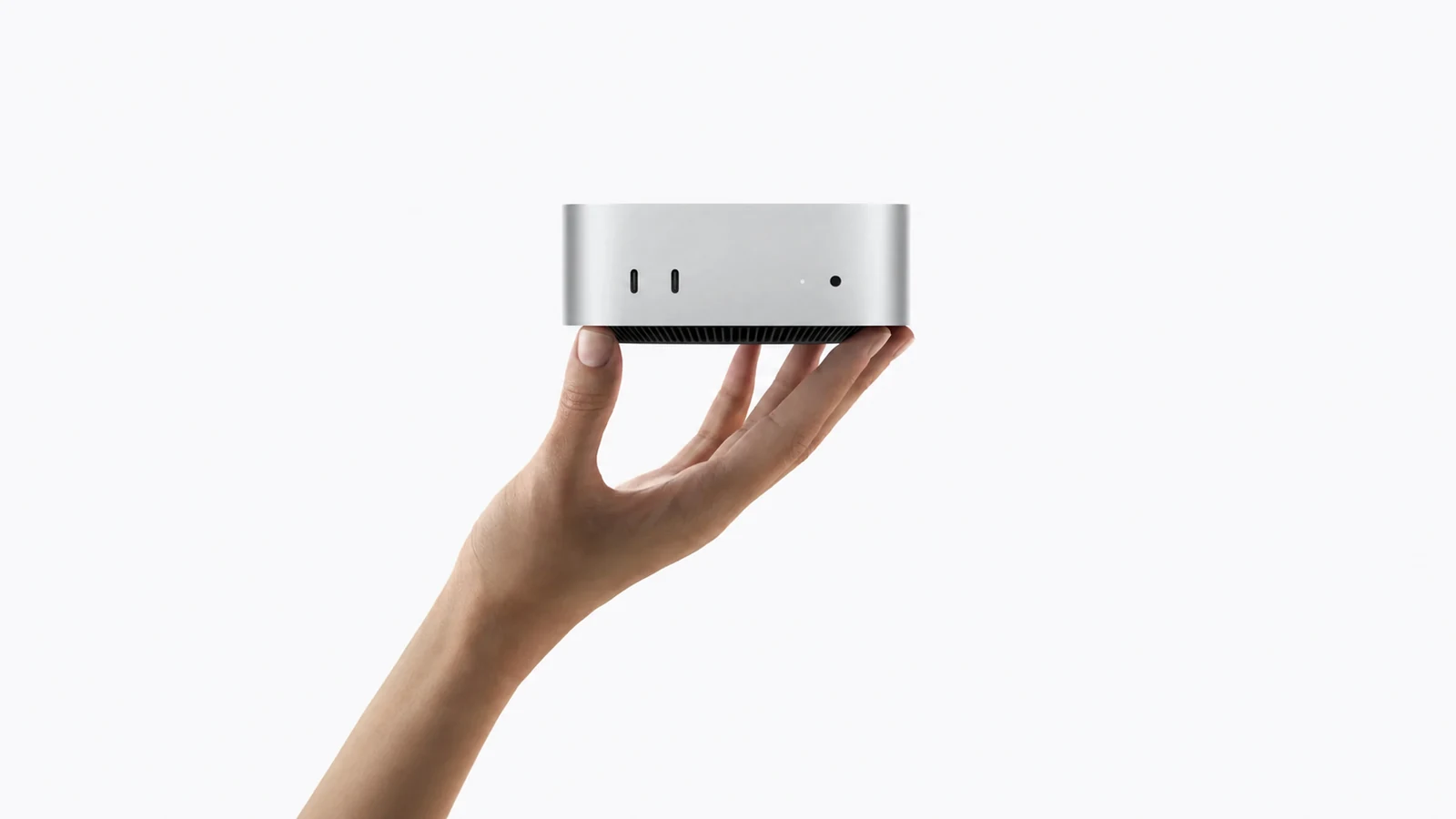
Mac mini with M6 and the new Mac Studio do not simply target different budgets. They address different limits in memory, GPU, media engines, connectivity and sustained workload. The short answer is clear: most photographers and many videographers should buy Mac mini with M6. Mac Studio is worth it when the work repeatedly hits the mini’s limits and waiting time costs money. For specifications, see our separate reports on Mac mini with M6 and Mac Studio with M5 Max and M5 Ultra. This guide translates the differences into purchasing decisions.
The comparison at a glance
| Workload | Best choice | Reason |
|---|---|---|
| Lightroom/Capture One, up to 50-60MP | Mac mini M6, 24GB | Strong CPU and sufficient memory at lower cost |
| 100MP RAW, large catalogs, Photoshop stacks | Mac mini M6 32GB or M5 Pro | Buy memory before extra GPU |
| 4K Final Cut/Premiere/Resolve | Mac mini M6, 32GB | Adequate media acceleration for most projects |
| Heavy 4K/8K, multicam, temporal effects | Mac Studio M5 Max | More GPU, memory and media engines |
| Many 8K streams, Fusion/3D, local AI | Mac Studio M5 Ultra | Up to 512GB and maximum compute/media headroom |
Lightroom and Capture One: Mac mini wins
In Lightroom Classic and Capture One, responsiveness often depends on single-thread and lightly threaded CPU work, SSD speed and enough memory to avoid constant swapping. M6 has a very strong CPU, and for catalogs containing tens of thousands of images, a Mac mini with 24GB or 32GB is usually the right investment. Mac Studio will be better for large batch exports, AI denoise, sustained work and running Lightroom, Photoshop and other applications together. If everyday work is culling, ordinary adjustments and exports for web or print, however, the price difference is hard to justify.
Photoshop: look at memory first
For 24MP to 60MP files, ordinary layers and common filters, Mac mini with M6 is more than enough. Focus stacks, panoramas, 100MP files, smart objects and multi-gigabyte composites make 32GB the sensible minimum. Mac Studio with M5 Max becomes the better purchase when 64GB, 96GB or 128GB is genuinely needed. M5 Ultra configurations with 256GB or 512GB target highly specialised production.
Final Cut Pro: Mac mini is very capable at 4K
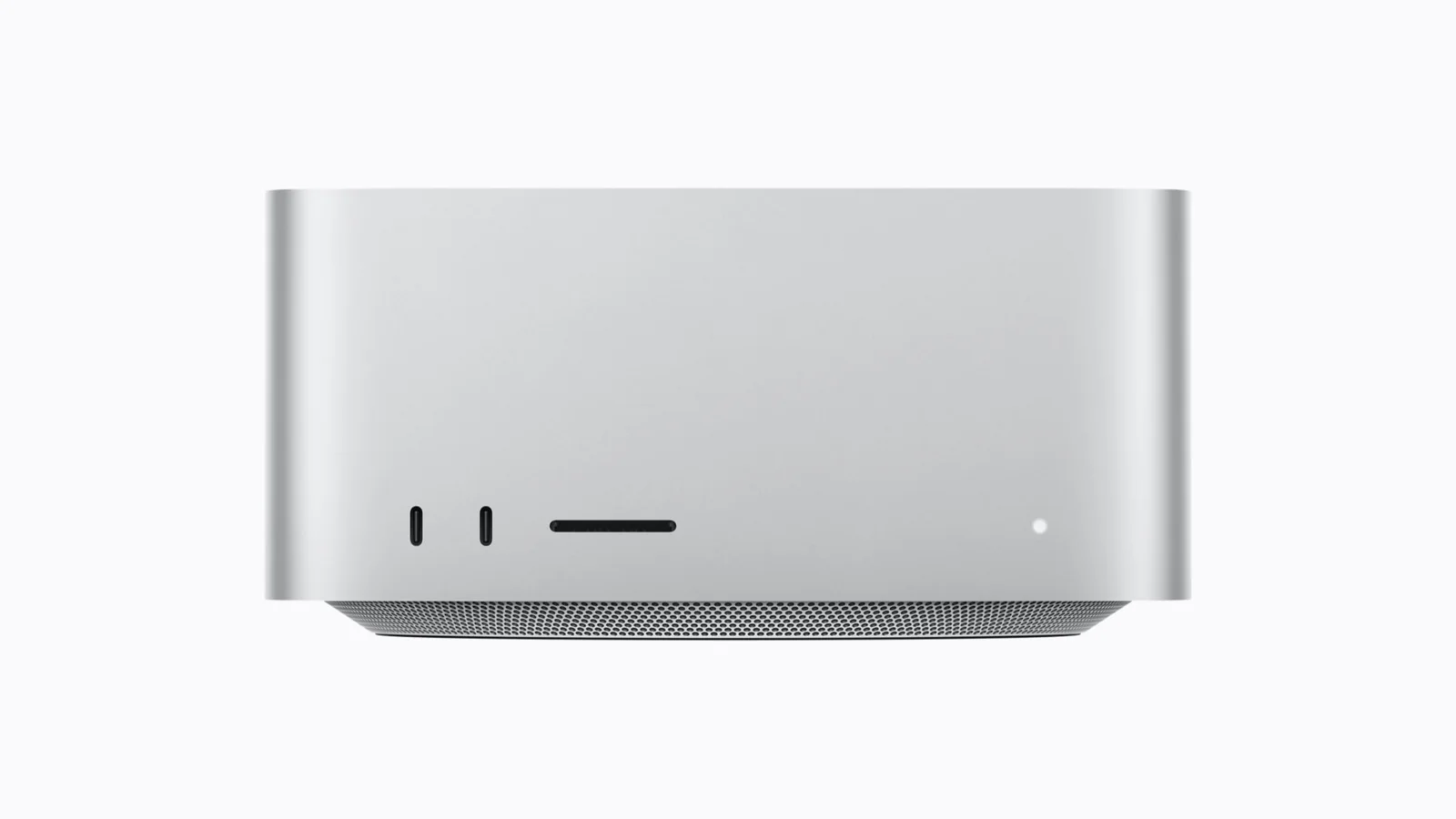
For 4K ProRes, H.264 and HEVC, basic multicam, titles and reasonable color correction, Mac mini with M6 and 32GB is the correct baseline. Final Cut Pro uses Apple silicon efficiently and does not require Mac Studio for every professional project. Mac Studio with M5 Max is justified by many simultaneous streams, heavy plugins, 8K, noise reduction, long timelines or all-day exports. M5 Ultra belongs where even M5 Max is a measurable bottleneck.
Premiere Pro and DaVinci Resolve: closer to Studio territory
Premiere Pro and DaVinci Resolve can place greater demands on GPU and memory, particularly with 8K, RAW codecs, After Effects Dynamic Link, temporal noise reduction, Magic Mask and Fusion. For regular professional grading or 8K multicam, Mac Studio with M5 Max is the balanced choice. M5 Ultra is justified by multiple 8K streams, complex Fusion/3D, all-day AI processing or huge timelines across several displays. A typical 4K 10-bit timeline with a few nodes does not need Ultra.
AI: memory is the hidden limit
For AI denoise, subject selection, transcription and masking inside Lightroom, Photoshop, Premiere or Resolve, M6 has a strong Neural Engine and GPU accelerators. For local generative models, the size of unified memory can matter more. If the model fits in 24GB or 32GB, Mac mini remains rational. If it needs 64GB, 128GB or more, Mac Studio is a technical requirement rather than a luxury.
Budget: where the money matters
With European starting prices of €1,069 for Mac mini with M6 and €3,029 for Mac Studio with M5 Max, the gap is almost threefold before adding memory and storage. For a photographer, money often produces a better result when spent on 32GB of memory, a larger SSD, a calibrated display, backup and fast external storage.
Who wastes money by not buying Mac mini?
- Photographers using Lightroom and Photoshop with typical 24-60MP RAW files.
- Creators producing mainly 4K content for YouTube, social or corporate work.
- Editors using proxies who do not exceed 32GB of memory.
- Users who occasionally run AI denoise and masking, rather than large local models.
Who really needs Mac Studio?
- Studios with 8K RAW, multicam, heavy temporal effects and daily large exports.
- Colorists or motion designers who sustain GPU and memory load for hours.
- Retouchers with very large composites and more than 32GB of memory demand.
- Teams needing 10Gb Ethernet, many Thunderbolt 5 devices, several displays and genlock.
- AI workflows requiring 64GB to 512GB of unified memory.
Final choice
Buy Mac mini with M6 and 24GB or 32GB if you are a typical professional photographer or 4K creator. Choose Mac Studio with M5 Max for daily heavy 4K/8K, grading or memory-intensive projects. Choose M5 Ultra only if you can name the workload that exceeds M5 Max. The discontinuation of Mac Pro made Mac Studio the top of Apple’s desktop range, but the top model is not automatically the best purchase.
Frequently asked questions
Is 16GB enough in Mac mini with M6?
It can cover light work, but we recommend 24GB or 32GB for professional Lightroom, Photoshop and 4K editing.
Do you need Mac Studio for DaVinci Resolve?
Not for every project. Studio becomes meaningful with heavy 8K, temporal effects, Fusion and large multicam timelines.
Is M5 Ultra future-proof?
It is extremely powerful, but buying it without a real need for its memory, GPU or media engines is expensive unused headroom rather than efficient future-proofing.