

Summary
- Director Mode lets an iPhone or iPad monitor and control up to four compatible Canon and Sony cameras.
- It combines live view, recording controls and professional monitoring tools.
- The Basic version is free.
- Pro is a €29.99 one-time purchase.
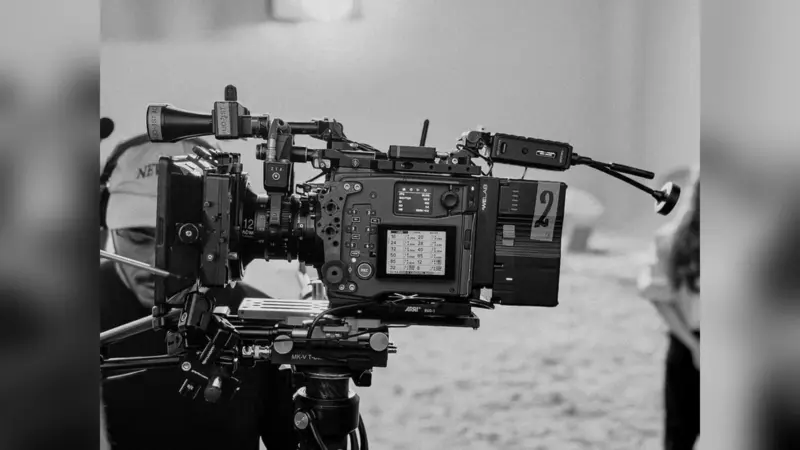
An iPhone or iPad can now act as a single control point for up to four compatible Canon and Sony cameras, including mixed-brand setups on the same shoot.
Director Mode was created by Italian filmmaker Claudio Ripalti for small crews, independent filmmakers and productions using more than one camera system.
Four cameras on one screen
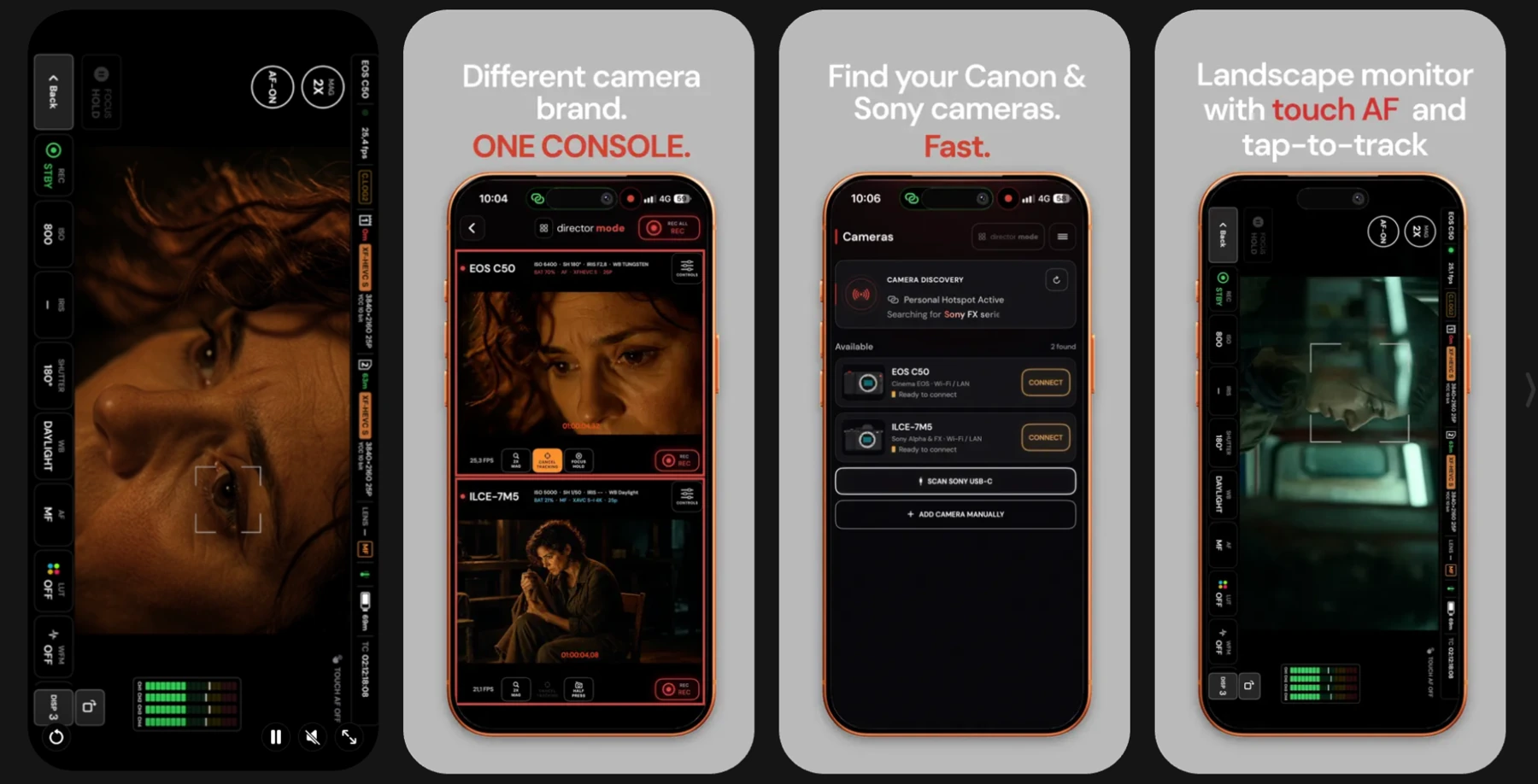
The Pro version displays two, three or four simultaneous live views in one interface. Operators can see each camera’s recording status, open its individual controls and start or stop recording across the setup with REC ALL. Canon Cinema EOS or EOS R and Sony Alpha or FX cameras can be used together without switching between brand-specific apps.
Director Mode is a remote monitoring and control tool rather than a live-production video switcher. That distinguishes it from Canon Camera Control Center, which focuses on managing large numbers of compatible cameras from a computer.
What you can control from your phone
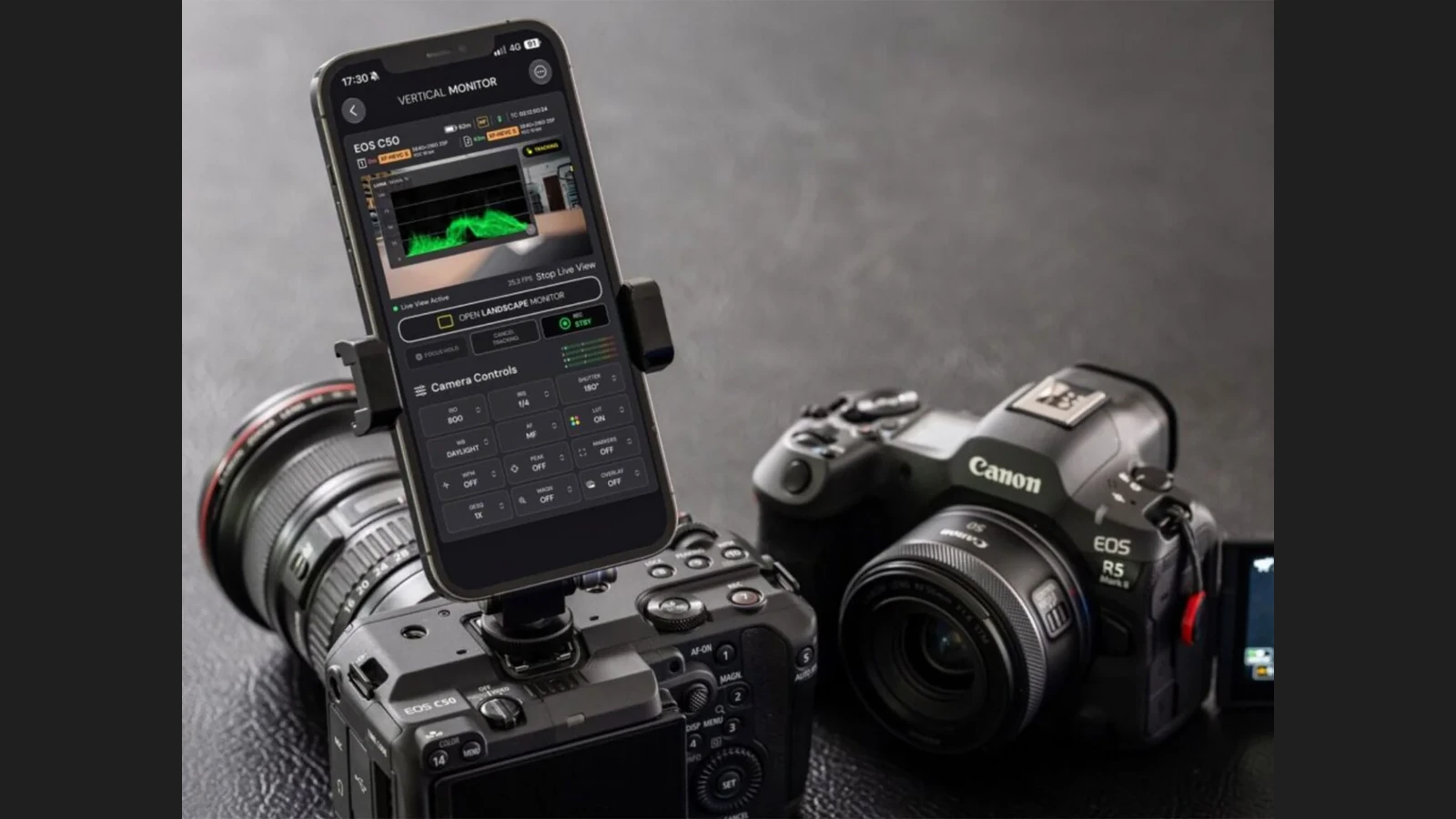
Depending on the camera, the app provides ISO, shutter, aperture, white balance, focus and recording controls. Pro monitoring tools include waveform, focus peaking, frame guides, anamorphic desqueeze, Canon Log monitoring LUTs, custom LUT import and touch focus or tracking where supported. Both a vertical control console and landscape monitoring view are available.
Controls vary by camera body. Compatible Sony models may expose AF functions, frame-rate and S&Q settings, while Cinema EOS models can show additional telemetry. Live-view quality and responsiveness also depend on camera, firmware and connection type.
Supported Canon and Sony cameras
The official listing includes Canon EOS C50, C70, C80, C300 Mark III, C400 and C500 Mark II, plus EOS R1, R5 Mark II, R6 Mark III, R6 V and R50 V. Sony models include the a1, a1 II, a7 V, a7R VI, a7S III, FX3/FX3A, FX30 and FX5. Some Cinema EOS bodies require additional adapters.
Cinema EOS cameras communicate through XC Protocol and compatible EOS R models through Canon Camera Control API. Sony supports Wi-Fi or USB-C, while LAN is available for selected Canon cameras. Direct USB-C control on compatible EOS R cameras is a Pro feature and requires an iPhone or iPad with USB-C. Check your precise camera model and firmware before buying.
A different multicamera approach is Fujifilm ETERNA ProRemote, which is designed for the GFX ETERNA 55 system rather than mixed Canon and Sony rigs.
Price and availability
Director Mode is available on the App Store for iPhone and iPad. The free Basic version supports one camera, while Pro adds the multicamera console, REC ALL and advanced monitoring tools. Pro is listed as a €29.99 one-time purchase in the European App Store. It requires iOS or iPadOS 17.6 or later, and the interface is currently in English.
More information here.
What we think
The appeal is having your Canon and Sony feeds on the same screen without constantly changing apps. In a two-angle interview or a small documentary where the camera operator is also directing, that could save time and needless trips between cameras.
REC ALL is handy, but it should not be confused with timecode synchronization or a replacement for a proper audio and recording workflow. On an important take you still need to check that every camera is actually recording, along with battery and card status and network reliability.
A €29.99 one-time fee is reasonable for trying this kind of multicamera workflow when you already own compatible cameras. We would still test the free version with the exact camera and on our own Wi-Fi network before relying on it for a paid production.
Frequently asked questions
Can I use Canon and Sony cameras together?
Yes. Pro supports mixed-brand configurations with up to four compatible cameras, provided each connection method is supported.
Is a subscription required?
No. Basic is free and Pro is a one-time purchase.
Is there an Android version?
The available app is for iPhone and iPad. An Android edition has not been announced.