

Summary
- Eyes on Exoplanets was updated on October 28, 2026, adding the Roman telescope in 3D.
- The mobile AR feature places six spacecraft in real-world surroundings.
- James Webb joins the observatory filters for exoplanets.
- All known pulsars with exoplanets are now available to explore.
NASA has brought the Nancy Grace Roman Space Telescope into an interactive 3D environment, with a new mobile augmented-reality feature that lets users place a spacecraft model in their own surroundings.
The updated Eyes on Exoplanets was released on October 28, 2026, with NASA publishing the release notes on November 2. The browser-based experience lets visitors explore exoplanets and space missions through interactive three-dimensional visualizations.
Explore the Roman telescope in 3D
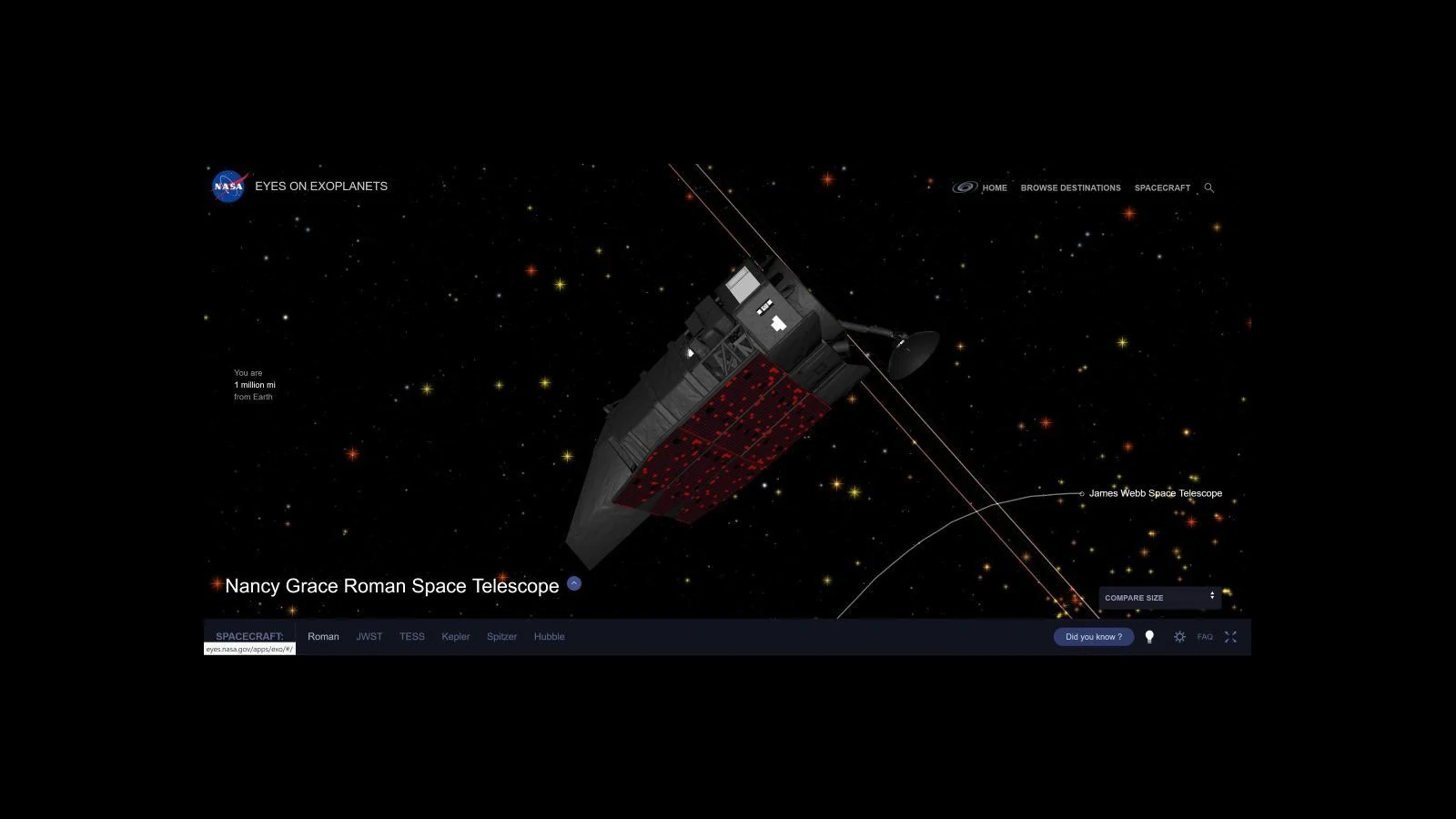
The headline addition is a model of the Nancy Grace Roman Space Telescope, which NASA expects to discover thousands of new exoplanets. The interactive view lets visitors examine the observatory’s exterior, move around it and compare its appearance with other spacecraft.
Roman is already undergoing final checks before routine science observations, with its 300-megapixel infrared camera going through calibration. The new 3D model offers a direct way to explore the observatory that will make those observations.
More information here.
How augmented reality works on a phone
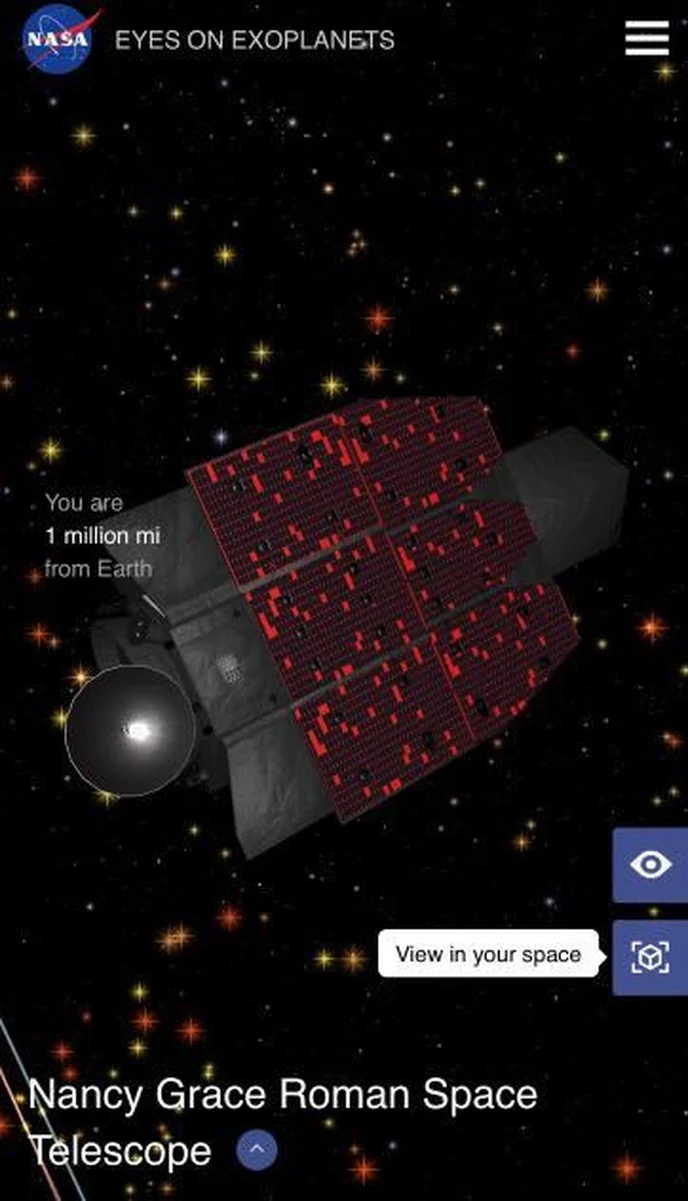
When Eyes on Exoplanets is opened on a mobile device, a “View in your space” option appears for each of the six spacecraft available in the app. Point the phone at a flat surface, such as a floor or table, and the 3D model appears on it.
A pinch gesture scales the model up or down, while twisting two fingers rotates it. Once the framing looks right, users can take a photograph and share it. For image-makers, this is an accessible way to combine a real environment with a digitally rendered spacecraft.
James Webb joins the observatory browser
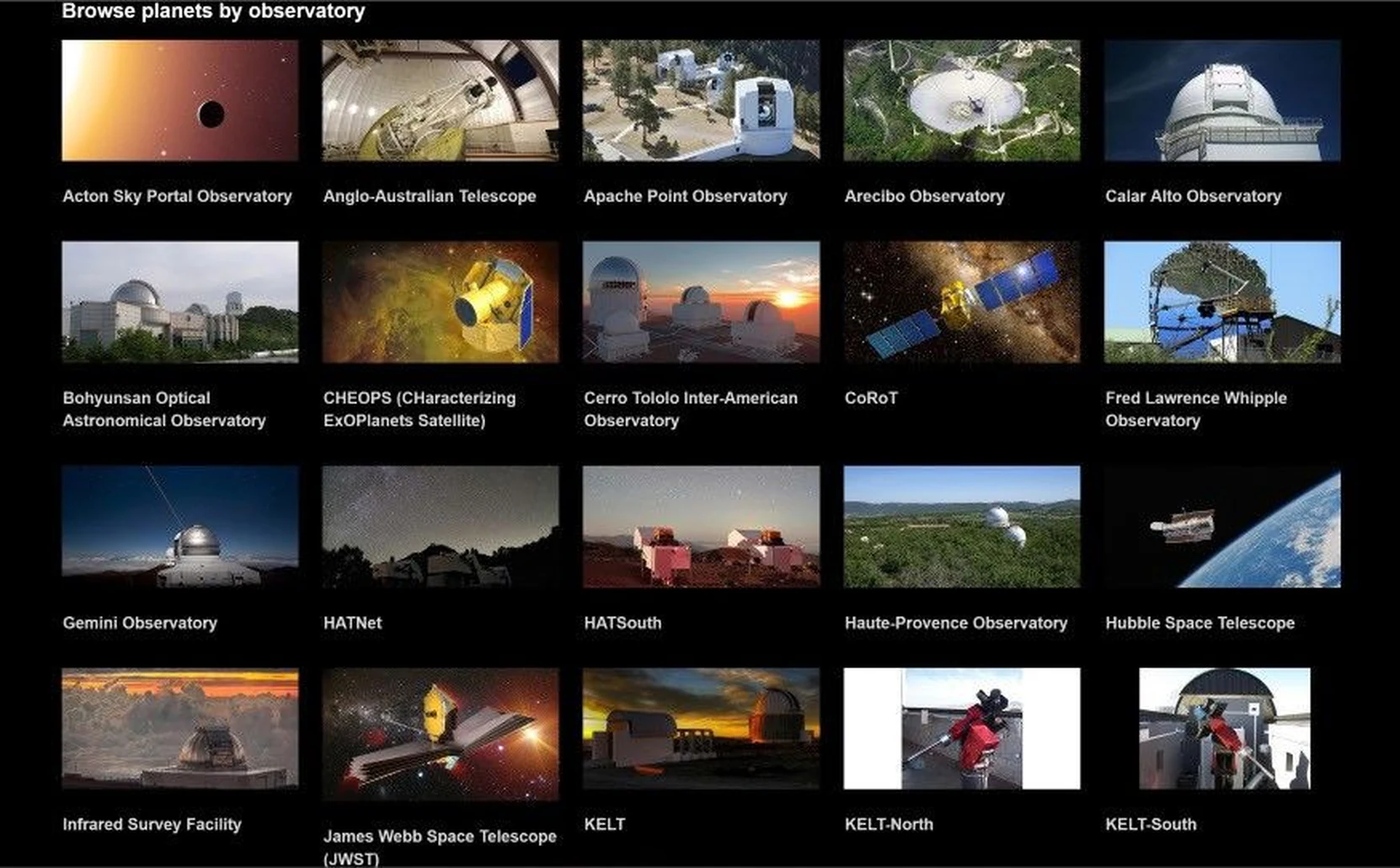
The release also adds the James Webb Space Telescope to the observatory list. Under Browse Destinations → Observatory, visitors can filter exoplanets by the telescope or observatory associated with their discovery.
This gives the planetary data a stronger connection to the instruments that produce it. Exoplanet discoveries made with James Webb can now be explored in a visual context rather than appearing only as entries in a catalogue.
Additional systems and improvements
The update also makes all pulsars with known exoplanets available to view, extending the range of unusual planetary systems visitors can explore. NASA also lists software fixes and other improvements.
What we think
One of the best things about AR is how it makes scale easier to grasp without having to study dimensions and technical drawings. Seeing a space telescope beside your desk can communicate something that a static slide rarely does.
For photographers and visual storytellers, placing the model, finding a viewpoint and taking a picture is also a straightforward example of creative AR. You can experiment with composition, scale and perspective without having to build a dedicated 3D production workflow.
The observatory filter is just as useful for a different reason. Every exoplanet detection has an instrument and an observing method behind it. Connecting a planet to the telescope involved adds scientific meaning to the impressive 3D visuals.
Frequently asked questions
Do I need to install a separate AR app?
NASA describes this feature as part of Eyes on Exoplanets when opened on a mobile phone. Its release notes do not say that a separate application is required for this feature.
Can I save a picture of the telescope in my room?
Yes. After placing and rotating the model, the AR interface provides an option to capture an image and share it.
Where can I find exoplanets linked to James Webb?
In Eyes on Exoplanets, go to Browse Destinations → Observatory and select James Webb Space Telescope.