Summary
- Pixelmator Pro gains Generate Fill for AI-assisted additions to images.
- Apple showcases layered editing and its workflow with Final Cut Pro.
- Its materials also show MotionVFX motion graphics tools.
- Creator Studio remains a subscription suite, with standalone purchases available for supported Mac apps.
Apple is bringing more artificial-intelligence features to Creator Studio, with Pixelmator Pro’s Generate Fill and new graphics tools showcased in Final Cut Pro at the center of its October 27 announcement.
For photographers and video creators, the practical appeal is straightforward: AI-assisted image editing, graphic design, and video production are moving closer together within the same suite. Apple illustrates the announcement with examples of Pixelmator Pro on iPad and Final Cut Pro on Mac.
Generate Fill brings AI additions into image editing
Generate Fill is the feature Apple highlights in Pixelmator Pro. In the official demonstration, a user works on a photo of poppies and enters “White daisy”. The app shows the new flower as a separate layer with a mask, allowing the result to be integrated and adjusted within the composition.
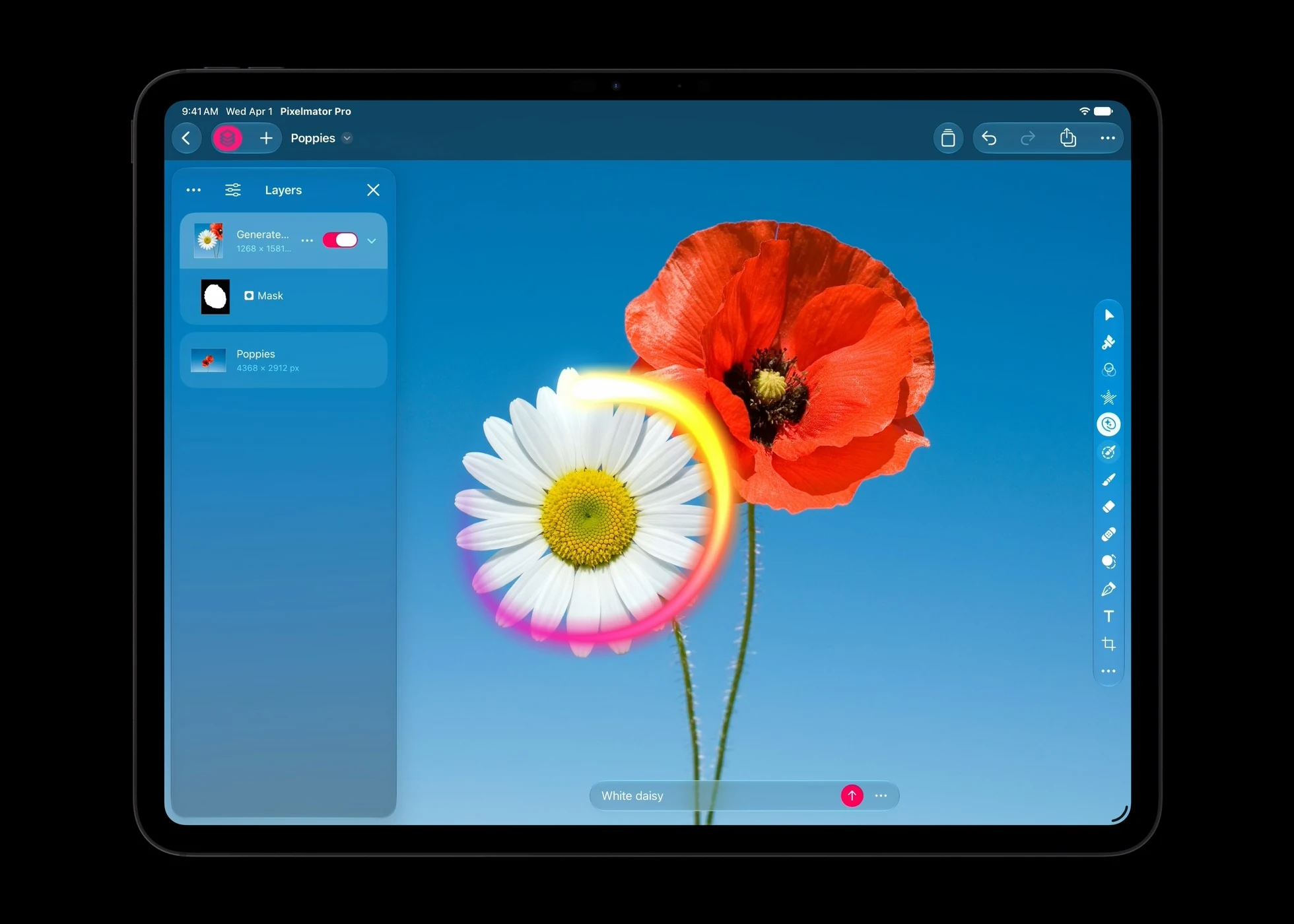
The layer and mask matter in practice: creators are not locked into a flattened result and can continue refining the composition around the generated element. In professional photography, though, introducing new content is a creative alteration and should be treated differently from ordinary color correction.
Final Cut Pro and Pixelmator Pro in one workflow
Apple’s latest material also highlights the relationship between the two apps. One screenshot shows a multiclip Final Cut Pro timeline alongside image-analysis tools such as video scopes. Access to Pixelmator Pro is useful when a video frame needs to become a promotional image, thumbnail, or designed graphic without breaking the editing workflow.
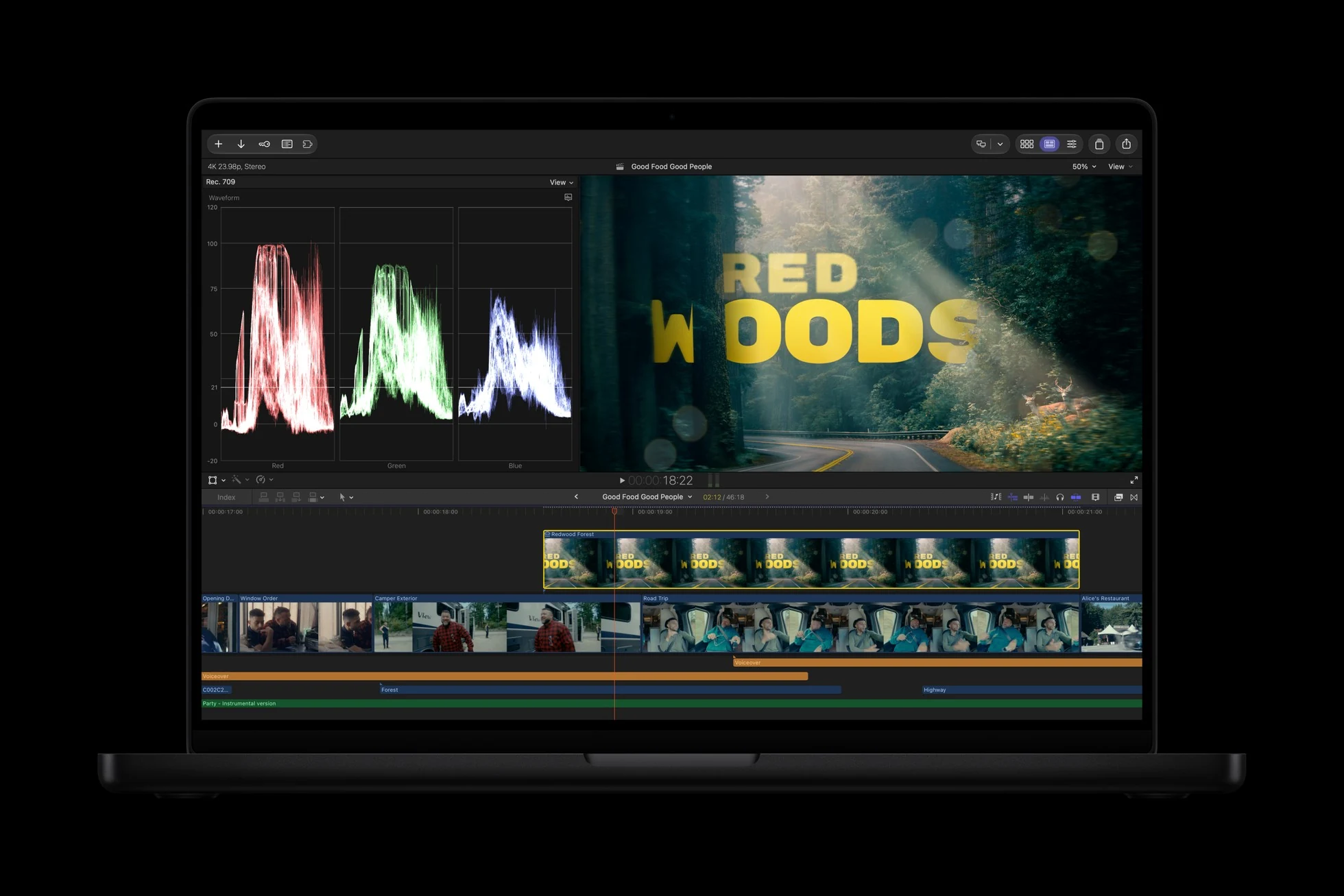
The connection between Final Cut Pro and Pixelmator Pro is not entirely new: it was already part of the Creator Studio upgrades announced in July. The latest material places that integrated workflow alongside the newly highlighted AI capabilities.
MotionVFX and customizable motion graphics
Apple’s imagery also shows MotionVFX inside Final Cut Pro, with a library of creative collections and controls for adjusting animation, text, and graphic elements. The featured example layers strong typography and colorful graphics over footage.
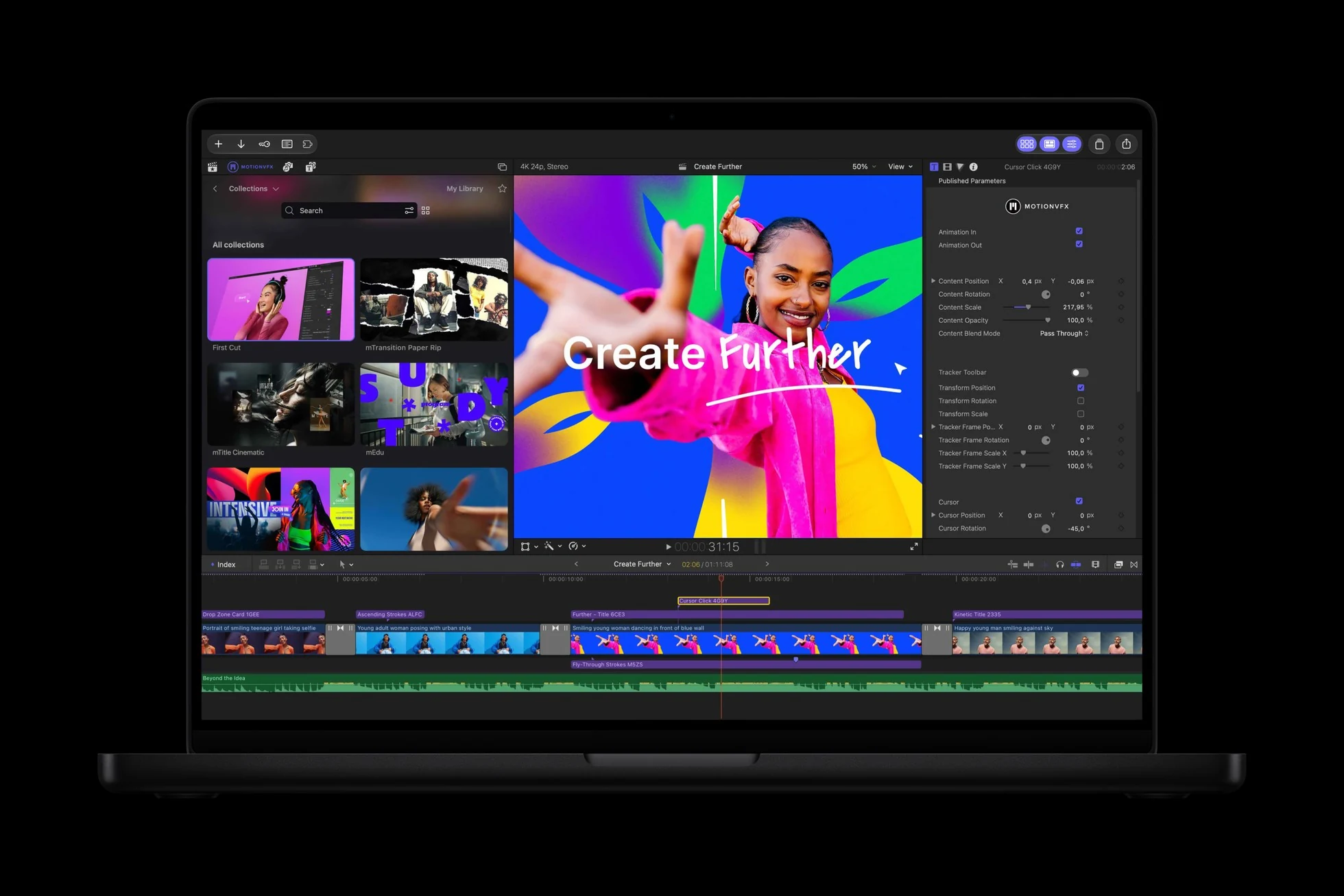
For editors delivering vertical videos, trailers, short promotions, and branded projects, templates can significantly reduce the time required to assemble a first cut. Showing third-party graphics in the app does not mean that every MotionVFX collection or plug-in is included in the Creator Studio subscription.
Subscription, apps, and availability
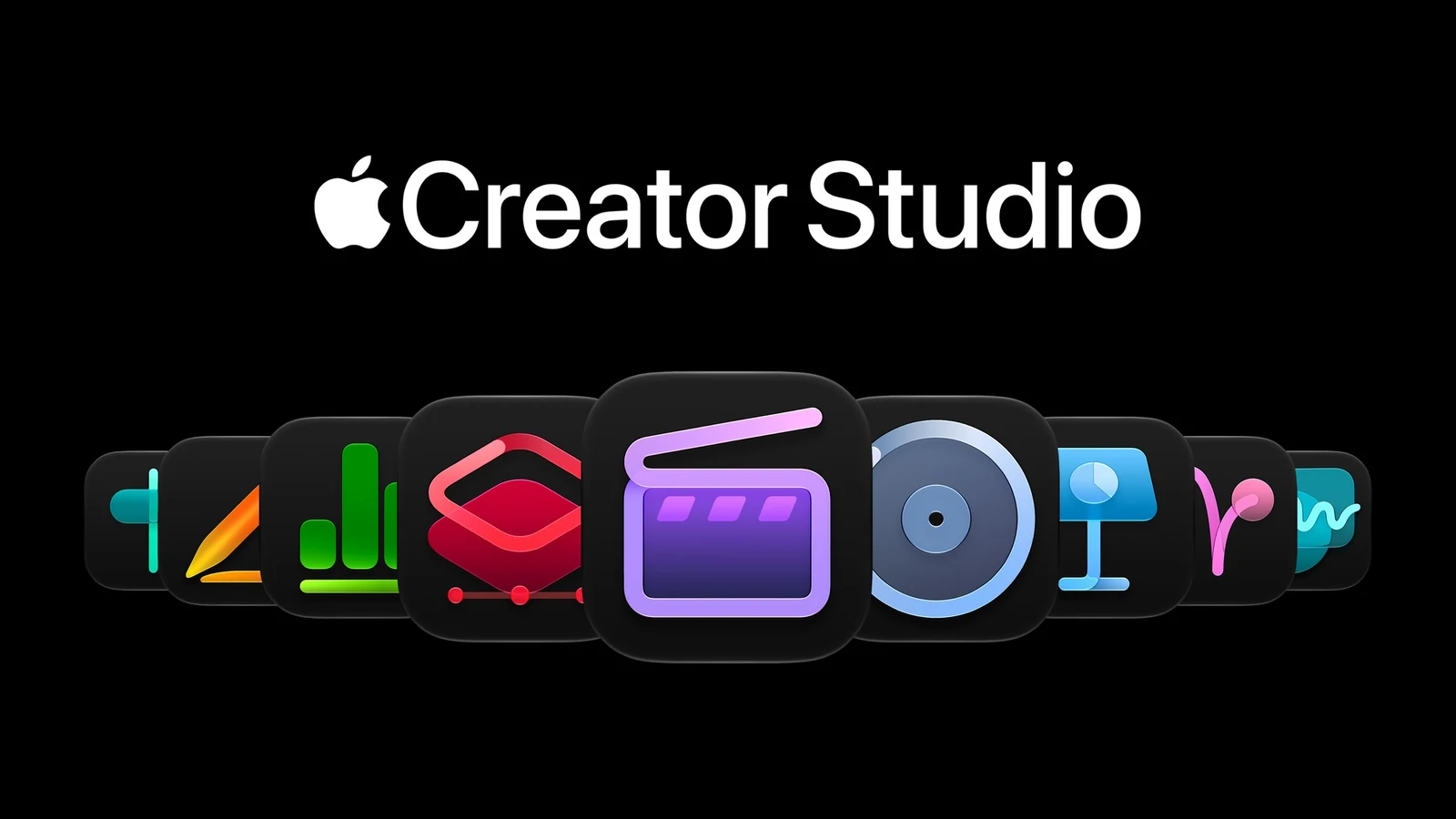
Apple Creator Studio brings together Final Cut Pro, Pixelmator Pro, Logic Pro, Motion, Compressor, and MainStage, along with premium capabilities in Keynote, Pages, Numbers, and Freeform. The collection was initially introduced in January 2026, so this announcement concerns evolving tools rather than the launch of the subscription itself.
Apple’s current US product page lists $12.99 per month or $129 per year, with a one-month trial for new subscribers. An earlier official European announcement listed €12.99 per month or €129 per year. The precise price for a Greek account is presented through the App Store at signup; these are not new October promotional prices.
Standalone, one-time-purchase versions of supported Mac apps remain available. Some AI features also depend on compatible devices and operating-system versions. More information here.
What we think
Generate Fill is probably the most immediately interesting change for people working with photos and graphics every day. Creating something as a masked layer gives us room to refine it around the rest of the image instead of accepting an output that is difficult to revise.
For video editors, the everyday time savings are likely to matter more than an impressive demo. Anyone delivering multiple cuts for YouTube, Instagram, and clients knows how long thumbnails, titles, and graphic changes can take. Closer cooperation between Final Cut Pro, Pixelmator Pro, and motion graphics tools makes sense right there.
There is also a distinction worth defending: creative compositing is one thing, altering an image presented as an authentic documentary record is another. As these tools make visual changes easier, we need to be more precise about what an image shows and how we describe its creation.