

Summary
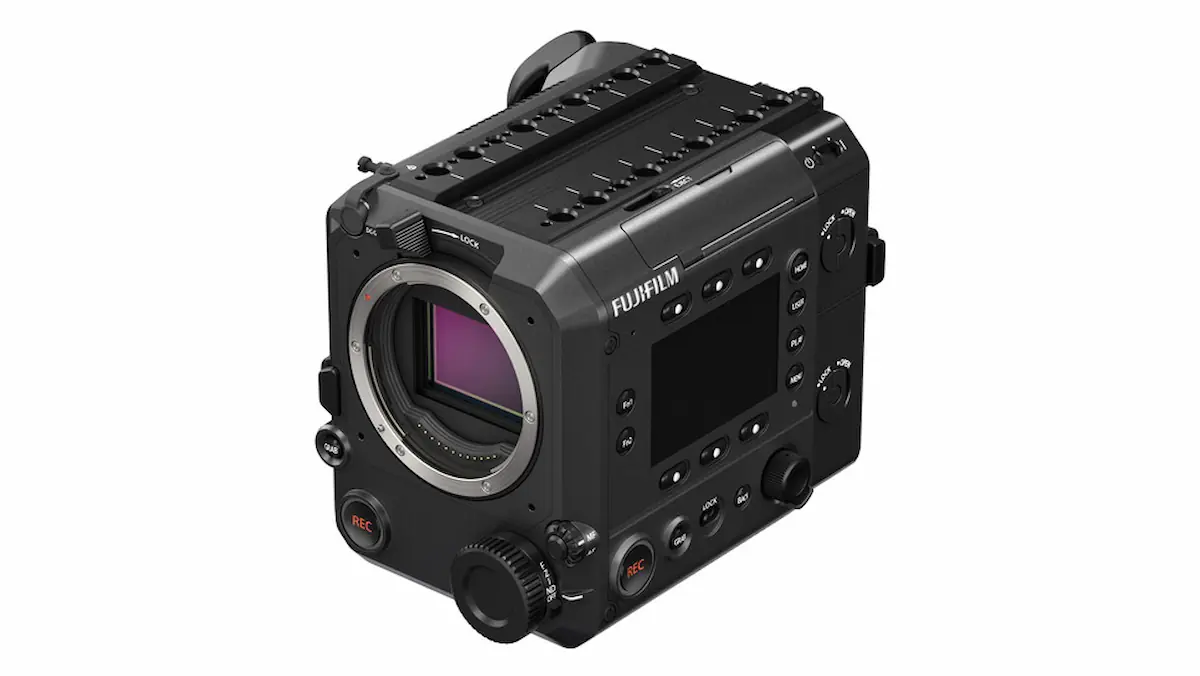
- Firmware 1.06 is available for the Fujifilm GFX ETERNA 55
- External monitor delay over SDI and HDMI has been improved
- Autofocus issues affecting MULTI and TRACKING modes have been fixed
- A camera freeze involving Fujinon Duvo lenses has been addressed
- F-Log2C banding has been corrected and the F-Log2C_to_WDR LUT has been updated
Fujifilm has released firmware version 1.06 for the GFX ETERNA 55 filmmaking camera, improving external monitor response and fixing several operational issues.
The new version updates GFX ETERNA 55 cameras running firmware 1.04 or 1.05 and primarily focuses on reducing the delay of images displayed through SDI or HDMI. It also addresses problems involving autofocus, clip playback, Fujinon Duvo lenses and LUT application during F-Log2C recording.
These changes are particularly important for professional film productions, where even minor monitoring delays can affect framing, focusing and crew coordination. Fixing issues that could cause the camera to freeze also improves its reliability during demanding shoots.
Reduced SDI and HDMI monitoring delay
Firmware 1.06 improves the display delay of external monitors connected through SDI or HDMI when the camera is used with a specific combination of settings.
The improvement applies when the project resolution is set to 4K 4:3, recording is performed in ProRes HQ, ProRes 422 or ProRes LT, and RAW output through SDI or HDMI is disabled.
Autofocus system fixes
Fujifilm has addressed an issue that occurred when switching between the MULTI and TRACKING autofocus settings. In some cases, AREA mode could become active even though MULTI had been selected.
The update also fixes an issue that prevented AF Tracking from working when the focus lever setting was configured as PUSH TO UNLOCK.
Camera freeze with Fujinon Duvo lenses fixed
Version 1.06 fixes an issue that could cause the GFX ETERNA 55 to freeze during recording.
The problem could occur when a Fujinon Duvo series lens was attached to the camera and its built-in optical expander was operated while recording.
Playback and menu improvements
The update corrects an issue that prevented certain clips from playing back. It also addresses the appearance of an unintended screen when the playback menu was opened without storage media inserted and specific buttons were pressed.
F-Log2C correction and updated LUT
Fujifilm has fixed occasional banding that could appear under highly saturated lighting when the default LUT was applied to F-Log2C footage.
As part of the same correction, the company updated the F-Log2C_to_WDR 3D LUT for the GFX ETERNA 55 from version 1.00 to version 1.10.
What users should know
Fujifilm advises users to connect an external monitor during the update process so that they can follow its progress.
The firmware can be installed directly from an older version and the procedure may take up to approximately ten minutes. The camera must not be turned off and its controls must not be operated while the firmware is being written.
You will find it here.
What we think
Firmware 1.06 is a meaningful update for a camera designed for professional productions. Reduced external monitoring delay and fixes for issues that could interrupt recording directly improve the reliability of the GFX ETERNA 55 on set.
Frequently asked questions
What is the latest firmware version for the GFX ETERNA 55?
The latest version released by Fujifilm is firmware 1.06.
Which firmware versions can be updated?
The version 1.06 changes apply to cameras running firmware 1.04 or 1.05, while Fujifilm states that users can also update directly from an older version.
What has changed for external monitoring?
The delay of images displayed on monitors connected through SDI or HDMI has been reduced when the camera is used with the specified 4K 4:3 and ProRes settings.
Does the update fix the Fujinon Duvo lens issue?
Yes. The firmware addresses a camera freeze that could occur when operating the optical expander of a Fujinon Duvo lens during recording.
Is an external monitor required for installation?
Fujifilm advises connecting an external monitor so that the firmware update status remains visible.