

Summary
- HAL Picture released Dia² and Dia² Lite on October 30, 2026.
- Both combine color and texture tools inside supported grading applications.
- Dia² provides deeper controls and preset exchange, while Lite focuses on fast look mixing.
- Free demos, subscriptions and perpetual licenses are available.
Can a cinematographer build a distinctive film look without relying on a fixed LUT? HAL Picture has released Dia² and Dia² Lite, two OpenFX plugins combining color transformations and texture processing in one environment.
Version 1.0 of both plugins became available on October 30, 2026. Built on the company’s Diachromie and Diaphanie technology, they serve different needs: Dia² offers deeper creative control, while Lite focuses on quickly assembling looks from presets.
Dia²: Detailed control over color and texture
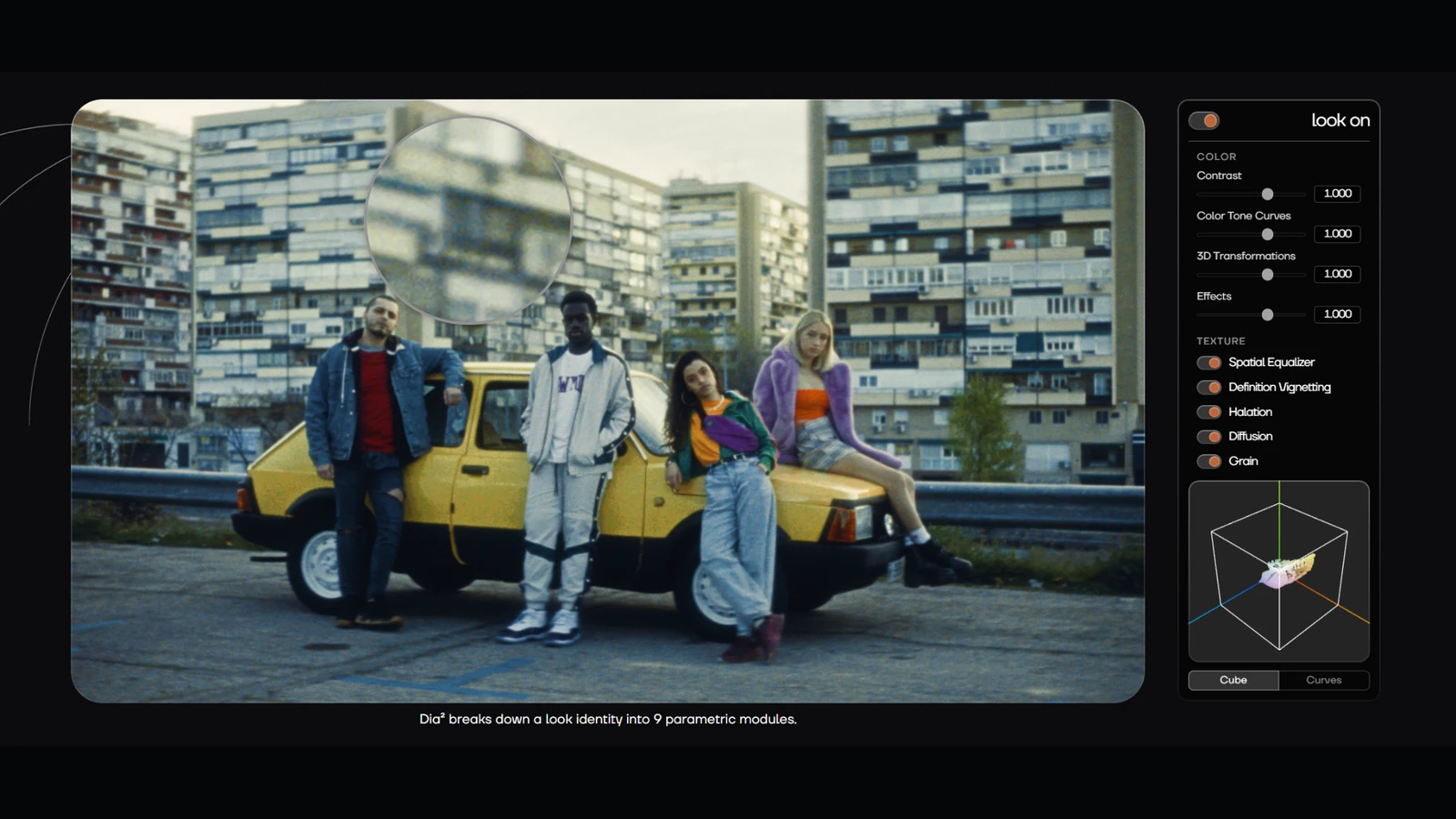
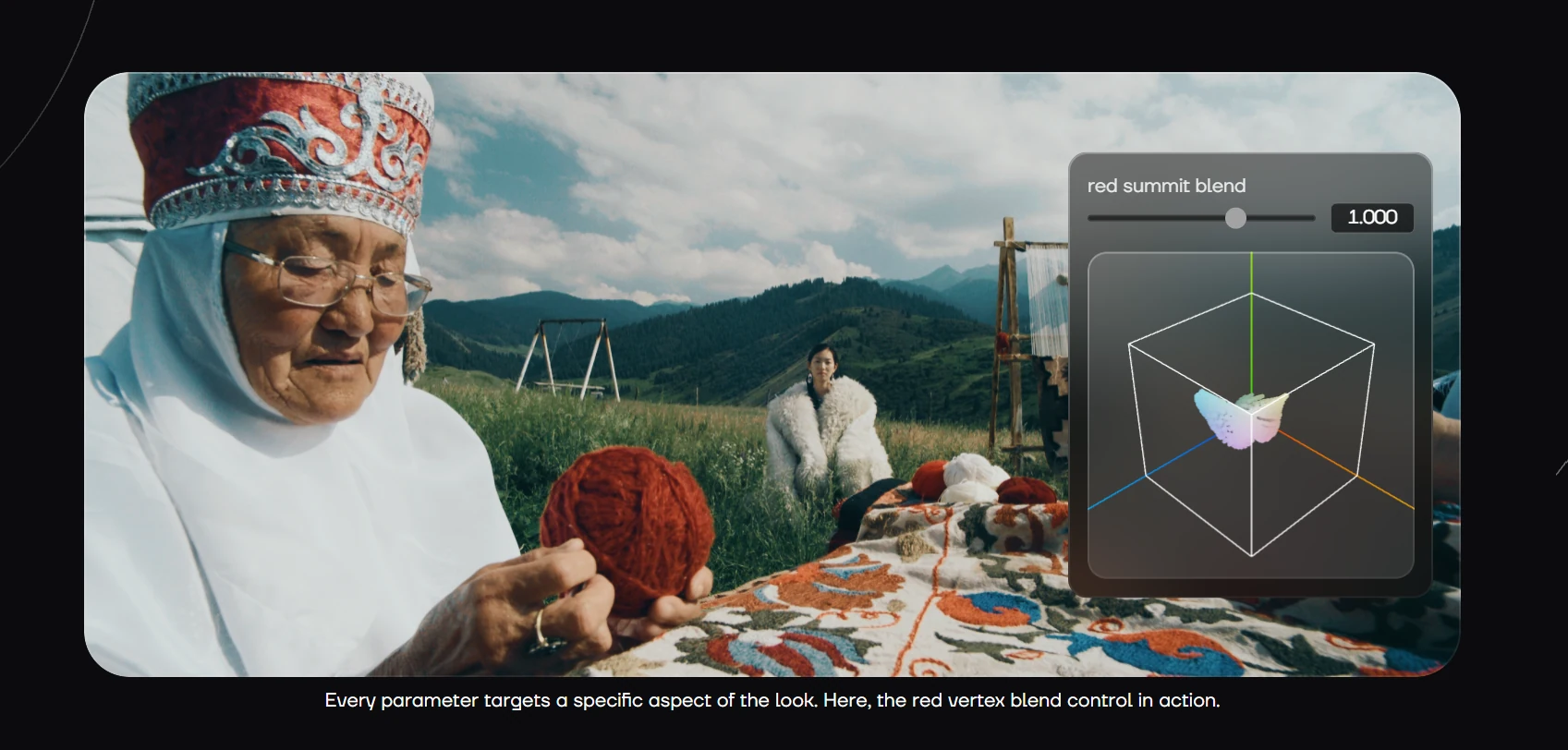
Dia² brings nine parametric modules into a single plugin. Its color controls cover contrast, color tone curves, three-dimensional palette transformations and effects including bleach bypass. Texture modules include Spatial Equalizer, definition vignetting, halation, diffusion and procedurally generated grain.
These controls can, for example, reshape tonal distribution without affecting the entire image in the same way, or create a filmic response by combining grain, diffusion and highlights with halation. The aim is to adjust the building blocks of a look rather than simply select a ready-made effect.
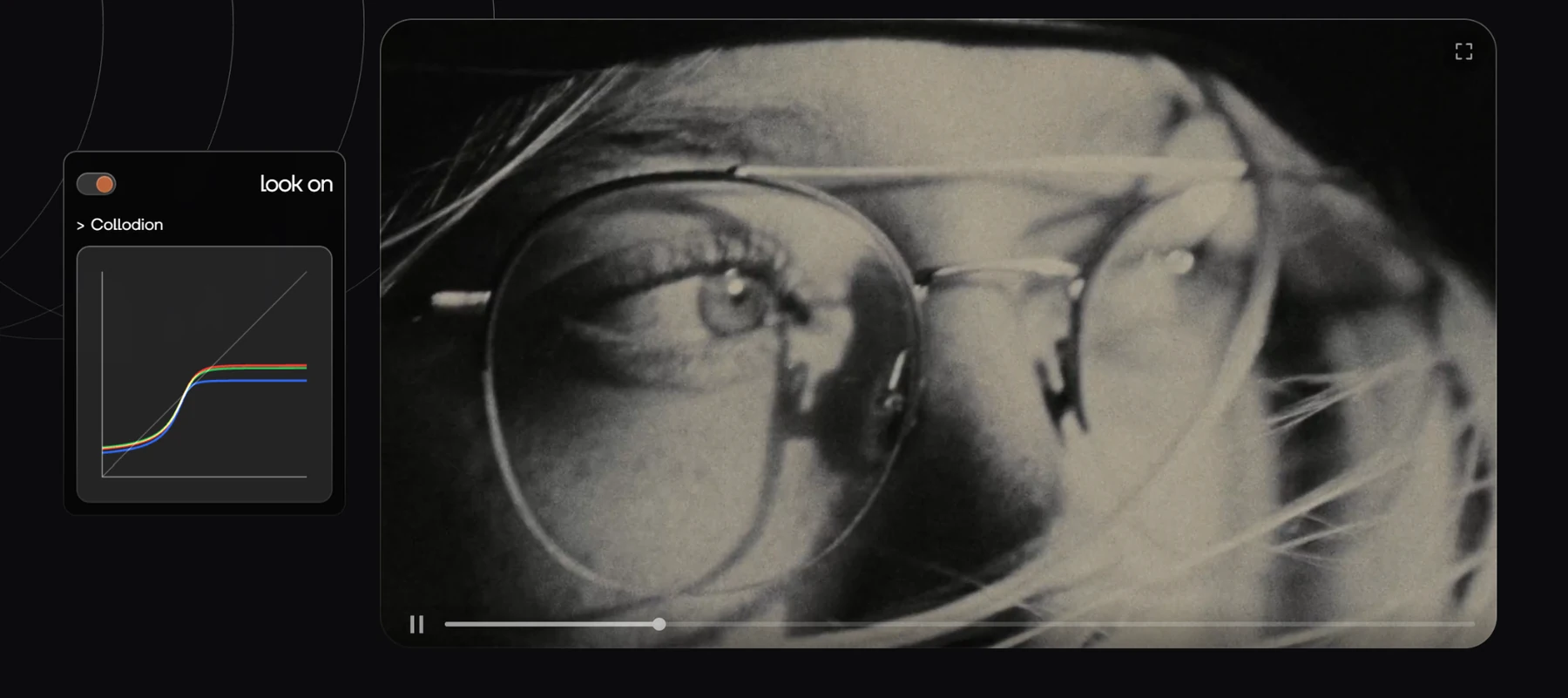
HAL Picture includes more than 20 built-in looks. Dia² also supports personal and external presets from the Diachromie and Diaphanie ecosystem. Full color management and direct-to-display SDR and HDR workflows allow looks to evolve from preparation to the final grade.
More information here.
Dia² Lite: Build a look by mixing presets
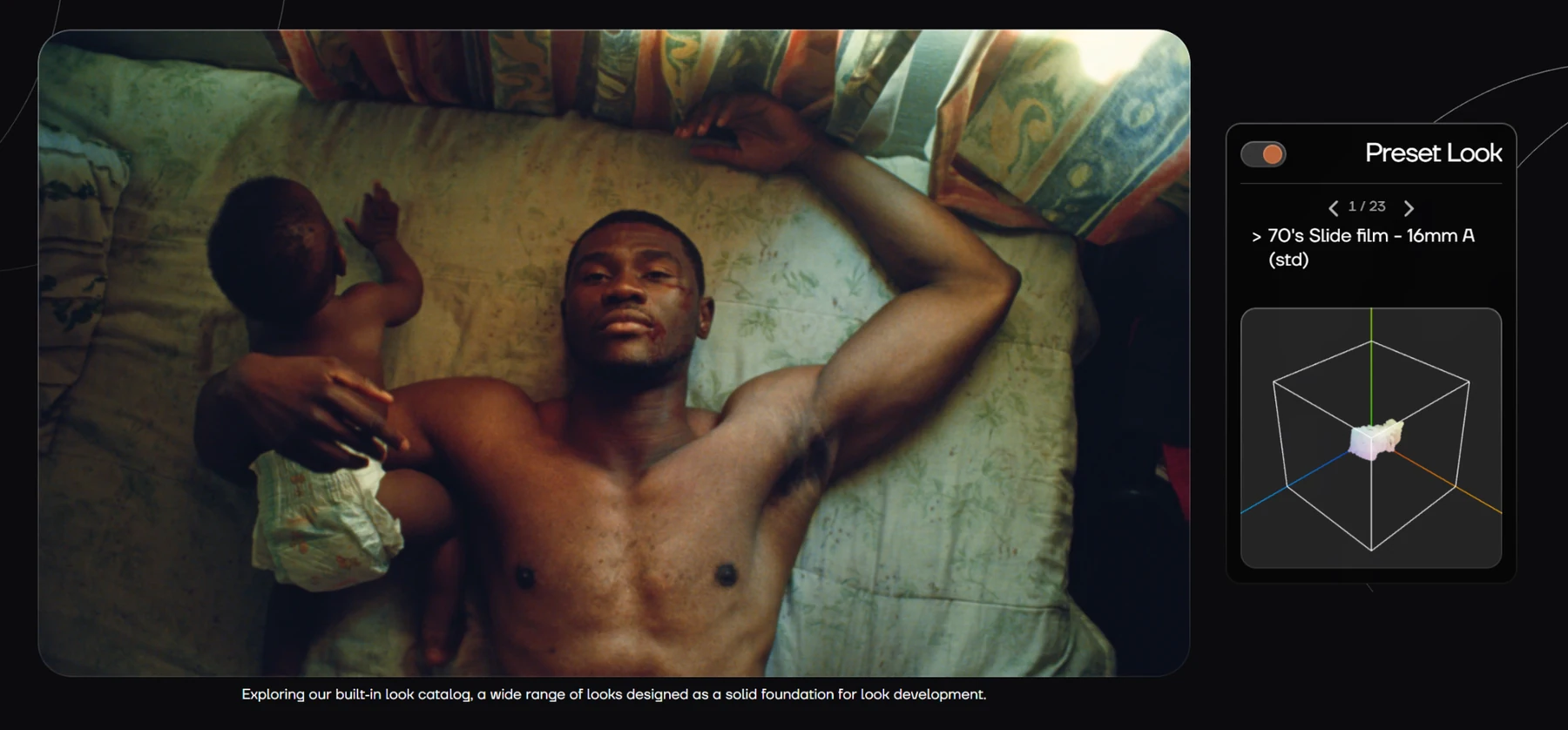
Dia² Lite uses the same underlying color science but acts as a preset mixer. Users select look signatures, combine them independently across nine modules—four for color and five for texture—and fine-tune their intensity. HAL Picture lists more than 20 base looks and approximately 1.6 billion possible combinations of modular presets.
The distinction lies in the level of control: Lite emphasizes built-in presets and simpler parameters, without the personal and external preset exchange available in Dia². It retains color monitoring tools, texture effects and a direct-to-display SDR/HDR workflow.
More information here.
Where the plugins fit in a production workflow
Both are plugins for DaVinci Resolve, FilmLight Baselight and Pomfort Livegrade frontier edition, not standalone applications. Resolve support begins with version 18 on Windows, macOS and Linux; Baselight is supported on macOS and Linux, while Livegrade frontier edition runs on macOS. This is relevant as DaVinci Resolve 21 expands its color-grading workflows to still photography as well.
The plugins can export their color transformations as log-to-log .cube LUTs, useful for on-camera monitoring. That export carries the color transformations, not texture effects such as grain, halation and diffusion, which cannot be reproduced by a conventional 3D LUT. A Dia² license includes two seats; a Lite license includes one.
Price and availability
Both version 1.0 releases are available now via quarterly or yearly subscriptions and perpetual licenses. HAL Picture is advertising a 20% introductory discount through November 11, 2026. The prices below are listed in euros excluding VAT. Quarterly and yearly amounts are billed per corresponding period, not per month.
| Edition | Quarterly | Yearly | Perpetual |
|---|---|---|---|
| Dia² | €79 (was €99) | €215 (was €269) | €639 (was €799) |
| Dia² Lite | €15 (was €19) | €39 (was €49) | €135 (was €169) |
Free demos are available through a HAL Picture account. They contain all features, but the output is watermarked and LUT export is disabled.
What we think
The appealing part of this release is access to tools normally associated with demanding professional grading workflows. Grain, halation and diffusion behave differently from a simple color correction. Working with them alongside contrast and tone can help a cinematographer build a more coherent visual character.
For a small crew experimenting with looks quickly, Lite is the more affordable entry point. For a colorist collaborating with a cinematographer, exchanging presets and developing a look across multiple production stages, the full Dia² makes more sense because it offers deeper control and interoperability.
We would start with the demo on actual footage from different cameras, using a properly managed color pipeline. That is where the handling of skin tones, grain and highlights can be judged against a real project. A beautiful preset on a single frame does not automatically give an entire film a consistent result.
Frequently asked questions
Are Dia² and Dia² Lite standalone applications?
No. They are OpenFX plugins for supported hosts including DaVinci Resolve, Baselight and Livegrade frontier edition.
Can grain and halation be included in an on-camera LUT?
Not as a complete result. The .cube LUT export includes the color transformations, not spatial and texture effects such as grain, halation and diffusion.
What are the limitations of the free demo?
The demo includes the plugin features, but applies a watermark to output and does not allow LUT export.