Summary
- Pixieset Photo Editor combines AI-assisted culling, RAW editing and client delivery.
- Personal AI Styles adapt to photographers’ previous work and support batch editing.
- The public beta includes 100 free exports.
- Pro starts at $12 a month billed annually.
Pixieset wants photographers to stay in a single workspace from the first image selections through to the final client gallery, with AI helping along the way.
Pixieset Photo Editor was officially introduced on June 23, 2026 and is available in public beta. It is particularly relevant to photographers handling large assignments, including weddings and portraits: instead of moving between dedicated culling software, a RAW editor and a delivery platform, they can complete those stages in one place.
The approach resembles Imagen Intelligent Studio’s combined culling and editing workspace, but Pixieset adds direct integration with its own client galleries. This is not a new October launch; the product was introduced in June.
AI culling makes the shortlist faster, without making the final decision
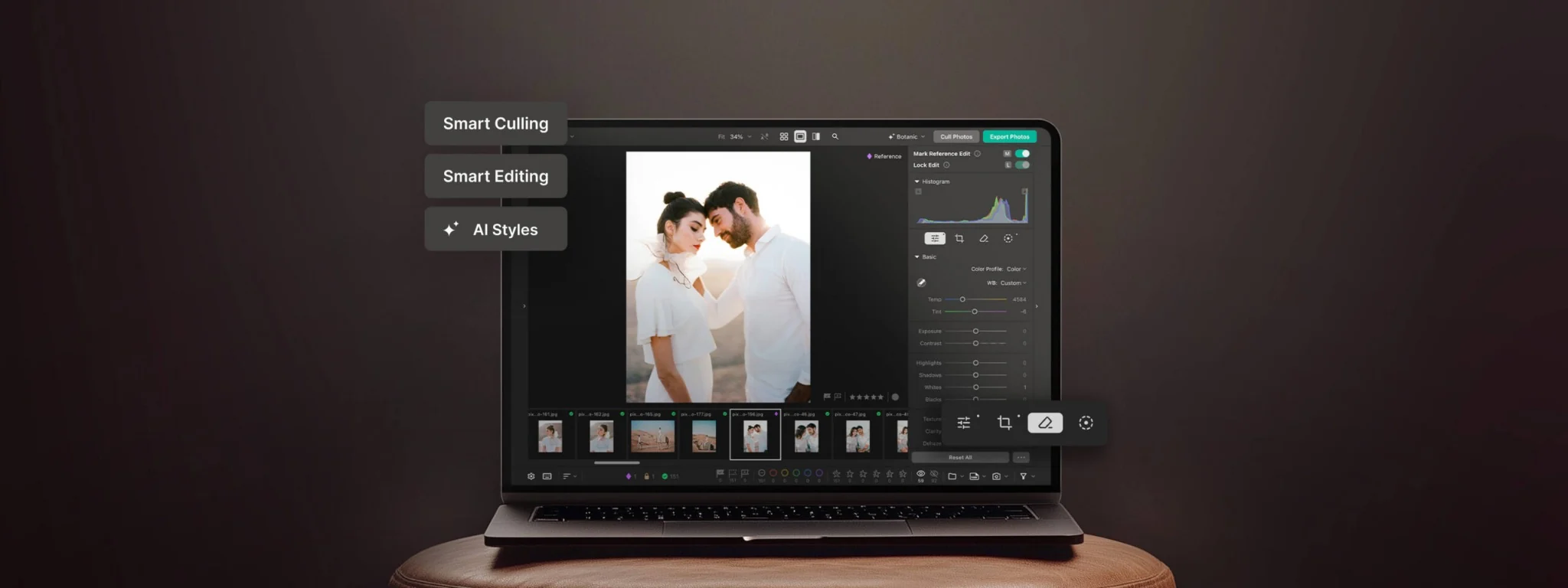
Smart Culling reviews a shoot and proposes strong candidates alongside images worth rejecting. Its analysis includes sharpness, blur, closed eyes, expressions and exposure. Similar frames are grouped, making it easier to compare a burst rather than search the entire session shot by shot.
Photographers retain control through star ratings, color labels and flags, and can adjust how strict the AI recommendations are. Culling does not delete or modify original files. That matters when the technically sharpest photograph is not necessarily the one with the strongest expression or moment.
A similar concept underpins the AI Culling Assistant in ON1 Photo RAW 2027, although that MAX-only feature is scheduled for November. Pixieset’s distinction is what happens immediately after the shortlist is ready.
RAW editing, personal AI Styles and batch adjustments
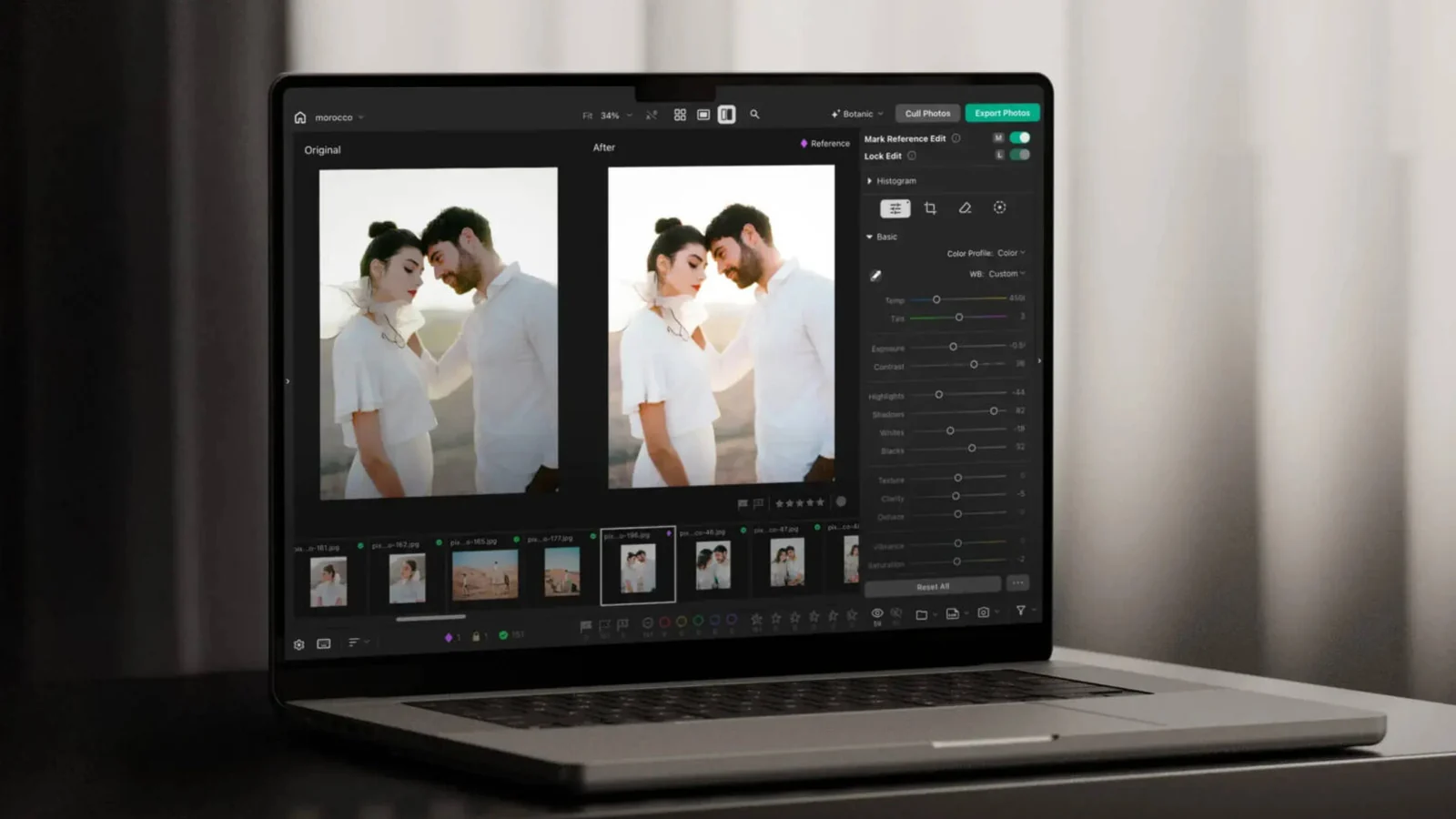
Selected images move into editing without an obligatory handoff to another application. Pixieset handles RAW and JPEG files, with manual exposure and color adjustments, HSL, curves, detail controls and vignette. It also provides subject, background and sky masks, linear and radial masks, cropping and perspective adjustments, and tools for removing unwanted elements.
Personal AI Styles learn from a photographer’s previous edited images and selected work to apply a recognizable look to subsequent galleries. Built-in AI Styles are available too. Batch edits are adapted to individual photographs, rather than simply forcing identical exposure settings onto different scenes. Pixieset says the system can also refine its understanding through a photographer’s subsequent manual adjustments.
Reference-photo editing allows adjustments to be transferred between similar images, with the option to lock particular settings. That is useful for shoots spanning changing lighting conditions, where consistency still requires judgment rather than applying a preset indiscriminately.
From editing straight to client delivery
Final images can be published directly to a Pixieset client gallery, with immediate or scheduled delivery. Photographers can also export TIFF and PSD files to their computer when another application or a separate production workflow is required. An integrated workflow therefore does not have to mean abandoning all other tools.
Photo Editor runs as a desktop application or in a browser. Pixieset says key AI functions, including culling and batch editing, are processed on the user’s own device rather than uploading photographs to cloud servers for those tasks. The company also says it does not use photographers’ images or editing styles to train large generative AI models. Publishing an online gallery is, of course, a separate delivery operation.
Pricing, free access and beta limitations
Every account receives 100 free export credits. When those are used, photographers can continue culling and editing for free, but not exporting an unlimited number of files. Pro costs $12 per month when billed annually or $18 with monthly billing, with unlimited culling, editing and exports and no per-image fees. No separate official European price was identified.
Pixieset describes the beta as functional and usable for real work, while acknowledging that its roadmap remains unfinished. The original announcement identifies further retouching, denoising improvements and broader workflow integrations as upcoming areas. These should not be confused with the healing and object-removal tools already offered today.
More details are available on the official Pixieset Photo Editor page.
What we think
The compelling part is not the addition of yet another AI feature. Pixieset is connecting selection and editing to something many working photographers already rely on: the gallery their clients receive. Anyone who has delivered a wedding knows how much friction accumulates from moving folders, selections and final files between applications.
Learning a photographer’s signature look is valuable only when the outcome remains controllable. Not every scene at a wedding has the same light, and an automated shortlist cannot always explain why a less technically perfect frame matters emotionally. Proper manual controls and the ability to revisit selections are more meaningful than any general promise to save time.
A flat subscription without per-image fees could appeal to high-volume studios. But any fair comparison also needs to include setup time, RAW rendering quality and the demands of an actual assignment. The 100 free exports offer a reasonable way to try the public beta; they are not evidence that it can already replace every photographer’s established workflow.
Frequently asked questions
Can I keep using it for free after the first 100 exports?
Yes. Culling and editing remain accessible. Unlimited exports require the Pro subscription.
Can I deliver directly to clients without a separate export application?
Yes. Photo Editor can publish edited photographs directly to Pixieset client galleries. TIFF and PSD exports are also available for other workflows.