Summary
- CameraKit and LensKit now offer a web catalogue with more than 200 cameras and 2,000 lenses.
- Free access allows browser-based searching and viewing of basic specifications without an iOS app.
- Additional fields remain locked and direct users to the apps.
- The web catalogue is useful for an initial equipment check, not a definitive compatibility assessment.
For a quick look at a cinema camera or cine lens, CameraKit and LensKit now open part of their databases for free in a web browser — but not all the information and tools available in their iOS apps.
CameraKit lists specifications for more than 200 cameras, while LensKit covers over 2,000 lenses. You can search from a computer or phone without installing an app, and some information that previously required access through the apps is now publicly accessible.
What is available on the free website
On the official CameraKit and LensKit web database, you can search for specific models or browse the catalogue. Camera listings offer an initial view of sensor format, release year, maximum resolution and other headline specifications. Examples shown by the service include the ARRI ALEXA 35, Sony FX3 and Blackmagic PYXIS 12K.
There is a corresponding lens catalogue featuring ranges such as ARRI Ultra Primes, ZEISS Super Speeds and Angénieux Optimo. The available fields can help identify a model at a glance, but a web listing should not be mistaken for a complete set of specifications or a definitive compatibility check.
Where the limitations begin
The difference becomes clear when you need more detailed data: additional fields are greyed out and direct you towards the iOS app. The figures of 200+ cameras and 2,000+ lenses therefore describe the size of the catalogue, not the number of fully unlocked specification sheets.
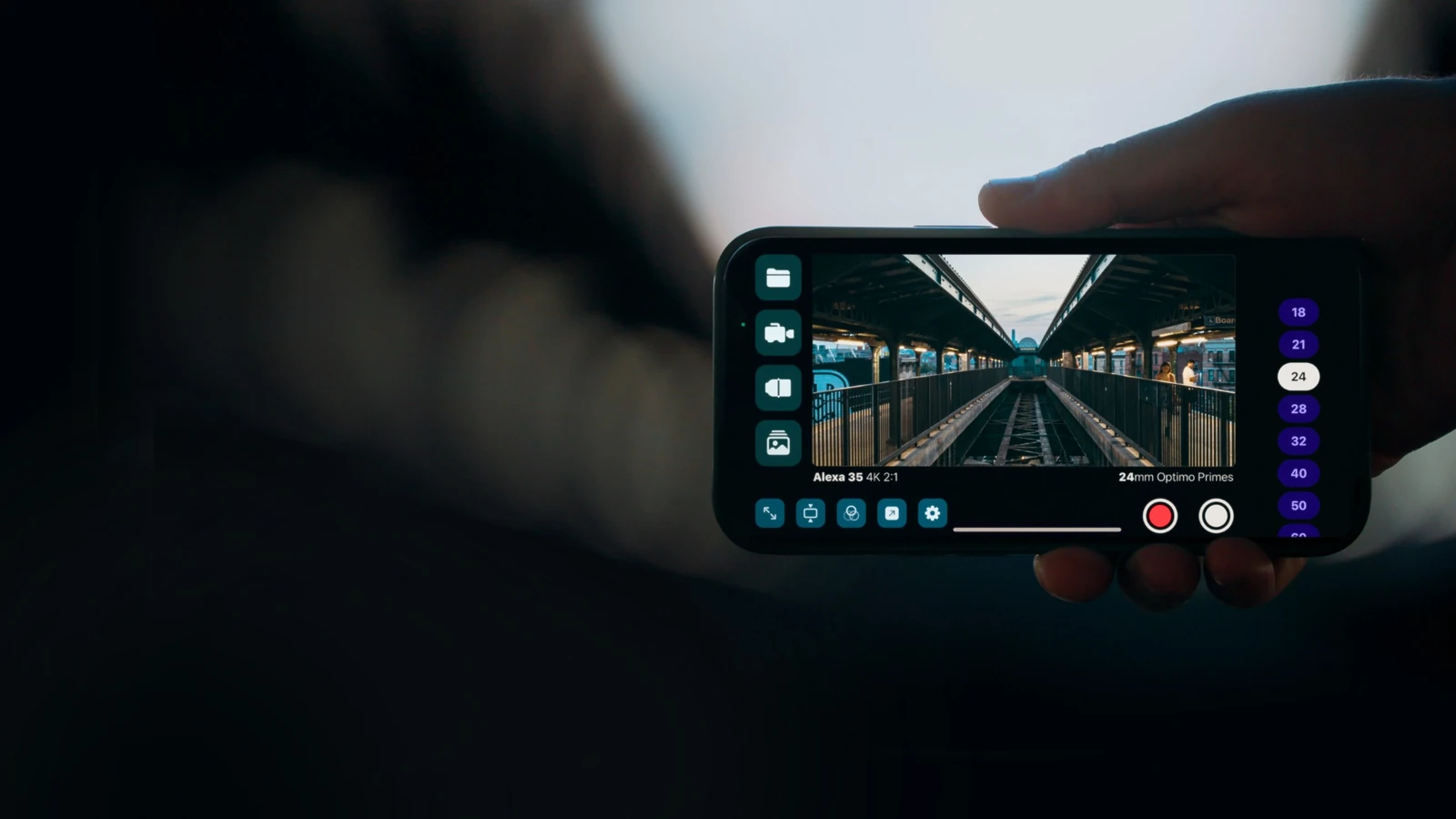
The CameraKit app includes features such as camera comparisons and storage or recording-time calculations. LensKit offers more specialised tools, including sensor-coverage charts and lens matching. The following images show the iOS apps, not the same features running in a browser.
When it helps before a shoot
If you are putting together a camera package or considering rental options, free browser access is useful for a first pass through model names, formats and headline specs. But decisions involving image circle, actual sensor coverage, mounts or adapters still require cross-checking the manufacturer’s full specifications and suitable specialist tools.
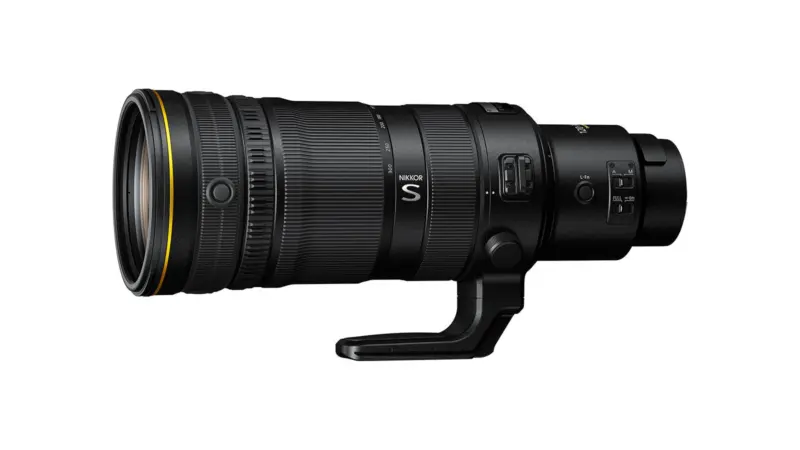
That distinction matters on set: the design and data of a professional cinema lens affect the wider workflow, while the difference between T-stops and f-stops matters when comparing actual light transmission.
What we think
For a quick first pass through equipment options, it is handy to open a tab and get the essentials rather than hunt down a separate PDF for every camera. That can save real planning time when a shoot has several possible camera packages.
We would not rely on the web edition alone for the final lens choice in a specific sensor mode, though. If coverage data or additional specifications are locked, a search result is not enough to decide what to rent. The free database is a useful starting point; the details that can make or break a camera setup still require a deeper check.