Summary
- Canon has released new firmware for the EOS C50, C80 and C400.
- All three gain enhanced IP streaming security and a display fix.
- The C50 also receives a fix for incomplete still-photo recording in Photo mode.
- The updates require an SD card of at least 512MB, and downgrading is not supported.
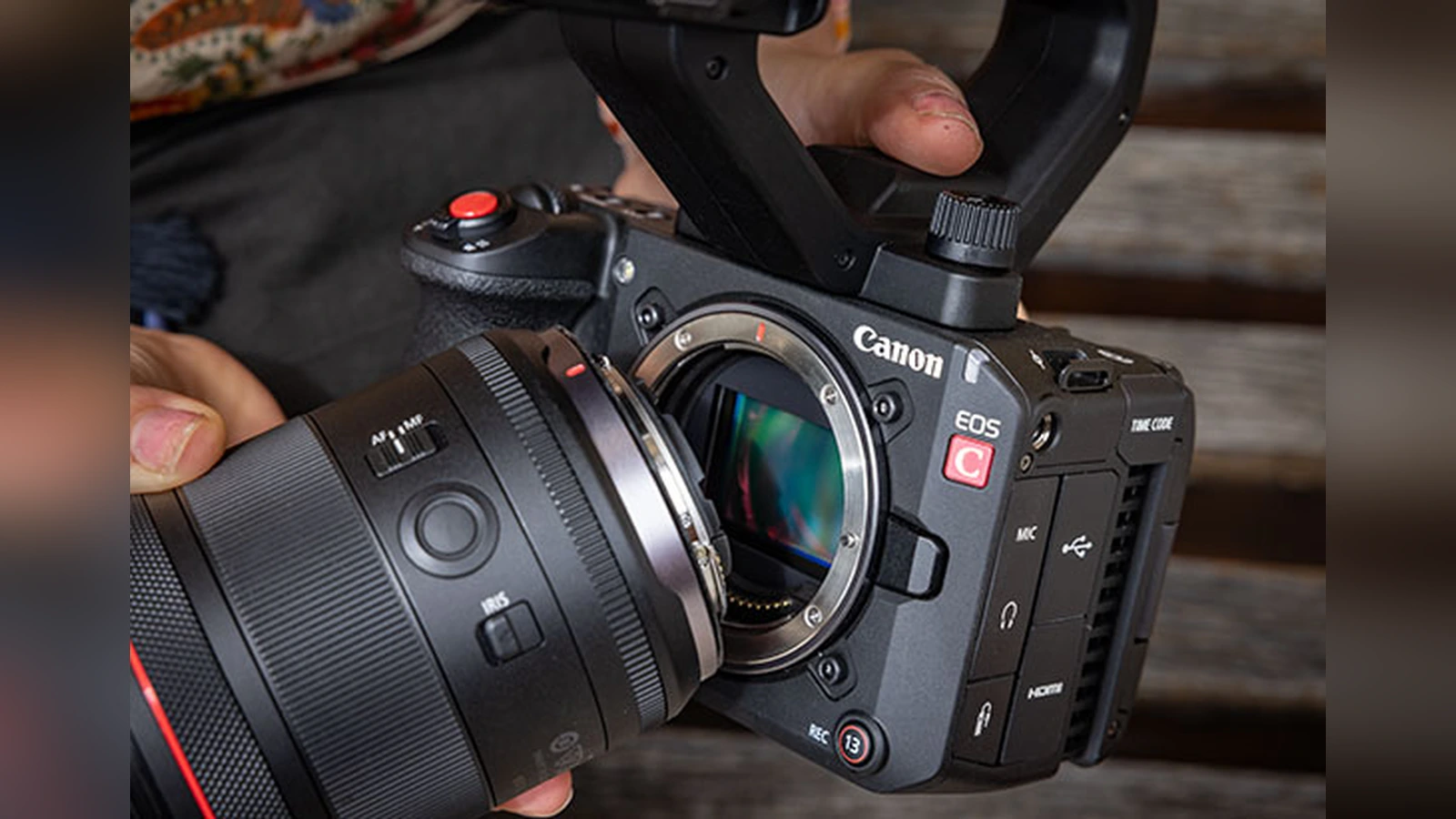
Canon has released new firmware for the Cinema EOS C50, C80 and C400, improving IP streaming security and addressing an additional still-photo recording issue on the C50.
The new versions are 1.0.6.1 for the C50 and 1.0.8.1 for the C80 and C400. These are maintenance and security updates rather than new shooting-feature releases. Canon Australia dates its notices October 20, 2026.
What changes on each camera
All three cameras receive enhanced IP streaming security. Canon does not detail the underlying security issue in these release notes, so it would be misleading to associate the fix with a particular vulnerability. They also correct display issues affecting certain language environments.
The EOS C50 receives one further fix for an issue that could prevent still images from being fully recorded to the card in Photo mode. This is the most tangible change for filmmakers who also use the C50 for still photography.
The EOS C80 and EOS C400 receive the two shared fixes. Canon does not announce new codecs, autofocus options or other capture features in these releases.
Why IP streaming security matters
Security in video transmission matters for connected sets, live production and remote-camera workflows. Even where a camera is working normally, this is an update worth planning for. The notes do not, however, substantiate an improvement in streaming speed or connection reliability.
These maintenance fixes are separate from the earlier upgrades that brought USB control and SRT reconnection to the C50 and C80. Likewise, the EOS C400 Cinema Exposure firmware introduced creative features that are not part of today’s release.
Official downloads and installation precautions
All three updates are available from Canon’s model-specific support notices. Canon calls for an SD/SDHC/SDXC card of at least 512MB for the firmware update and warns that downgrading is not possible after installation.
The EOS C50 update must be performed in VIDEO mode. Check the currently installed version and follow the official steps for each camera. Canon also advises against loading menu settings created with newer firmware onto equipment running older firmware.
Canon EOS C50: Official firmware download page.
Canon EOS C80: Official firmware download page.
Canon EOS C400: Official firmware download page.
What we think
On a professional camera, a security update can matter more than an additional menu feature. One production may connect cameras, operators and streaming infrastructure, so firmware maintenance is part of protecting the overall workflow rather than just maintaining an individual camera body.
Canon could be more specific about the security improvements to help technicians better assess their urgency. In the meantime, updates are best scheduled when there is time to test cameras and the connected infrastructure before the next assignment.
For C50 users, the Photo mode recording fix is another concrete reason to upgrade. Across all three cameras, the priority should be confirming that settings, media and production connections behave as expected after the installation.
Frequently asked questions
What are the new firmware versions?
The C50 moves to 1.0.6.1, while the C80 and C400 move to 1.0.8.1.
Can I go back to an older firmware version?
No. Canon states that rolling back is not possible after the update.
What is special about installing the C50 update?
Canon says installation must take place in VIDEO mode using an SD card of at least 512MB.